10
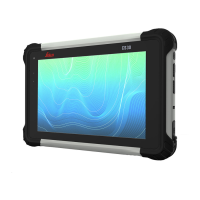
Leica CS35, Leica Image
Bringing the CS35 into an IT infrastructure might change network settings
automatically and can result in issues of the Leica network settings.
Changes allowed Changes that might cause issues
• Installing software • Loading another, non Leica image
• Installing non Leica provided drivers
• Loading software which is also using the CLM license
management but working on a different version


 To Next Page