8
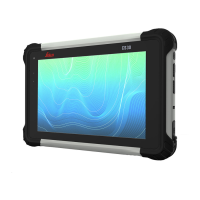
Leica CS35, Leica Image
3.2 Settings
Special Leica
Windows settings
The special Leica Windows settings are:
• Desktop, start menu and lock screen
• Digital keyboard
• Tablet buttons A1/A2 functionality
• Network configuration needed for Leica Captivate, for example Bluetooth to
GS
• Disable automatic driver searching
• Firewall, Leica Captivate Software add as trusted program
There are no changes within the Leica Image in regards to the Windows
updates settings. This means Windows updates are installed automatically.


 To Next Page