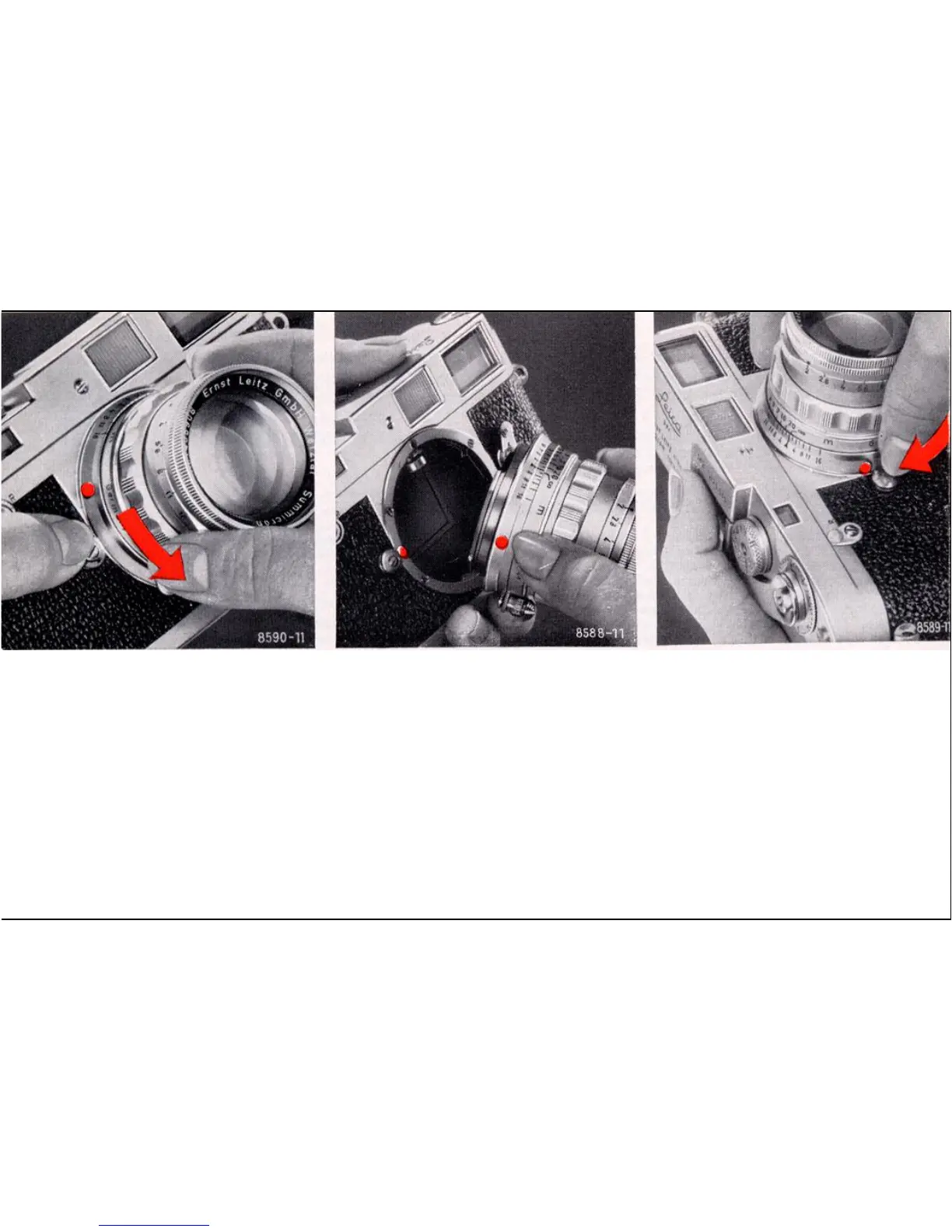
Changing Lenses
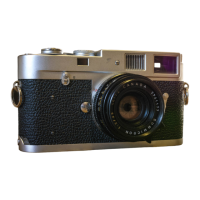
To remove the lens, press the catch (13), turn the lens to the left, and lift it out of the bayonet
mount. Grasp the lens at its base, close to the camera body.
To insert the lens align the red dot on the lens mount opposite the red dot on the camera body
and turn to the right until the bayonet lock engages with an audible click.
Not For Resale – Free Download at http://homepage.ntlworld.com/joechan/manuals
14


 To Next Page