4 / Firmware Update 1.0.0.16
Detailed description of the changes
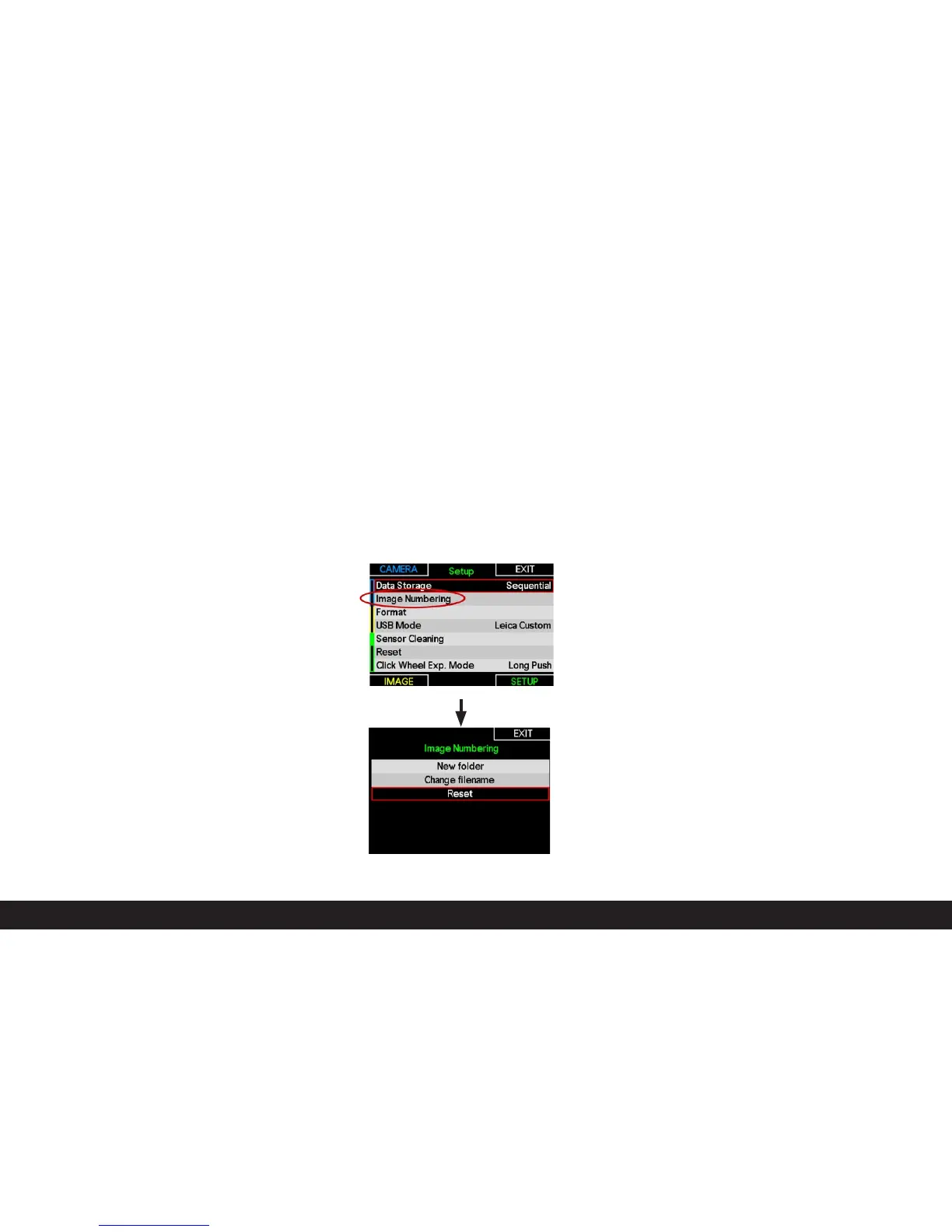
1. Consistent, continuous image numbering
The camera automatically numbers new images sequentially.
The numbering sequence is continued when a new or format-
ted memory card is inserted into the camera (following on
from the highest previous image number). If the memory card
already contains an image with a higher number, the numbe-
ring continues from this number on. If the current folder on
the card contains the image number “9999,” a new folder is
created and numbering begins again from “0001”. On reaching
folder number“999” with an image number of “9999,” a war-
ning is displayed on the monitor and numbering must be reset.
RESET resets the numbering memory and the sequence be-
gins again with “0001.”
2. Correction of an error when using memory cards not
formatted in the camera
Memory cards formatted with a computer or other devices
must be reformatted in the camera before they can be used. If
this is not the case, a new folder will be created.



 To Next Page