Firmware Update 1.0.0.16 / 5
3. Improvement of data transfer speed for computer-
tethered photography
The speed of the saving and transfer procedure for tethered
photography has been increased.
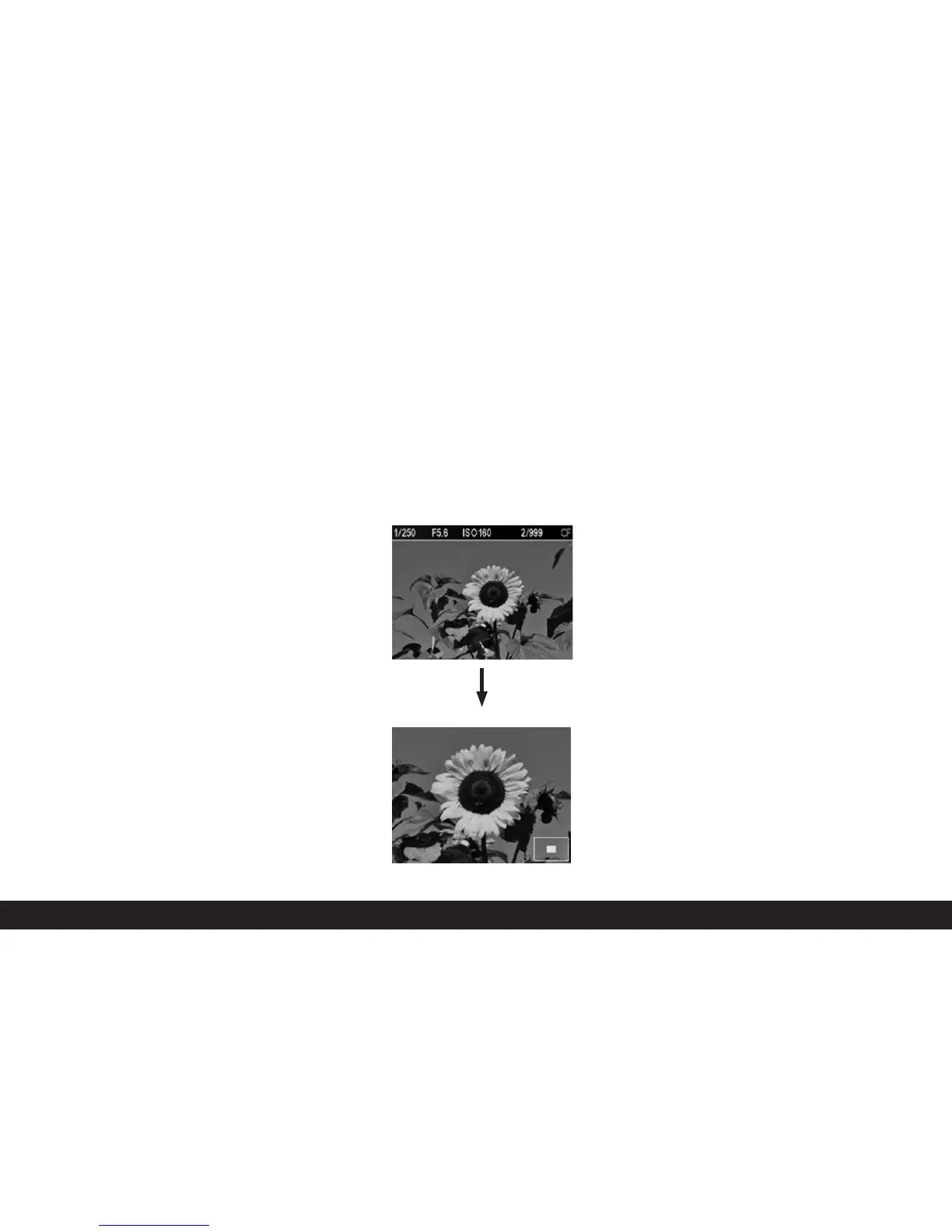
4. Simplied image review operation
A short press of button 1.20 (upper right-hand button next to
monitor) calls up normal review mode. You can begin to scroll
through the images with the click wheel as soon as an image
is displayed on the monitor. Press the click wheel to enter the
zoom mode (enlarged image segment).
5. Improved image review quality
The image review quality in the monitor has been improved.
Press the
click wheel
Normal review mode
Zoom mode



 To Next Page