LEIF GUIDE | 11
WWW.LEIFTECH.COM/GUIDE
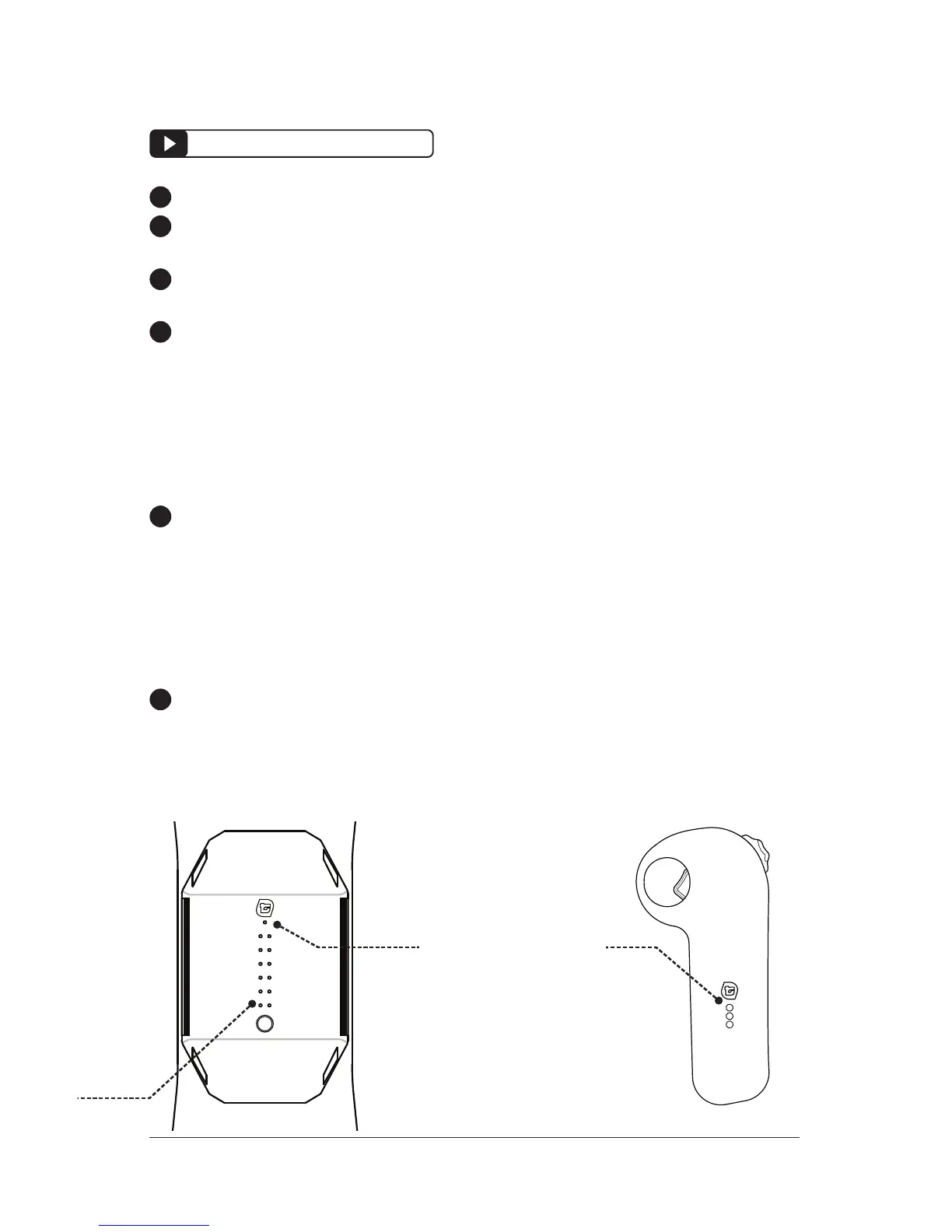
POWER / BLUETOOTH PAIRING
BLUETOOTH LIGHT
(BLUE COLOR WHEN
CONNECTED)
REMOTE
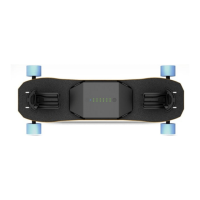
FLIGHT DECK
Power ON the remote by pressing the LEIF BUTTON.
Power OFF by pressing and holding the LEIF BUTTON for one
second.
The remote will automatically turn off after 2 minutes of inactivity.
When powered on, the BATTERY LIGHT will flash to show battery
level
3 FLASH = FULL CHARGE
2 FLASHES = HALF CHARGE
1 FLASHES = LOW BATTERY (Charge with the USB CHARGE
PORT)
To pair the remote with the flight deck, hold down the LEIF BUT-
TON on the remote for 7-10 seconds, while the FLIGHT DECK is
powered ON. A fast three-flashes from the green LED will signal
the syncing sequence has begun. Wait another 10-20 seconds.
If the remote is not synced, hold down the button for 5 seconds to
test again.
Bluetooth connectivity to the FLIGHT DECK is confirmed when
you see a solid blue BLUETOOTH LIGHT on the top surface, under
the leif logo.
!
!
!
!
!
!
LEIFTECH.COM/REPAIR


 To Next Page