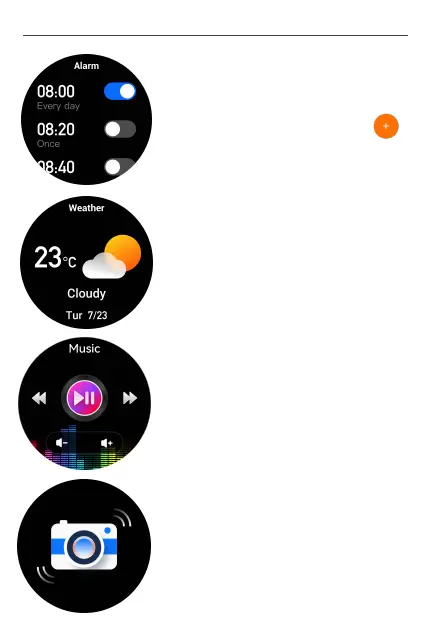
9) Alarm clocks
You can set the alarm clock in the App. Open the
App→ click "Device"→ click "Alarms"→ tap to
add alarms. Up to 5 alarms can be set.
10) Weather
After the watch is paired with the APP, this weather
interface will display the real-time weather
temperature and weather condition.
11) Music control
After the watch is paired with the APP, you can
control the pause and start of the mobile music
player, volume adjustment and song switching..
12) Remote camera
After the watch is paired with your phone, you can
open the APP → click "Device"→ click "Shake
Photograph" to open the camera. Or you can open
the the watch→ press the Power Key to enter menu
list→ find and click "Camera". Just shake the watch,
the phone will take photos afterwards.
User M a n u al- En g l i s h
14


 To Next Page