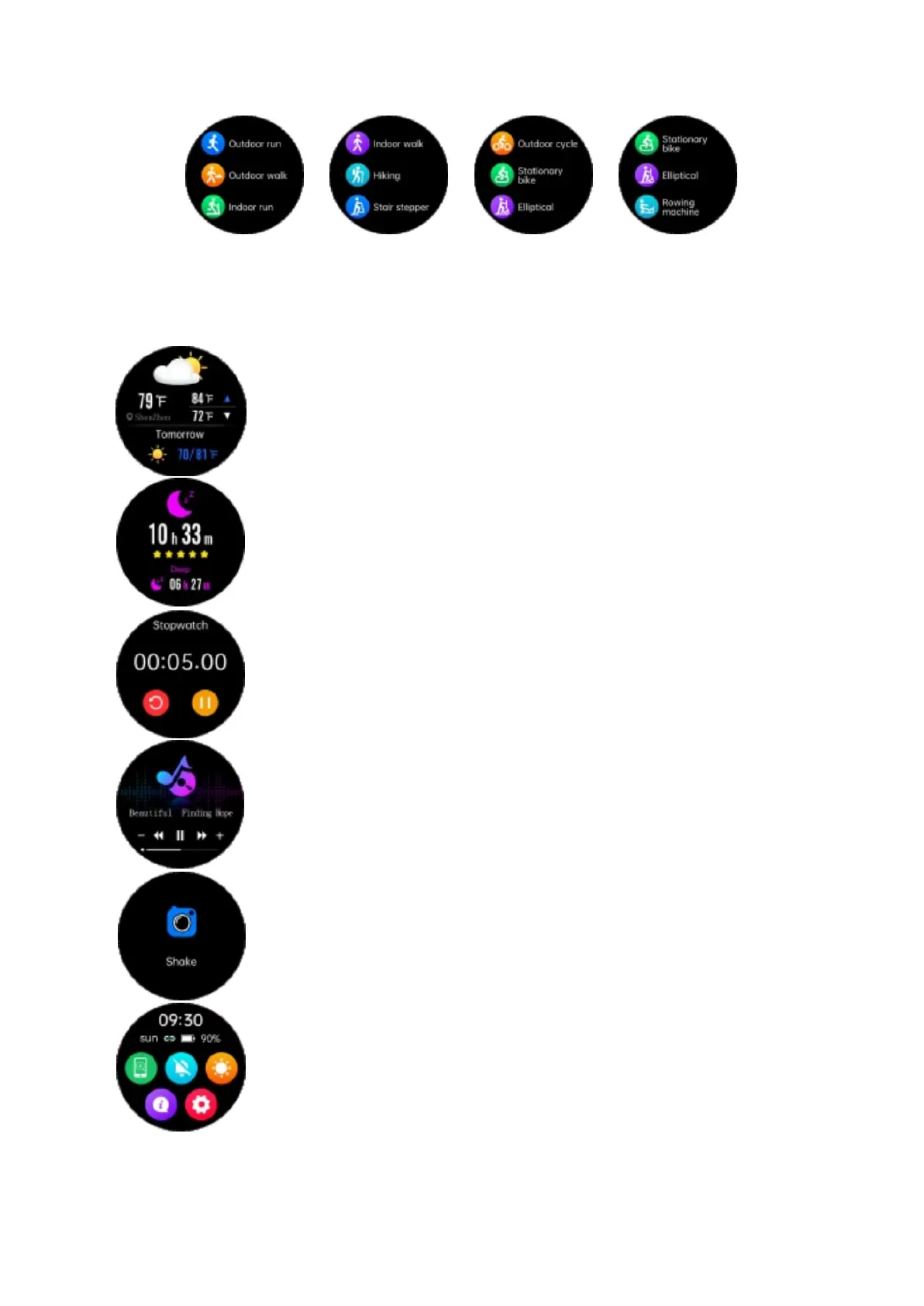
Enter the sports mode and you can see many sports that you can choose
from. Swipe up and down to switch the sport you want, tap to choose the sport, and
start the calculation. Press the up or down button to exit the current sport.
The weather page will display the current weather and air quality
information. The weather information can only be obtained after
connecting to the app. If the watch is not connected for a longer
time, the weather information will not be updated.
You can calculate your sleep quality in terms of did you enter deep
sleep, light sleep, and how much time you sleep. You can also
synchronize this data with the app and track the results.
Tap the stopwatch to enter its functions and swipe right to exit.
When connected, go to the Music interface to control the music
player on your smartphone.
When connected, click the camera to control the smartphone’s
camera. Shake to take a picture, swipe right, or press the up
button to exit.
Swipe down on the main interface to enter the shortcut functions.
Select options such as “Find phone”, “Vibration”, “Brightness”,
“About”, “Settings”, and click the icon to enter the corresponding
function.


 To Next Page