10
MAP App Operation
When running with the MAP Mobile App, the MAP system allows media (photo / music / video) file
streaming from the mobile phone to the MAP Base unit and display photo or playback music / video
on a TV set.
Before running the MAP Mobile App, connect your mobile phone to the same Wi-Fi router as the
MAP Base unit connected.
(1) Turn on the MAP Base unit and MAP Base App opens automatically, where the PHONE and
TABLET mode indicators light on.
Note: If the “MAP Base” App has not opened, goes into TABLET mode from HOME
screen then run the MAP Base App . Once the MAP Base App is opened, the MAP icon
will display at the upper left corner of your TV screen.
(2) Run the “MAP Mobile” App from the mobile phone.
(3) From the mobile phone screen:
(a) A dialog box will pop up and prompt for the selection of the MAP Base unit.
Note: Ensure the “MAP Base” App in the desired MAP Base unit which is opened,
otherwise the “MAP Mobile” App will not find it.
In case there are several MAP Base units in the network, a list of the MAP Base
unit’s name displayed.
(b) Select the desired MAP Base unit from the list.
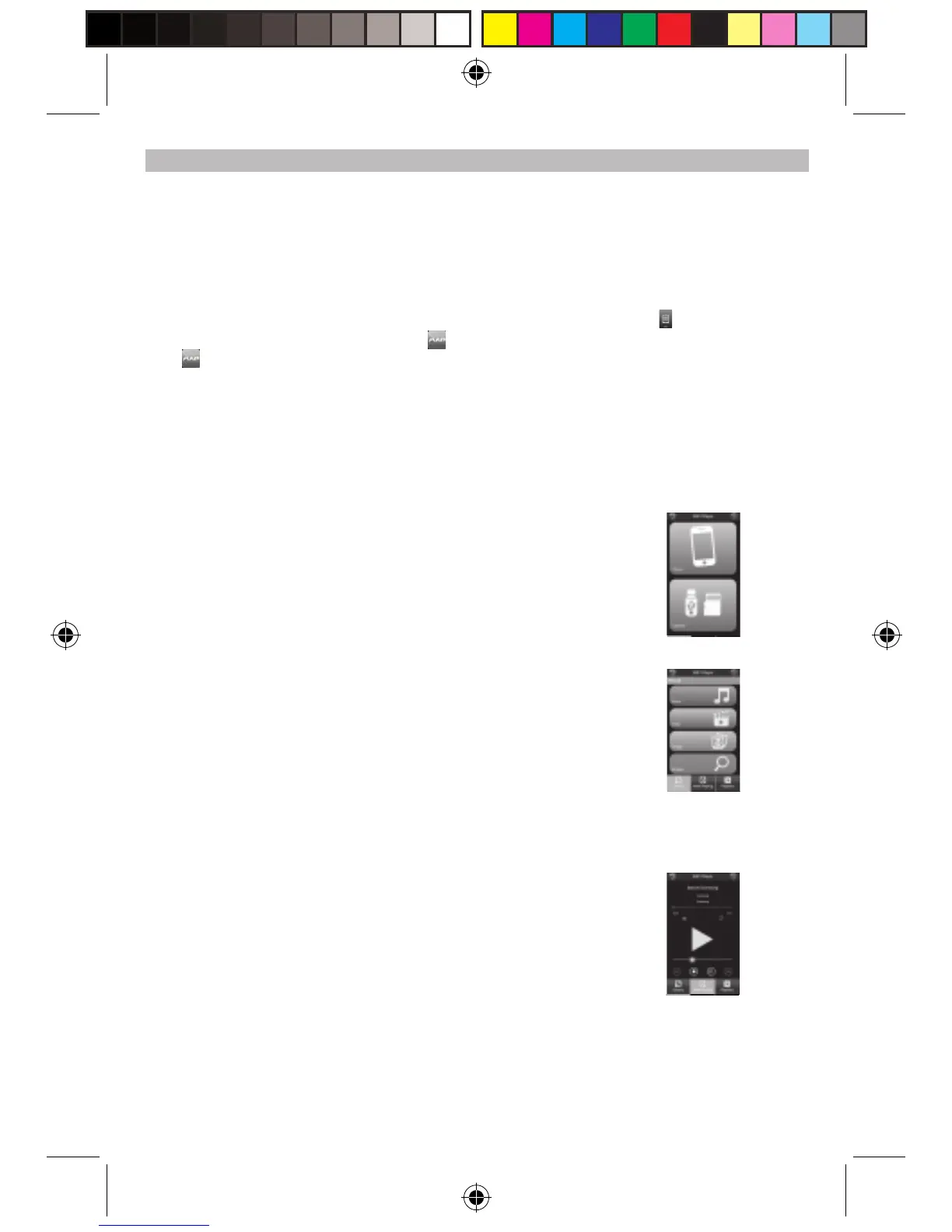
(c) A screen with [PHONE] and [USB/SD] buttons display.
[Phone] -------- Playback mobile phone’s media file.
[USB/SD] ----- Playback MAP Base unit USB/SD’s media file.
Select the desired playback file source, [Phone] or [USB/SD].
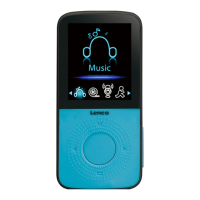
(d) A screen with [Music] / [Video] / [Image] / [Browse] buttons display.
You may select the desired type of media (Music / Video /
Image) to playback.
If [Browse] button is selected, a list of folders in the mobile
phone displays.
Select the folder contains the desired media file that you would
like to playback.
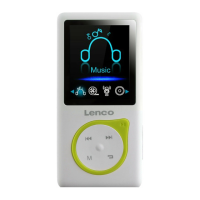
(e) After the media file selected, it will playback on TV screen.
(4) You can operate controls, like Play-Pause / Stop / Volume …..etc. from the phone screen,
MAP Base unit control button or from the remote control.
(5) [Library] ---- You can list and select media files.
Note: To return to previous page, you need to highlight the Library icon / position first.
(6) [Playlists] ---- You can group your favour media files for easy recall.
APD-100 5L IB.pdf 10 2012-5-31 14:46:16


 To Next Page