8
2. Then activate the Bluetooth function in your mobile device (such as
Mobile Phone or Personal Computer), the device will enter to Bluetooth
searching mode automatically, if not, tap the related selection to
manually enter to searching mode. (refer to your device’s manual when
necessary)
3. Your mobile device should show “Lenco BAR-013” in list, and then
select it for pairing. Waiting for some seconds and you will see
connected message as shown on your mobile device. (For some
Bluetooth devices, you may need to input “0000” as pairing password)
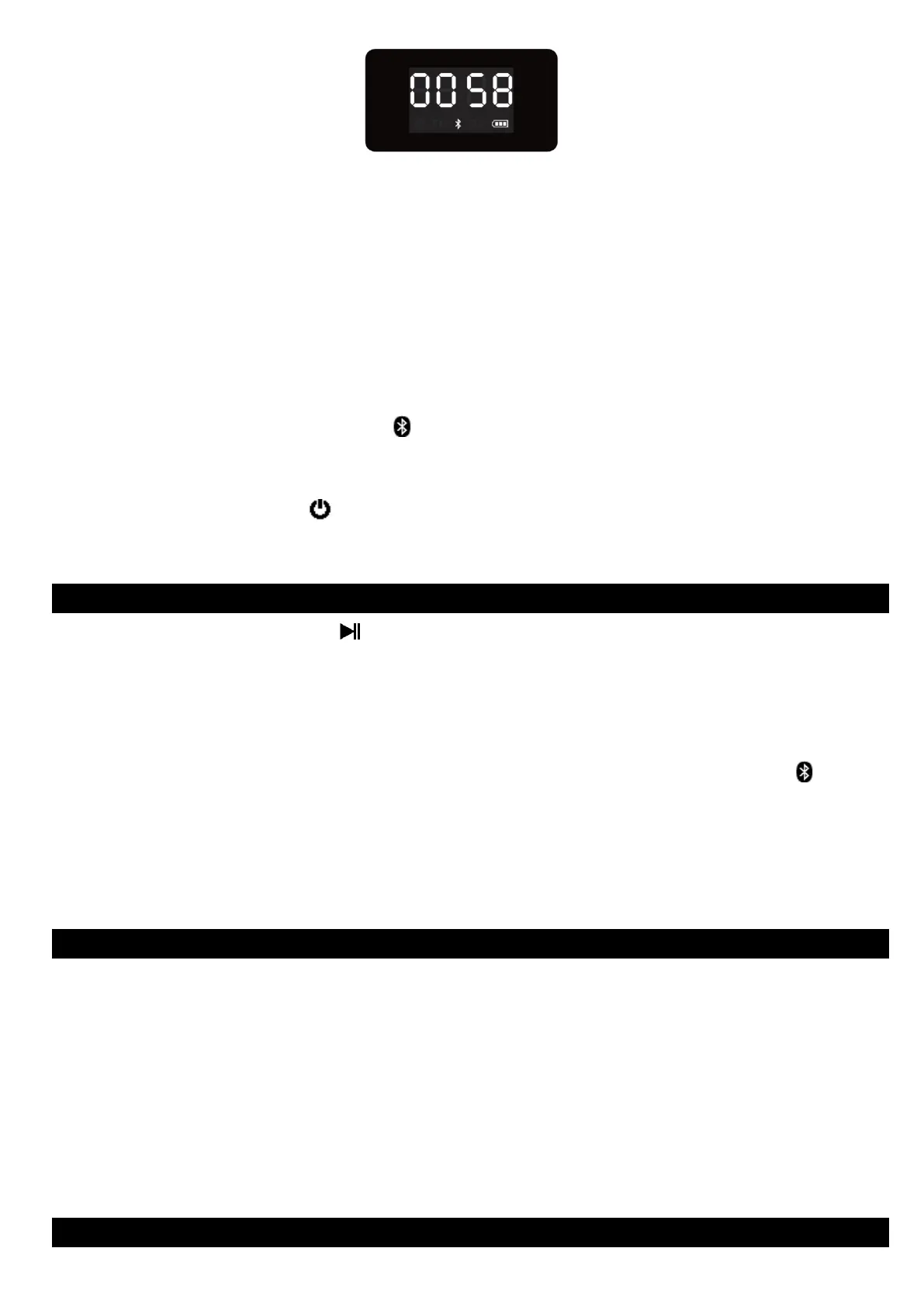
4. If pairing is successful, the “ ” icon will constantly show on the display.
5. Now, you can start to music play from the mobile device by its music
player program.
6. Press and hold the “ (1)” button to turn off the device when it is not
in use.
D. Disconnect from Paired Device
1. Press and hold the “ (6)” button to switch to new “Searching /
Pairing” mode, the paired device will be disconnected.
2. Or, you can choose “Disconnect” from Bluetooth paired device list on
your mobile device.
3. In this case; the Bluetooth Speaker will turn back into “Searching /
Pairing” mode in seconds, a series of tones will sound and the “ ” icon
is fast blinking on display.
4. Now, you can process for new mobile device pair or power off the
Bluetooth Speaker as you wanted.
E. Auto Re-connect with Paired Device and New Pairing
1. Every time you turn on the Bluetooth speaker and enter into Bluetooth
mode; it will firstly searching for the mobile device, which has been
paired previously and still in record. The Bluetooth Speaker will re-
connect this mobile device as priority if it is in Bluetooth searching
device mode.
2. If not found in some seconds, the Bluetooth Speaker then is turn into
new pairing mode internally.
3. Now you can process for new mobile device pair. (refer to item D.3~6
methods)
F. Bluetooth Music Playing Control Function


 To Next Page