11
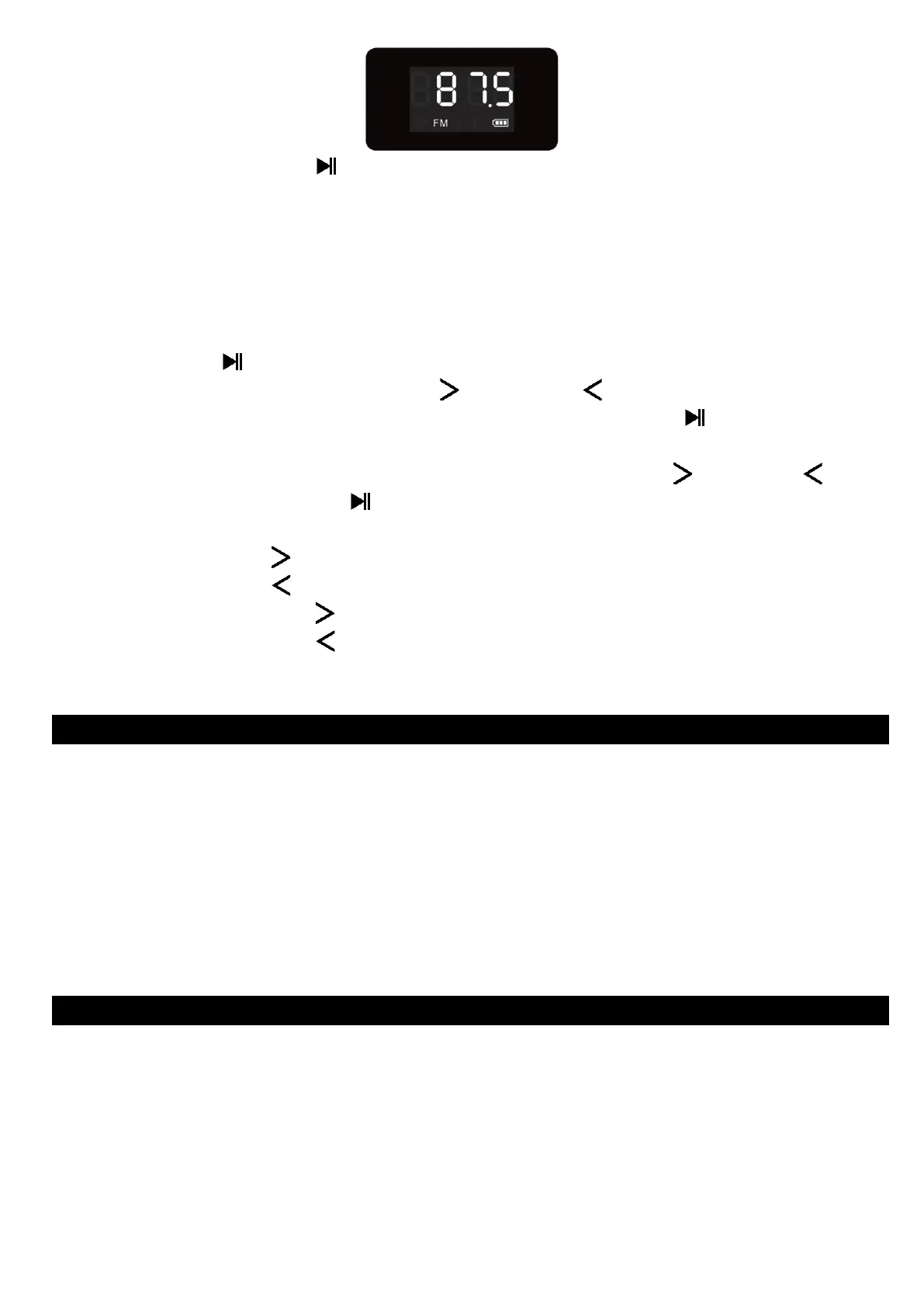
2. Press and hold the “ (6)” button to enter into auto searching mode.
3. The FM radio will search up the frequency from the beginning
(87.5 MHz) to the end (108.0MHz) and will save the searched stations
automatically.
4. When finished searching, it will play from the firstly searched station
(P01) automatically.
Manual Tune Radio Frequency:
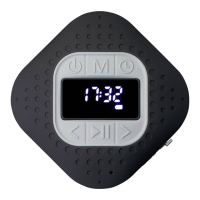
1. Press the “ (6)” button to enter the mode of manual frequency
adjustment, press once the “ (7)” or “ (5)” button to choose
station. After selecting the radio station, press the “ (6)” button to
confirm, and P01 will appear on the “LED (4)” screen.
2. You can select radio station P01-P30 through the “ (7)” or “ (5)”
button, and press the “ (6)” button again to confirm.
FM playing control:
1. Press once the “ (7)” button to go to next station.
2. Press once the “ (5)” button to go to previous station.
3. Press and hold the “ (7)” button to increase the volume level.
4. Press and hold the “ (5)” button to decrease the volume level.
5. To switch back to Bluetooth mode, press twice the “M button (2)”.
M. Low Power Reminder and Auto Sleep
1. The Bluetooth Speaker will send tones sound from speaker by every
minute. When you heard this reminder sound, please connect the
device with USB power for charge if you still want to use the device.
2. If not, the Bluetooth Speaker will power off automatically when the
battery is keeping low energy level in some minutes.
3. In this case, the device cannot be turned on, until you recharging the
battery at least 10 ~ 15 minutes, because the rechargeable battery has
not enough energy.
In some circumstances, the device may encounter dead halt during use.
This device has design with built-in a mini tact switch which located at the
behind of the earphone jack, so it can provide reset function to restart the
device by pass through the earphone jack hole.
To Reset:
◼ Use a 1mm stick or similar object (like tooth stick), and carefully insert
the stick, use dull side, into the earphone jack hole until you feel to hit
the end. Actually that is the tact switch button surface.


 To Next Page