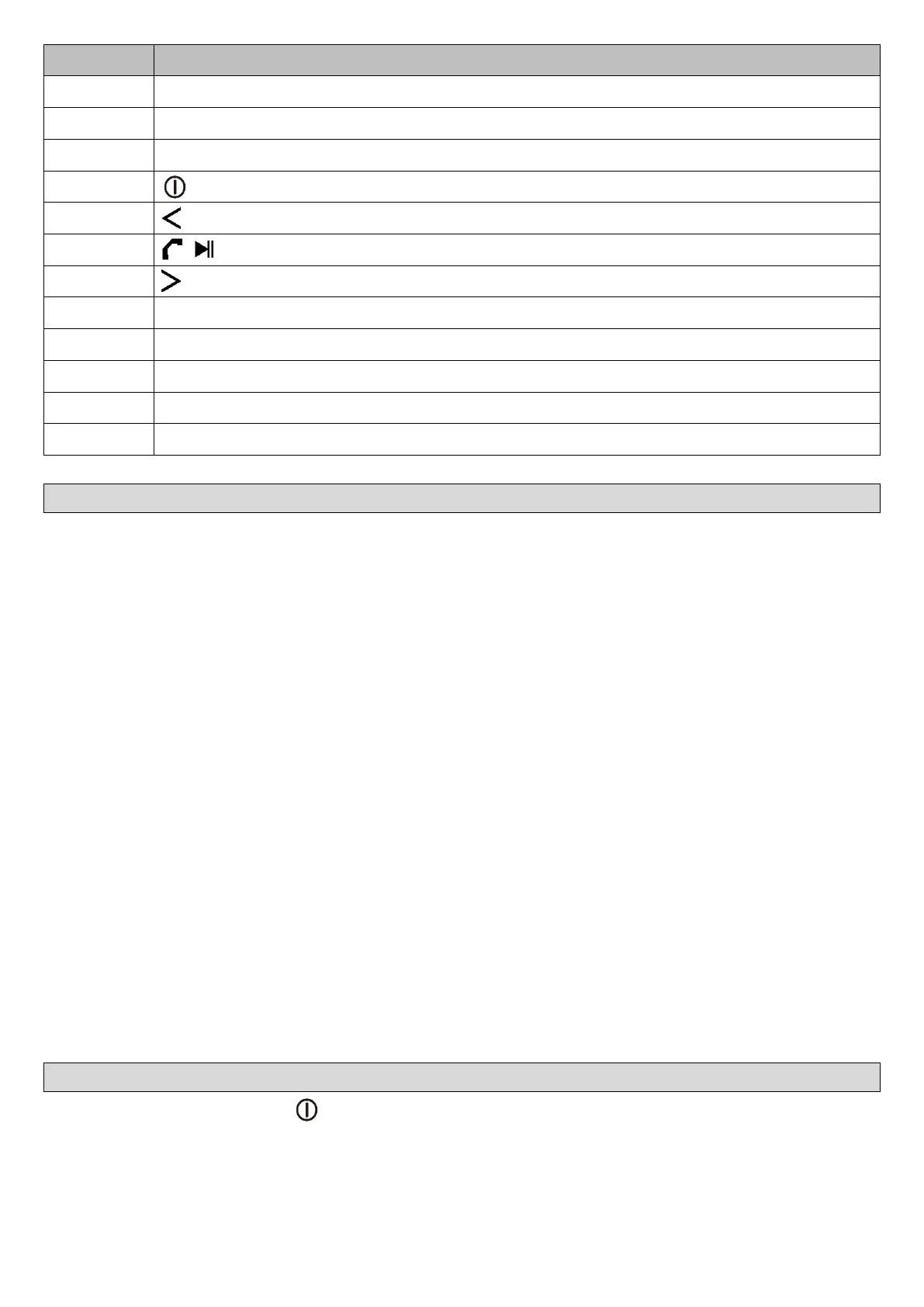
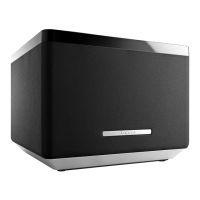
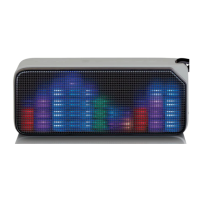
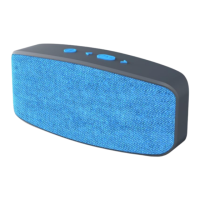
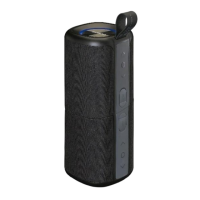
This Bluetooth Speaker has an internal, non–user-replaceable battery. For
best results, the first time you use this Bluetooth Speaker, let it charge for
about 2 ~ 3 hours, or until the “Charge LED (8)” light red switch to Off
which show you the battery is fully charged.
For maintain the battery life and performance, if speaker isn’t used for a
while, the battery might need to be recharged. Charge the battery at
least once every month.
To recharge the built-in battery:
1. Connect the Bluetooth Speaker’s “Micro USB Socket (9)” with the
Computer’s USB port through the USB cable (provided) or with
USB/AC adaptor (not provided).
2. The “Charge LED (8)” will light red, the battery is in charging.
3. The “Charge LED (8)” will light off when the battery fully charged.
4. Disconnect the USB cable when it is done.
1. Short press the “ (4)” button to turn on the device, a series of
tones will sound and the “MODE Indicator (1)” will rapidly flash blue
in seconds from blinks. The speaker is in Bluetooth pairing mode.


 To Next Page