EasyManua.ls Logo

LENCO BTT-100 - User Manual

LENCO BTT-100
8 pages
Print Icon
To Next Page IconTo Next Page
Loading...
BTT-100
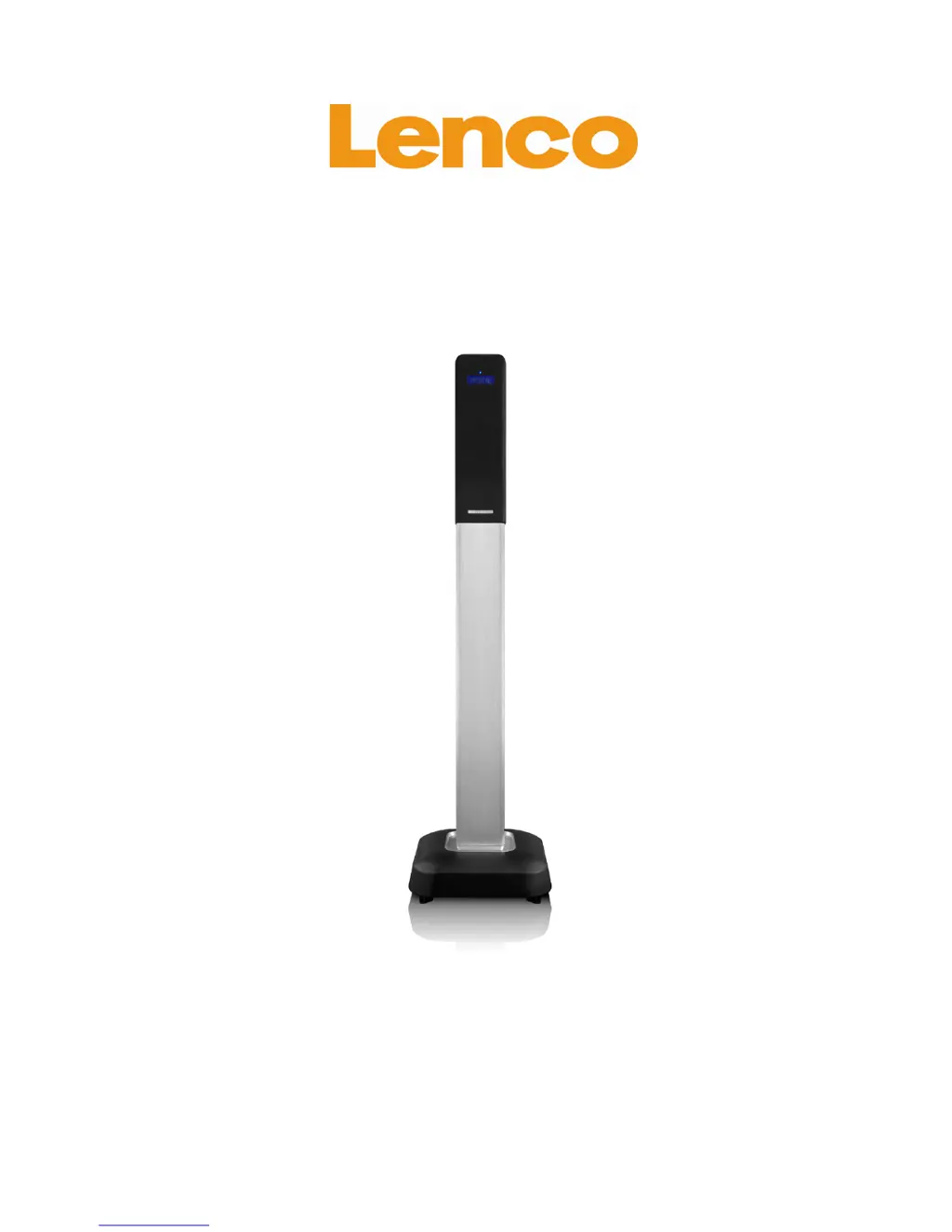
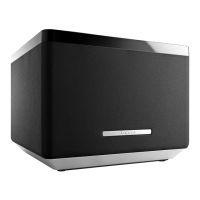
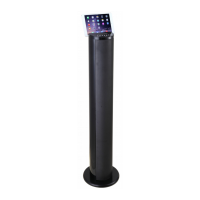
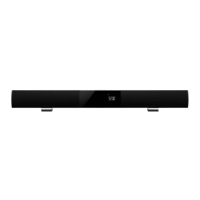
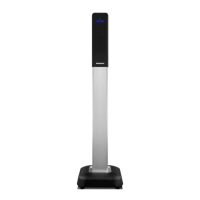
SpeakerTower with Bluetooth
®
User's Guide
www.lenco.com
201307 v1.0

Questions and Answers

  • L
    Lauren CraigAug 10, 2025
    What to do if there is no sound at Bluetooth mode on my LENCO Speakers?
    • A
      andrea45Aug 10, 2025
      If there's no sound in Bluetooth mode on your LENCO speakers, first ensure that your Bluetooth device is properly paired with the unit by following the pairing instructions. Also, check that the volume isn't muted or set to the minimum; adjust the volume or press the MUTE button to restore the sound.
  • J
    jacobjonesAug 17, 2025
    Why is there no radio sound from my LENCO Speakers?
    • M
      Margaret SnyderAug 18, 2025
      If you're not getting any radio sound from your LENCO speakers, ensure that the unit is in tuner mode by following the appropriate instructions. Also, check that the volume hasn't been muted or set to the minimum level; adjust the volume or press the MUTE button to restore the audio.
  • D
    Derrick RuizAug 25, 2025
    How to fix distorted radio sound on LENCO BTT-100 Speakers?
    • M
      Mariah SteinAug 26, 2025
      If the radio sound on your LENCO speakers is distorted, it could be due to the station not being properly tuned or a poor signal in your area. Try fully unwinding the FM wire antenna and fine-tuning the station. Additionally, try repositioning the unit after fully unwinding the FM wire antenna to improve the signal.
  • P
    petersondonnaSep 2, 2025
    What to do if sound is distorted while playing card or USB on LENCO BTT-100?
    • K
      Kevin PottsSep 3, 2025
      If the sound is distorted while playing from a card or USB on your LENCO speakers, it might be because the original audio file is distorted. Try skipping to another track to see if the issue persists.

Summary

Important Safety Instructions

Features & Technical Data

Description of Parts

Installation

AC Power Connection

Connects the unit to the main power supply via AC socket.

Bluetooth Connection

Guides pairing and connecting the unit to Bluetooth® audio source devices.

Bluetooth Operation

Re-connect to Bluetooth Device

Steps to re-establish connection with a previously paired Bluetooth device.

FM Radio Operation

USB & SD Card Operation

Sound Operation

Volume Level Adjustment

Instructions for adjusting the audio output volume using the remote control.

Tone Setting for the Unit

How to adjust bass and treble settings using the remote control.

Connection with Other Device

AUX IN

Connects external audio sources like DVD players using RCA cables.

Troubleshooting

Service & Support

Notice, Statement and Information

Declaration of Conformity

States compliance with EU directives and essential requirements.

LENCO BTT-100 Specifications

General IconGeneral
BrandLENCO
ModelBTT-100
TypeBluetooth Speaker
ConnectivityBluetooth
Power Output5 W
Battery LifeUp to 6 hours
Bluetooth Range10 meters
WaterproofNo
Power SourceBattery

Related product manuals