EasyManua.ls Logo

LENCO BT-4304 - User Manual

LENCO BT-4304
14 pages
Print Icon
To Next Page IconTo Next Page
Loading...
BT-4304
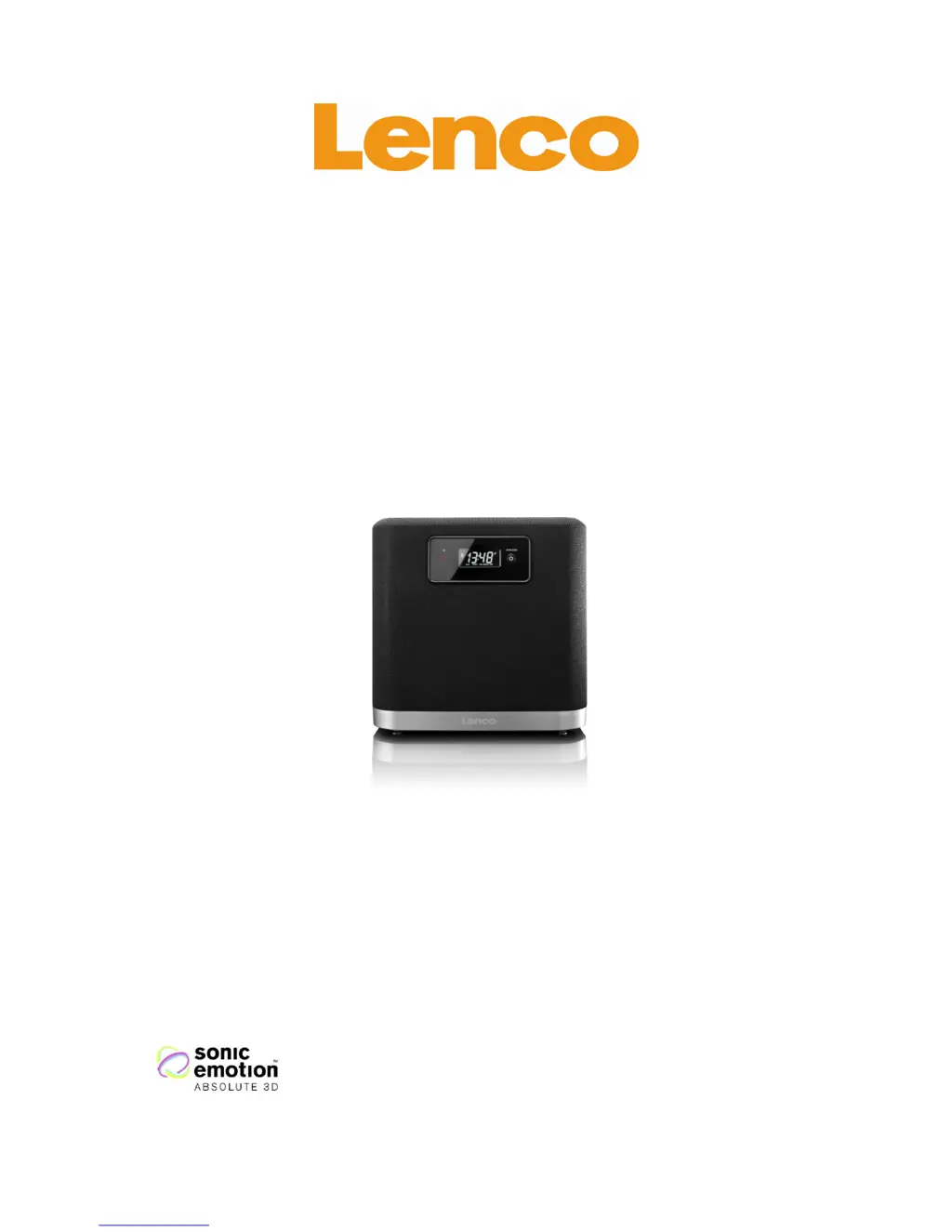
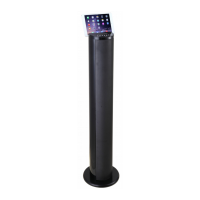
3D SOUND SPEAKER WITH
BLUETOOT
User manual
www.lenco.eu
V1.0

Other manuals for LENCO BT-4304

Questions and Answers

  • G
    George FordJul 30, 2025
    What to do if my LENCO Speakers have no sound?
    • M
      Marcus CoxJul 30, 2025
      If your LENCO Speakers aren't producing any sound, first ensure that you've selected the correct source, whether it's Bluetooth or AUX. Also, verify that the external audio source is properly configured and that your Bluetooth device is successfully paired. Check if the mute function is active and increase the volume using the volume + button.
  • A
    Anthony WilliamsAug 14, 2025
    Why isn't my LENCO BT-4304 remote control functioning?
    • K
      kellyprattAug 14, 2025
      If the remote control for your LENCO Speakers isn't working, ensure you are within the operating area. Strong light, such as outdoor sunlight, may interfere with its operation. Also, check if the battery is empty and replace it if necessary.

Summary

3 D Sound and Device Exploration

Exploring the Device Controls

Details the physical buttons, ports, and features of the main speaker unit.

Exploring the Remote Control

Identifies and explains the functions of each button on the remote control.

Getting Started and Basic Setup

Troubleshooting and Specifications

Troubleshooting Common Issues

Provides solutions for problems like no sound or unresponsive controls.

Safety, Compliance, and Support

General Safety Instructions

Important precautions for safe operation and handling of the device.

Continued Safety and Warnings

Further safety advice, including handling condensation and loud sound warnings.

LENCO BT-4304 Specifications

General IconGeneral
BrandLENCO
ModelBT-4304
CategorySpeakers
LanguageEnglish

Related product manuals