15
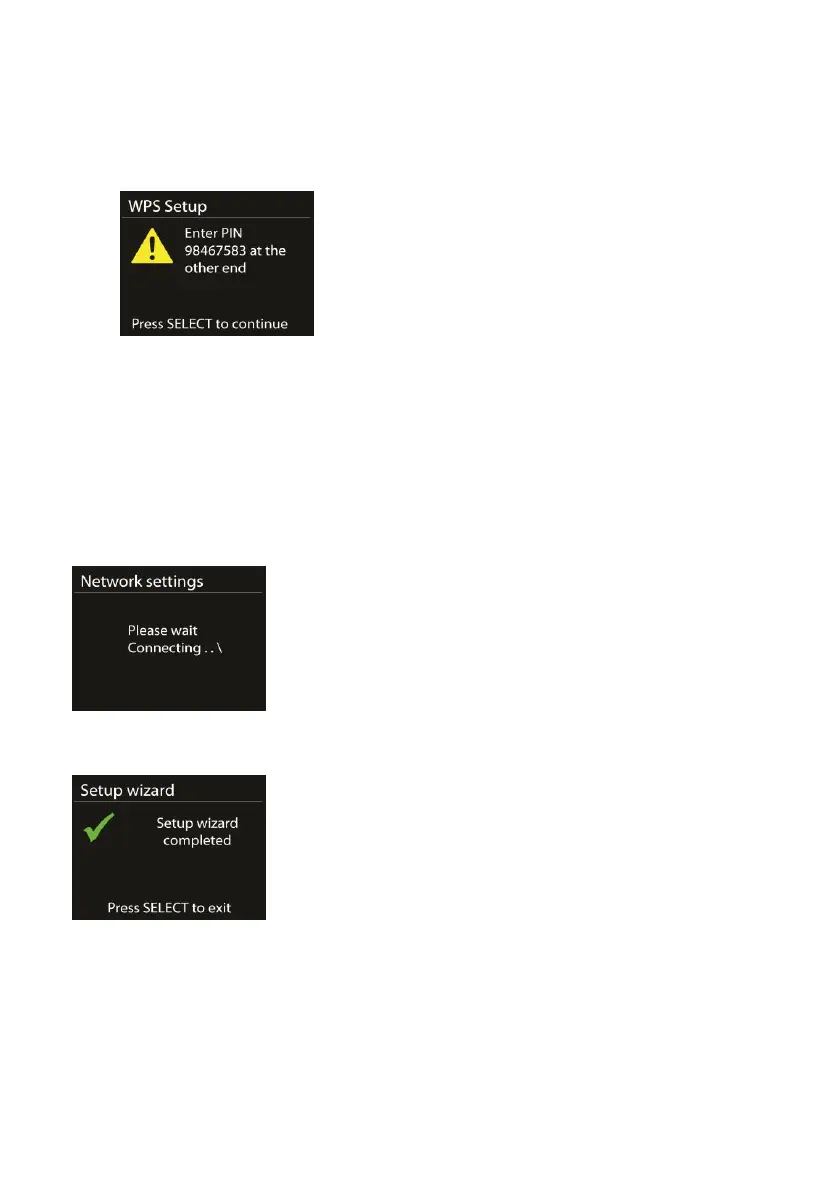
o Pin
The device generates an 8-digit code number, which you
enter into the wireless router, access point, or an external
registrar.
o Skip WPS
Enter key as for a standard encrypted network.
For more information on setting up a WPS encrypted network,
please refer to your WPS router’s instructions.
Completion
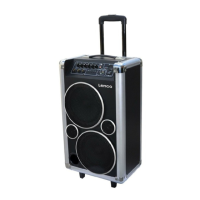
The device attempts to connect to the selected network.
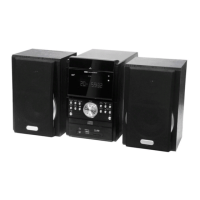
It will show ‘Setup wizard completed’ on screen if the setup is done
successfully. If the connection has failed, the device returns to a
previous screen for you to try again. Press OK to exit the setup wizard.



 To Next Page