7
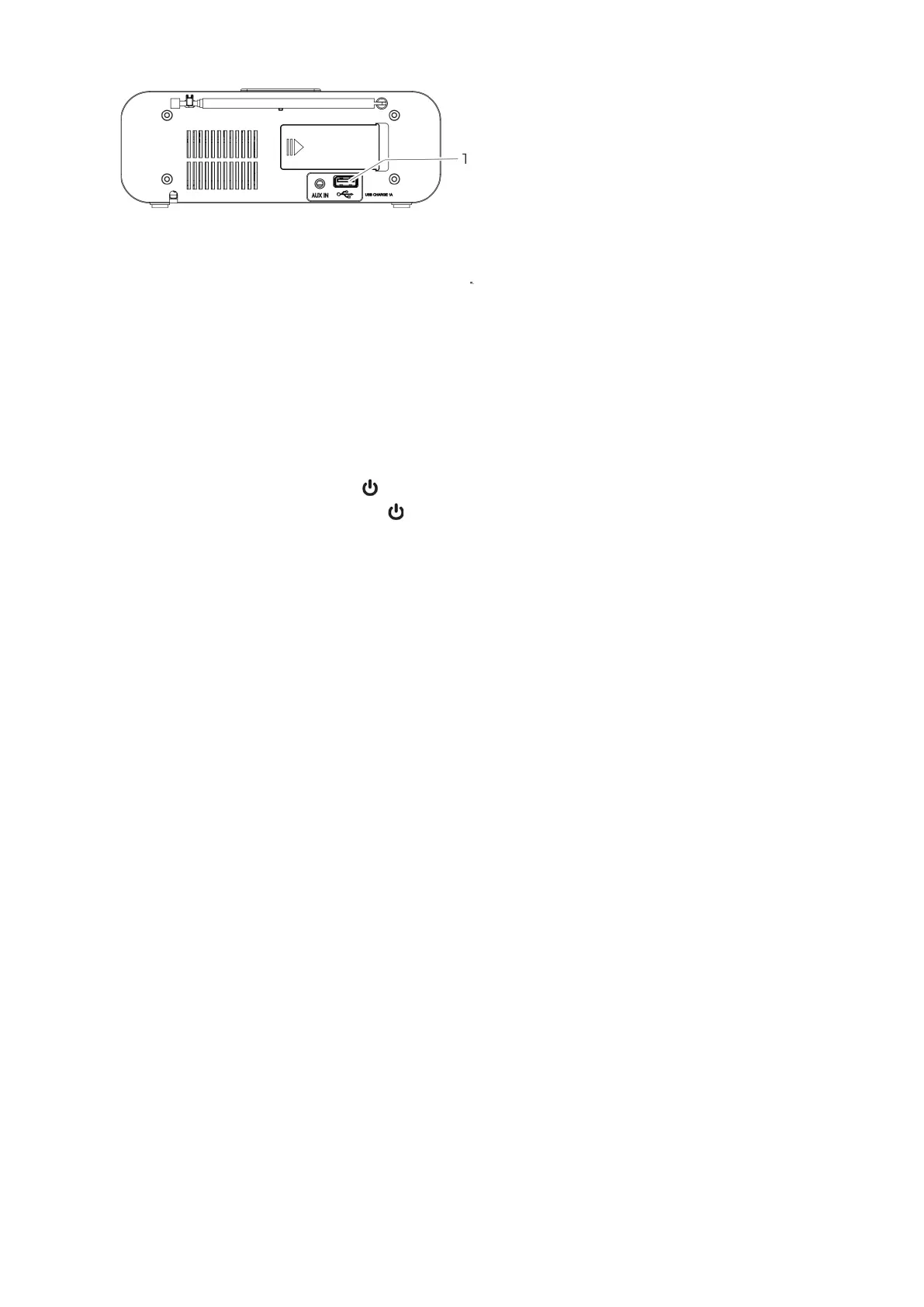
Figure 4: USB connection for charging external devices
The device has a USB port that can be used to charge external devices, such as smartphones. Connect the
external device to the USB port using the appropriate charging cable (1).
Note • This device supports 5V DC charging with a maximum current of 1 A. • There is no guarantee that all
external devices with USB charging ports will charge. • Radio reception may be affected while charging the
device.
Turn on the device
1. Connect the power cable to the power socket.
• When first used, the preset time is displayed on the display.
2. To turn on the radio, short press the button on the device to play the last tuned station.
3. To turn off the radio, press and hold the button on the device again.
• The device switches to standby mode and displays the current time.
Note. To turn off the device completely, remove the power plug from the socket. Adjust the volume You can
adjust the volume using the VOL - and VOL+ buttons on the device.
Clock setting
To set the time, the device must be in standby mode.
1. CLK./MEM. Hold the button until the 12/24-hour format flashes on the display.
2. Use the SKIP - and SKIP+ buttons to select the desired display format (12/24 hours).
3. CLK./MEM. Press Confirm Settings.
• If you select 12 hours, the display will show whether it is AM (morning) or PM (afternoon).
4. Press SKIP - and SKIP+ buttons to set the hour.
5. CLK./MEM. Press Confirm Settings.
6. Press SKIP - and SKIP+ buttons to set minutes.
7. CLK./MEM. Press Confirm Settings.
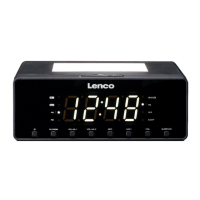
Set up a night light
Nightlights are available in three different brightness levels (30%, 50% or 100%).
1. Press the SLEEP/LED button repeatedly until the desired brightness level is reached. Turn off the night light.
2. Press the SLEEP/LED button repeatedly until the night light is off.
This radio is suitable for receiving FM radio stations.
Place the radio near a window and fully deploy the antenna.
Note: To improve reception, it may be necessary to point the antenna in a different direction.


 To Next Page