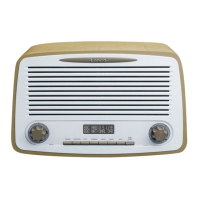
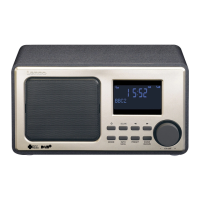
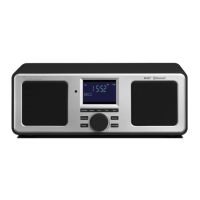
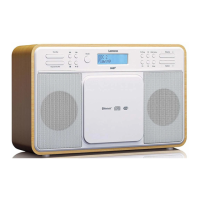
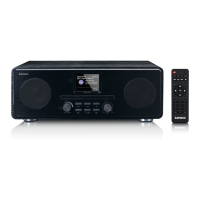
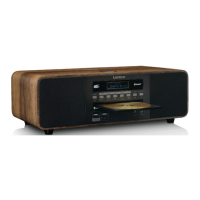
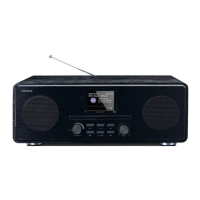
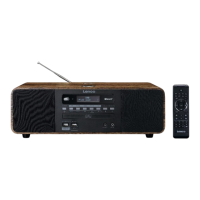
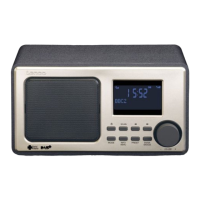
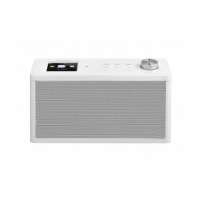
When power on default mode is DAB, press “function” button to change the function:
DAB‐‐‐FM‐‐BT‐‐‐AUDIO‐‐‐DAB
Press “DIMMER” button in standby or other modes to change the backlight brightness:
dark—half bright—bright.
Listening to the FM
- Press and hold “SCAN” to search the radio automatically, every search start from
87.5MHZ, Found radio stations will be stored automatically. The first stored radio station
will be played automatically when the scan is completed
- Press “INFO” to show current radio station information {No Radio Text} (text
information) {No PTY} (program type) ‐ {No Name} (radio station name)‐‐‐‐Mono/
Stereo‐‐‐‐Time‐‐‐Date
- Press “P.SET” to show the first stored radio
station
-
Turn “TUNING” to select the radio stored previously, Press “
TUNING” to confirm
automatically confirm in 3 sec.
- Short press “INFO” to see current time.
- Turn the “TUNING” knob to select radio station, press and hold “P.SET” to save.
Turn “TUNING” knob to Save this radio station
as preset 1 or 2 etc. then
Press the “TUNING” knob to confirm. When the
radio station has been saved, the display will show
Repeat the above steps to save other radio stations.
Press “MENU” to show < System >, Press “TUNING” and turn “TUNING” knob to enter:
- <Language> (system language setting) system language: Press “TUNING” knob to select
languages, default setting is English. There are 4 languages: Deutsch, Italiano, Francais,
Portuguese. There will be an ‘*’ to mark the selected one.
- <Factory Reset> System reset: Press “TUNING” to reset. After reset, the standard mode
will be DAB Radio
- <SW Version> Will show the actual firmware version
NOTE: For optimum FM radio reception, extend Telescopic FM antenna. To improve
Reception quality, rotate the unit.
Listening to the DAB
Press the “FUNCTION” button until the display shows “DAB Mode”


 To Next Page