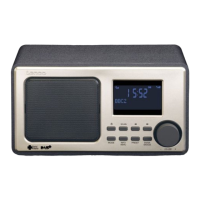
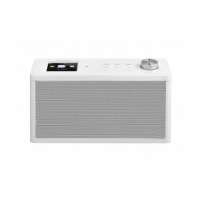
- Press and hold “SCAN” to search radio stations automatically and the stations found
will be stored in a DAB program list. The first stored station will be played after the
scan is completed. Use the “TUNING” knob to select one of the stations stored in the
program list.
Press “INFO” to check information in DAB program:
- Text Information, “Playing” appears if nothing is to be shown;
- Signal strength;
- Program type, “No PTY” appears if nothing is to be shown;
- Radio station name;
- Station Frequency. Example: 5A 174.928MHz;
- Signal error;
- Bit rate and radio frequency, such as 192kbps/DAB+;
- Radio Station Time, “No Time” appears if nothing is to be shown;
- Radio Station Date, “No Date” appears if nothing is to be shown;
Press “MENU” to enter DAB menu, turn “TUNING” to set:
- <Manual tune>manual tuning: can be used to search manually for a specific
frequency. Turn the “TUNING” knob to select the requested frequency and then
press the “TUNING” knob to use the selected frequency.
- <Prune> Remove invalid radio stations from the DAB channel list.: which means
delete Stations without signal after a full scan
- <System> System setting: (See Submenu options below)
- <Language> DAB system language: Press “TUNING” knob to select language, default
is English. There are 4 languages, you can choose: Deutsch, Italiano, Francais ,
Portuguese; The selected language has a “*” mark
- <Factory Reset> Full reset to factory settings: Press “TUNING” knob to reset. Note:
After factory reset, the default mode is DAB radio.
- <SW Version> Will show the actual firmware version
DAB Programming:
- Preset Store: Station storing: Press and hold the “P.SET” button to enter the “Preset store”
modus. Use the “TUNING” knob to select the desired preset location. The unused
presets will have (empty) displayed. You can overwrite an existing or empty preset by
selecting it and pressing the “TUNING” knob.
- Preset Recall: station recall: Press the “P.SET” button to enter the “Preset recall” modus.
Turn the “TUNING” knob to select your favorite stored preset station and then press the


 To Next Page