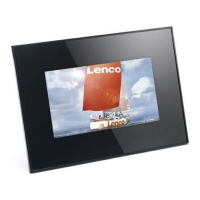
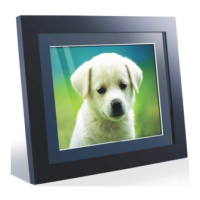
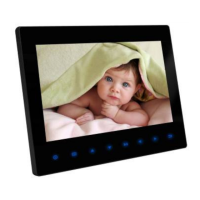
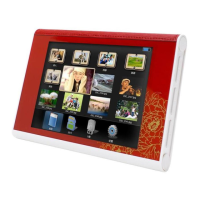
PARTS LIST
1 Setup
2 Exit
3 Right
4 Left
5 Play/Pause/on/off
OPERATION METHOD
1) Please use the 5V DC power adapter supplied with this product.
2) Please remove the power adapter from the main outlet before cleaning the unit.
3) Clean the case, LCD screen and buttons with slightly damp, soft cloth. DO not use coarse
cloth, sprayers or chemical cleaners such as alcohol, benzene, etc. Do not allow residue to
enter the DC power socket or SD/MMC/MS slot.
PRECAUTIONS
1) Please use the 5V DC power adapter supplied with this product.
2) Please remove the power adapter from the main outlet before cleaning the unit.
3) Clean the case, LCD screen and buttons with slightly damp, soft cloth. DO not use coarse
cloth, sprayers or chemical cleaners such as alcohol, benzene, etc. Do not allow residue to
enter the DC power socket or SD/MMC/MS slot.
TECHNICAL SPECIFICATION
Power:5V 1.2A
FEATURES:
1. 7 inch TFT LCD screen .resolution 480*234
2. Three cards in one card slot
3. Slideshow supporting JPEG files
4. Slideshow intervals adjustable
5. Auto play when insertion memory card
6. Buttons for easy control of inserted card
7. Easy operation
8. Supports Hi-res photos.
9.Supports upright and landscape positions


 To Next Page