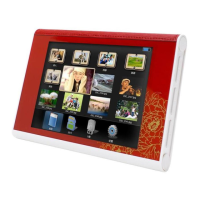
Operation:
1. When a SD/MMC/MS card is inserted, the frame would slideshow automatically.
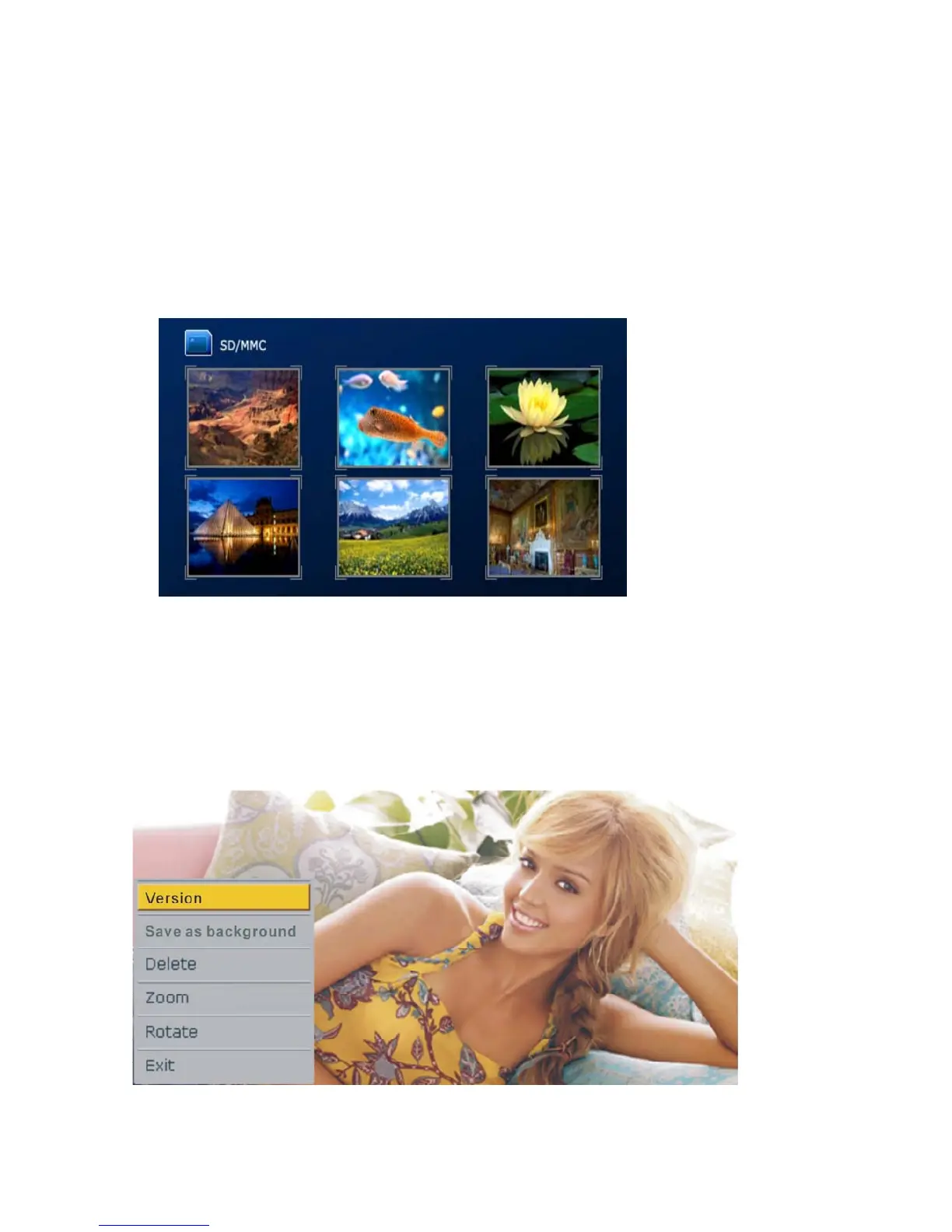
Press “Exit” and a photo thumbnail shall appear
1.1 Press Left/Right Buttons to select the picture
1.2 Press Play button to enter single photo display mode and display the selected picture,
Press Play button again to enter slideshow mode
1.3 Press”On&Off”button for about 2-3 seconds to turn off the frame and another 2--3
seconds if you want to turn on the frame again.
Remark: It would take longer time to load the picture when its resolution is bigger than 480*234
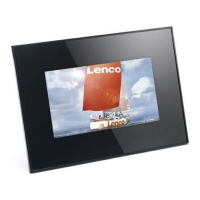
2. When in the single photo display (Pause) mode, press Setup button to access utility menu.


 To Next Page