10
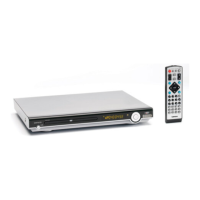
REMOTE CONTROL
1. ZOOM Allows the picture to be increased in size.
2. MUTE Press to mute the sound.
3. RESUME When in stop mode, press the button, the play can be resumed
from the stop point.
4. SHUFFLE Allows the track played in random order.
5. A-B A-B repeat allows a passage to be repeated continuously.
6. REPEAT Switch the Repeat mode of discs.
7. GOTO Disc search button, cooperatively used with numeric buttons.
8. PROGRAM Allows the track played in the order you programmed.
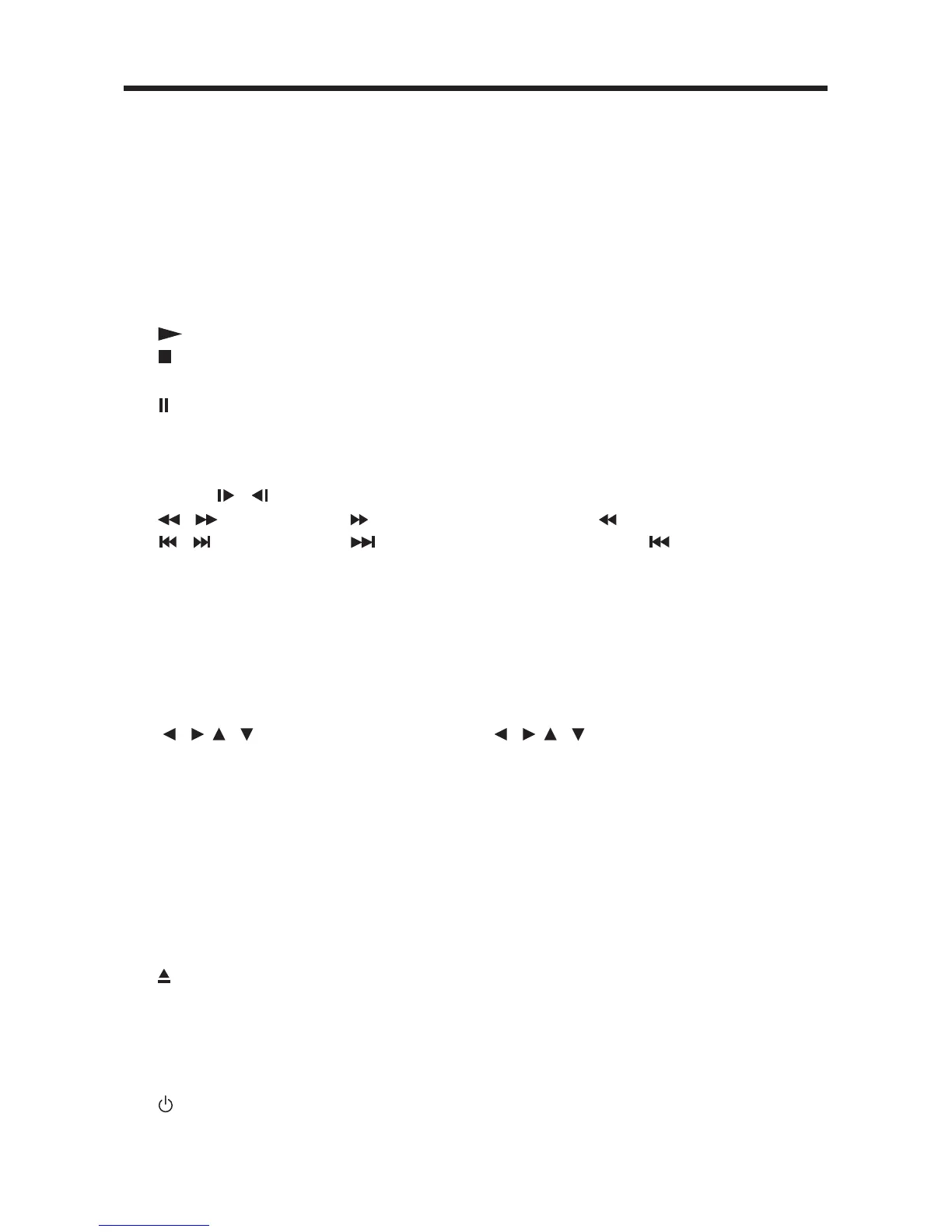
9.
Press to play the disc.
10.
Press it for the first time to pre-stop the unit playback, press it
for the second time to stop the playback.
11.
Press to pause playback.
12. 0-10 Numeric buttons
13. -/-- DigitAL select button, cooperatively used with numeric buttons.
14. CLEAR When you input a number in error, press the button to clear it.
15. SLOW
/ Changing for slow forward/reverse playback motion.
16.
/ Press to search forward rapidly & to search reverse rapidly.
17.
/
Press to skip to the next track & press to skip back one
track.
CH+/CH- In TV mode, press CH+/- to increase/decrease the channel.
18. VOLUME+/- Press VOLUME+/- button to increase or decrease the volume
level.
19. MENU Display the root menu that is stored on the DVD disc.
20. OK Confirm the Track/Chapter selected with the numeric buttons or
selected with the cursor buttons on screen display.
21.
/ , / In case of menu mode, / , / buttons served as cursor
buttons to select item left/right, ahead/back.
22. SETUP Display the SETUP menu.
23. TITLE Display the TITLE menu that is stored in DVD disc.
24. ANGLE Changing of the view angle on multi-angle DVD disc.
25. AUDIO Change of the AUDIO soundtrack on multi-audio soundtrack
DVD disc.
26. MODE Press it to change the mode among: Radio, AV-IN and DVD
mode.
27. P/N Switch between PAL mode and NTSC mode.
28.
EJECT Press to eject the disc.
29. PBC
Changing between PBC ON and PBC OFF on the VCD disc.
30. DISPLAY Display statistical disc information during playback.
31. SUB-T Changing of the SUBTITLE language on multi-subtitle language
DVD disc.
32.
POWER Press POWER to turn the unit ON or OFF.


 To Next Page