ADVANCED OPERATION
14
The meaning of the menu is the same as
the DVD menu above.
GOTO FUNCTION
FOR DVD:
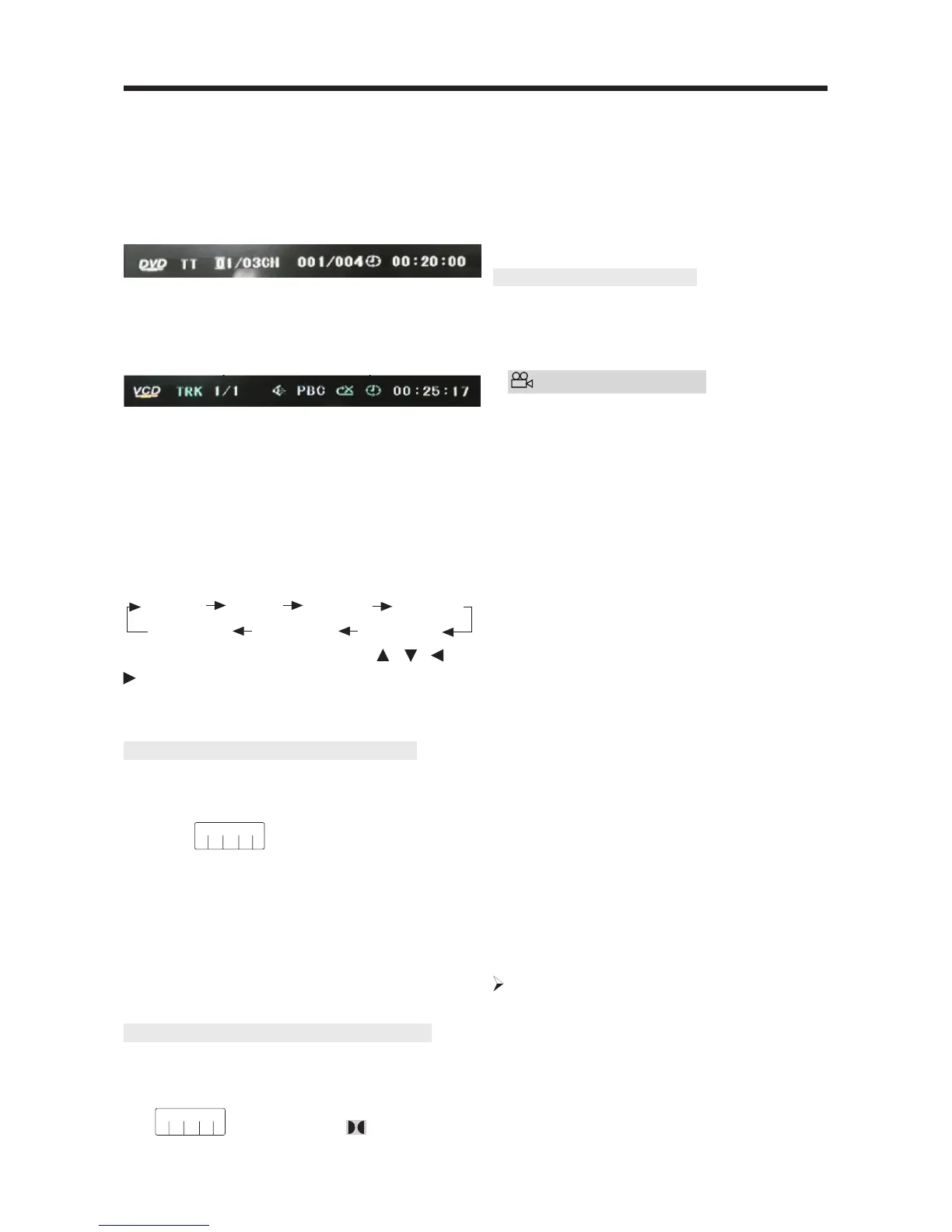
Press the GOTO button, the screen will
display the following message:
Use the number keys to enter the desired
Title, Chapter or Time, then press the OK
key to confirm.
FOR VCD (WITH PBC OFF)/CD:
You can enter the Track and Time then
press the OK key to confirm.
ZOOM FUNCTION
Allows the picture to be increased in size.
Press the ZOOM button on the remote
control to toggle between 2 scale, 3 scale
and 4 scale, 1/2 scale,1/3 scale, 1/4 scale.
When the scale is 1/4, press the ZOOM
button again to cancel the zoom function.
During Zoom mode, press the
/ , /
buttons to move pictures up, down, left,
or right.
SPECIAL FUNCTIONS FOR DVD
Multi-subtitle Language Function
Press SUB-T during playback. The
following information will be shown on
the screen.
: [1 CHINESE]
Each time the button is pressed, the
subtitle language changes in sequential
order.
Notes:
- The language number is different
according to the disc.
- Some discs only contain one subtitle
language.
Multi-audio Language Function
Press AUDIO on the remote control during
playback. The following information will
be shown on the screen.
: [3 ENGLISH 5.1CH]
Each time the button is pressed, the
audio soundtrack language changes in
sequential order.
Notes:
- The language number is different
according to the disc.
- Some discs only contain one
soundtrack language.
Multi-angle Function
Press ANGLE during playback. The
following information will be shown on
the screen.
ANGLE 1
Each time the button is pressed, the
angle changes in sequential order.
Notes:
- The angle number is different
according to the disc.
- The function only works for discs
having scenes recorded at different
angles.
FREQUENTLY ASKED QUESTIONS
• When inserting a DVD disc, it shows
“region error”,why?
DVD players and discs all have a
“REGION CODE”.
If the region number described on the
DVD disc does not correspond with the
region number of this DVD player, the
unit cannot play the disc.
• When inserting a DVD disc, there is a
window shown on the screen that
requires entering a 4 character
password, why?
It is because the current disc has
“Parental Control” level, the player’s
parental level is set below the level of
the disc, you should enter the correct
password to play the disc normally.
NOTE:
For how to set the “Parental Control”
level, please refer to “SETUP\LOCK” in
the following page.
ATTACHMENT: PARENTAL CONTROL
DVD discs have a parental level assigned
to the disc.
The range of parental controls is from 1
to 8. The player can be set in a similar
way. If the player’s parental level is set to
ZOOM 2 ZOOM 3 ZOOM 4 ZOOM 1/2
ZOOM OFF ZOOM 1/4 ZOOM 1/3
[ 1/4]


 To Next Page