3. SETUP Menu Setting
Audio Setup Page
Downmix
This option allows you to set the stereo analog output of your DVD Player.
LT/RT: Select this option if your DVD Player is connected to a Dolby Pro Logic decoder.
Stereo: Select this option when the output delivers sound from only the two front speakers.
Dolby digital
The options included in Dolby Digital Setup are: 'Dual Mono' and 'Dynamic'.
Dual Mono
Stereo: Left mono sound will send output signals to Left speaker and Right mono sound will send output
signals to Right speaker.
L-Mono: Left mono sound will send output signals to Left speaker and Right speaker.
R-Mono: Right mono sound will send output signals to Left speaker and Right speaker.
Mix-Mono: Left and Right mixed mono sound will send output signals to Left and Right speakers.
Dynamic
Dynamic range compression.
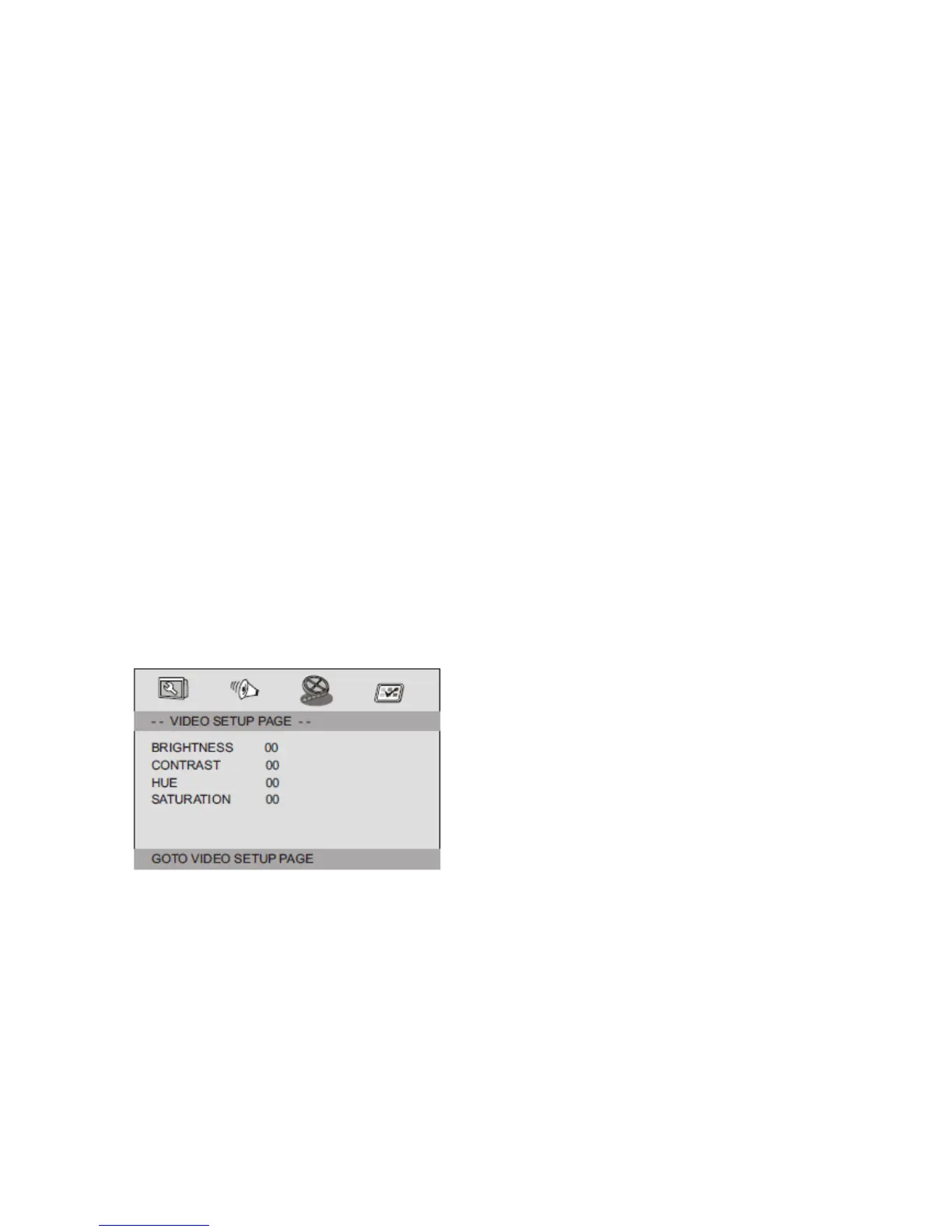
Video Setup Page
Video Setup Page
Brightness, Contrast, Hue, Saturation: setting the video quality.
12


 To Next Page