1 2
3
4
5
6 7 8
9 0
10+
VOL -
VOL+
REPEAT
SEARCH
TITLE
ENTER
RETURN
S TE P
S UB TIT LE
A NG L E
AUDIO
ME NU
S E TUP
AB
DIS PL AY
ZOOM
MUTE
SOURC E
1
13
19
8
4
11
23
17
20
21
9
10
27
26
15
16
7
6
25
24
18
12
3
5
28
2
2
2
14
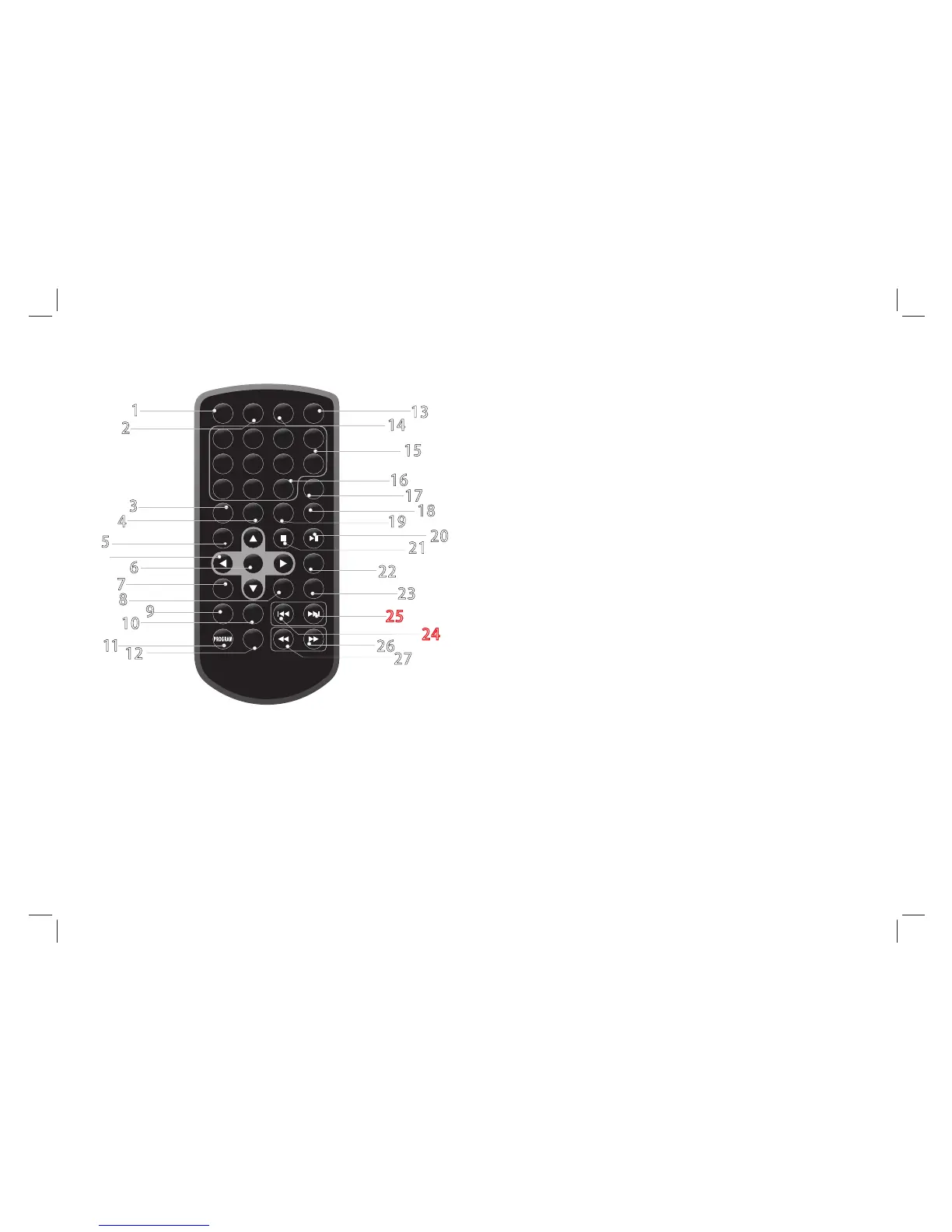
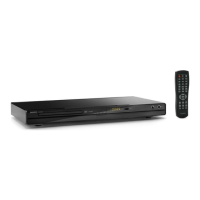
Remote control unit
Identification of Controls
4
1. ZOOM
2. SEARCH
Goto time point , title or chapter you want in DVD Mode.
3. SUBTITLE
Press SUBTITLE repeatedly during playback to hear a different
subtitle languages.
4. ANGLE
Press ANGLE will change the view angle, on DVDs that support this
feature.
Each press of the ZOOM button changes the TV screen in the following
sequence:2X size 3X size 4X size 1/2 1/3 1/4.
5. TITLE
Return to DVD title menu.
6. ENTER
Confirms menu selection.
7. SETUP
Accesses or removes setup menu.
8. VOL -
Adjust VOLUME.
9. REPEAT
Press REPEA
T during playback to select a desired repeat mode.
DVD: you can play a chapter/title/all on a disc.
VC D C D: you can play a track/all on a disc.
MP 3 W MA : you can select Repeat one/Repeat folder/ALL
play mode on a disc.
10.A B
To repeat a segment: press AB once to set the starting point for
repeat segment, press it again to set an end point, and the player
will repeat the segment from the start to the end point.
11.PROGRAM
JPEG:You can press PROGRAM repeatly to select the slide show
mode, the are 16 types slide show.
12. DISPLAY
To display the playtime and status information.
13. SOURCE
DVD/USB.
DVD VCD CD MP3: The program function enables you to
store your favourite tracks from the disc. Press PROGRAM
button,then PROGRAM MENU will appear on screen, now you
can use the number or direction keys input the titles, chapters(DVD/VCD) or
select tracks number (CD MP3) and select PLAY option to resume normal
playback, press PROGRAM and select CLEAR option on the
program menu.



 To Next Page