SETUP Menu Setting
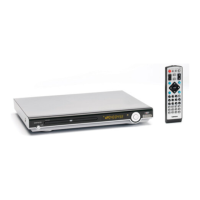
Video Setup Page
You can change the video setting: brightness, contrast, hue,
saturation.
Audio Setup Page
7
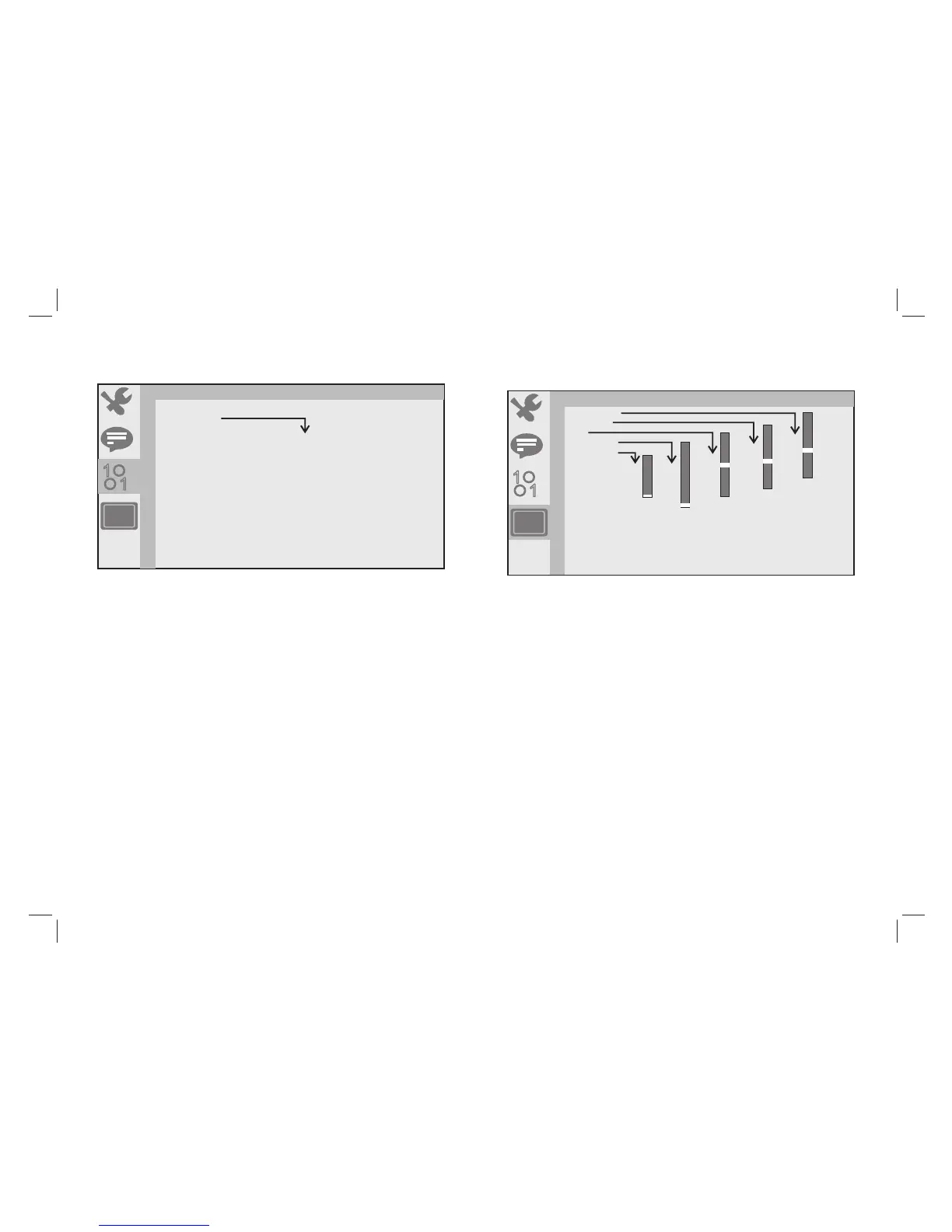
The function is use to select standby setting: OFF, 3 HOURS,
4 HOURS
OFF: No standby
3 HOURS: No remote control and panelkey operation within three
hours into standby
4 HOURS: No remote control and panelkey operation within four
hours into standby
AUTO STANDBY
OFF
3 HOURS
4 HOURS
BRIGHTNESS
CONTRAST
HUE
SATURATION
SHARPNESS
12
10
8
6
4
2
0
8
6
4
2
0
12
10
8
6
4
2
0
+6
+4
+2
0
-2
-4
-6
12
10
8
6
4
2
0
1
1
STANDBY SETTING
VIDEO SETUP
1
1
At Auto standby, need to push power on/off button to OFF and ON to
activate power on again.



 To Next Page