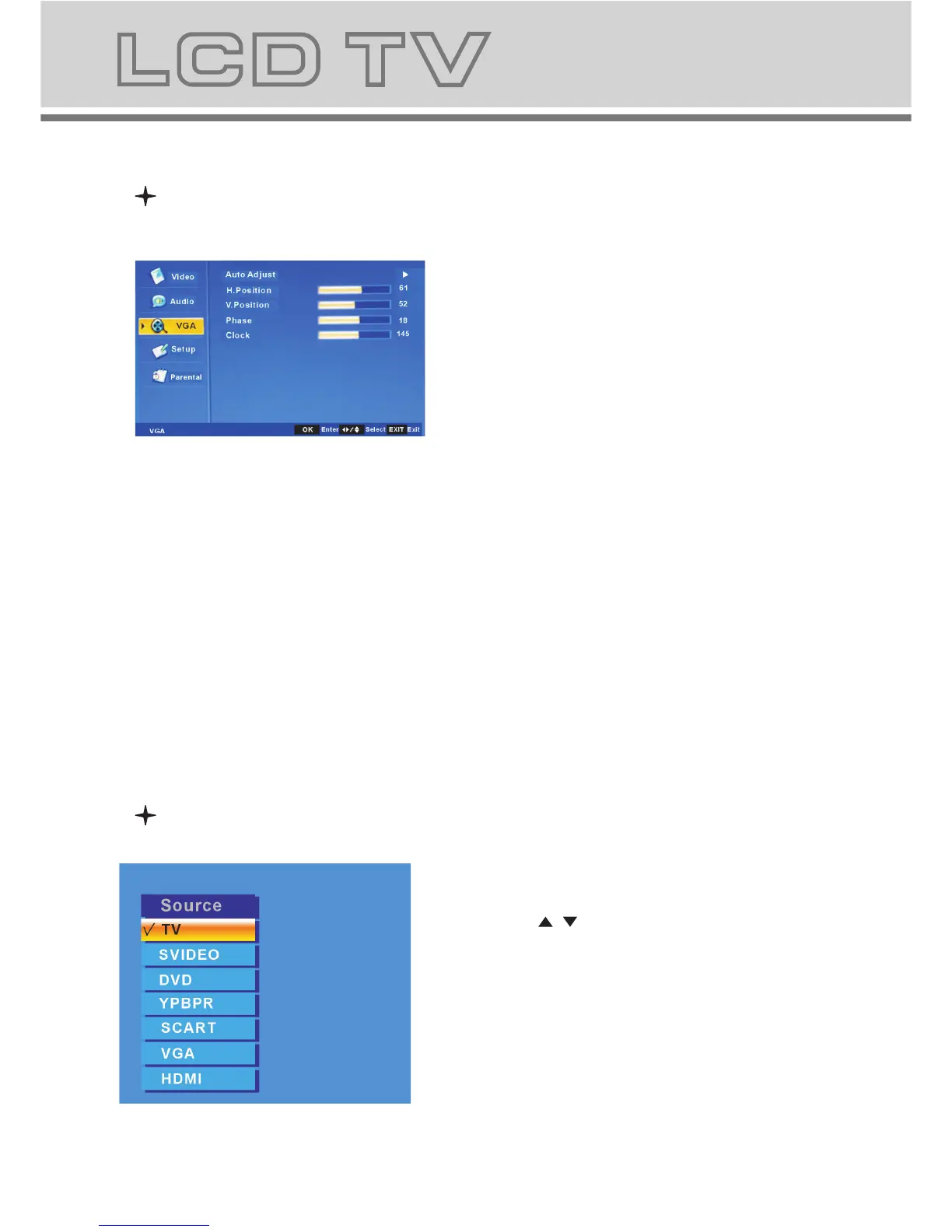
a. When system signal source switch to
VGA, there will be a VGA mark in the up-
left corner of the screen, it is in the VGA
menu ,and you can setup the item.
a-1. Auto Adjust: set position and size
of the picture automaticlly.
a-2. H.Position: Adjust the H-Psition of
the picture. you can set the value range
0-100.
a-3. V.Positon: Adjust the V-Psition of the
picture. you can set the value range 0-100.
a-4. Phase: Adjust the phase of the
picture. you can set the value range 0-31.
a-5. Clock: set the clock. you can set the
value range 0-255.
Main menu under VGA Input
SOURCE
1. Press "SOURCE" button to enter the
signal source menu.
2. Press " / " button to select signal source.
3. Press "OK" button to confirm.
4. Press "EXIT" button to exit signal
source menu.
1919
b-5. The submenu of change password.
You need to input the new password
and confirm it.
b-6. The submenu of Clean All.
Press OK to clean your set or cancel to
return the previous menu.



 To Next Page