Eng Eng
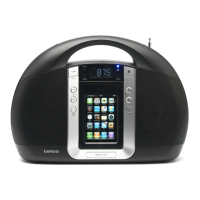
Description of Parts
7
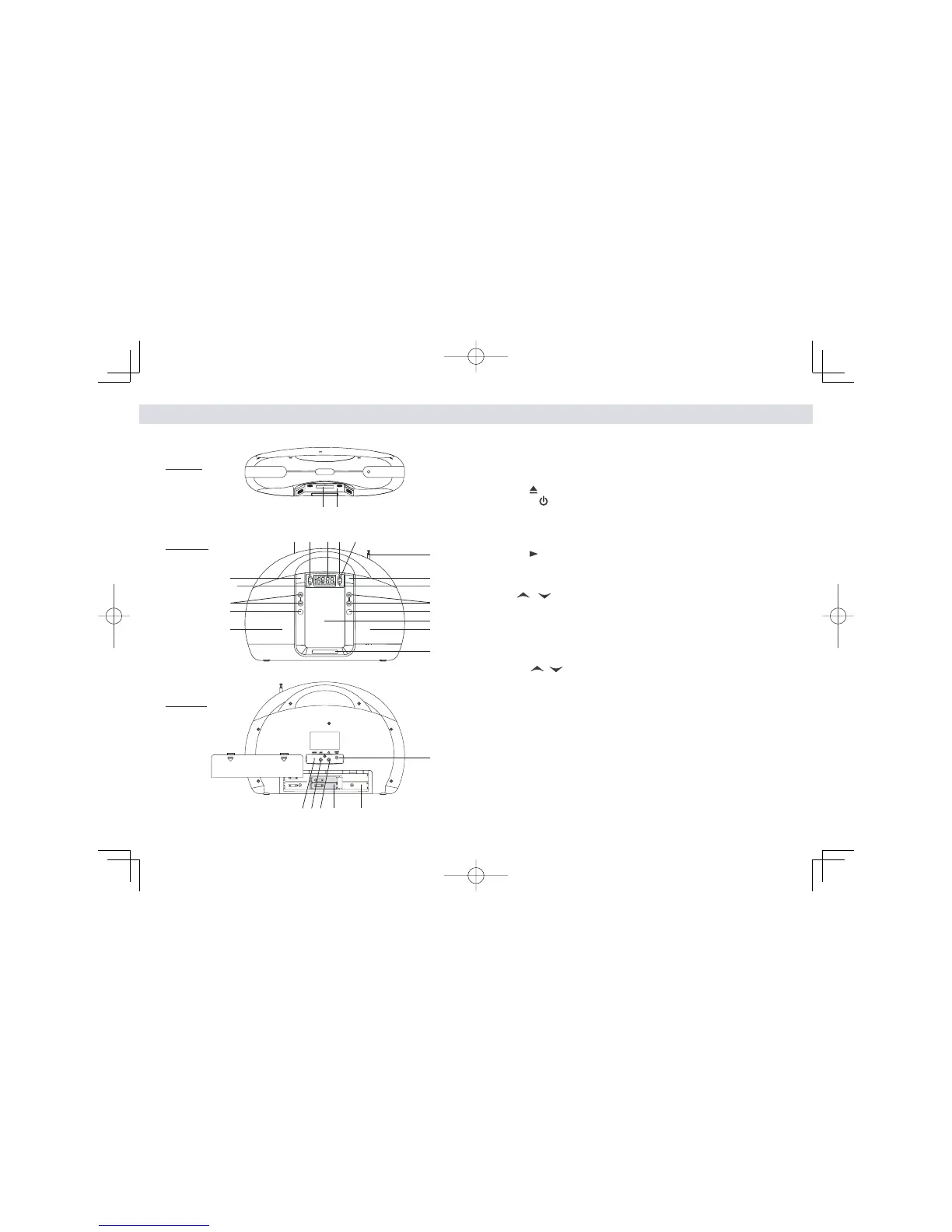
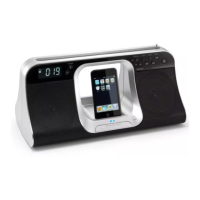
1. iPod docking compartment
2. iPod docking connector
3. iPod docking compartment door
4.OPEN button ---- To open the iPod compartment door
5.POWER button ----- To turn the unit on and off
6. Power Status indicator: LED
7. LCD display
8. Handle
9. SLEEP button ---- Select the time duration of the sleep timer
10. iPod / MEM button ---- iPod Play / Pause function ;
Save radio preset station
11. ALARM button ---- Turn the alarm on and off ; Set alarm time and
alarm source
12. V / button ----- Adjust volume level up or down
13. MODE / EQ button ---- In power off mode : Select clock setting and
12/24 hour format
In power on mode: Select EQ preset (CLASSIC/
JAZZ/ROCK/POP) and Treble / Bass setting
14. FM rod antenna
15. PRESET button ---- Select preset radio station
16. T/CH / button ---- In radio mode: Tune the radio frequency up/down
In iPod mode : Skip tracks Forward / Backward;
perform high-speed search
17. FUNC button ---- Select FM stereo / FM mono / iPod / AUX modes
18. SNOOZE / LIGHT -----Activate the snooze function ; turn LCD backlight
DIM / BRIGHT / OFF
19. Speakers
20. DC-in jack -----For the connection of external DC power supply
21. Stereo Phones jack
22. AUX jack ---- Auxiliary audio signal input
23. RESET button ---- For resetting the unit
24. Main battery compartment
25. Inner Clock battery compartment
Main Unit
Description of Parts
6
Main Unit
10
2
1
Top View
Front View
12
13
11
4
16
17
15
9 7 6
14
18
19
19
3
8
5
Rear View
23 22 21 25
20
24
IPD5200 iB.indd EN16-EN17IPD5200 iB.indd EN16-EN17 2010-10-11 8:22:472010-10-11 8:22:47


 To Next Page