EasyManua.ls Logo

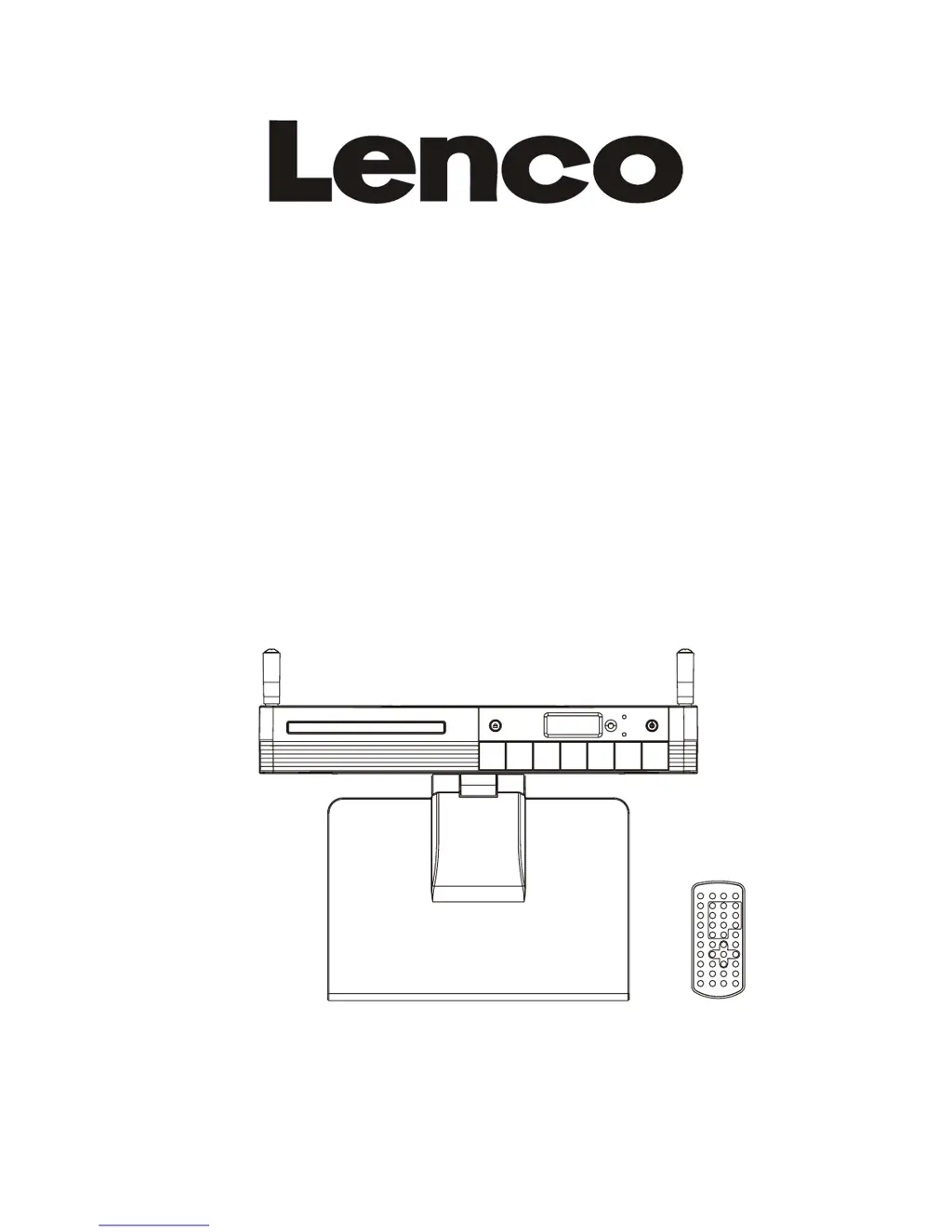
LENCO KDV-309 - User Manual

LENCO KDV-309
10 pages
Print Icon
To Next Page IconTo Next Page
Loading...
User Manual
KITCHEN DVD/CD PLAYER WITH RADIO
ALARM & DVB-T RECEPTION
AND REMOTE CONTROL
MODEL: KDV-309
SELECT
READ THESE INSTRUCTIONS INCLUDED IN THIS IM THOROUGHLY PRIOR TO CONNECTING AND OPERATING.
PLEASE RETAIN THIS MANUAL IN CASE YOU MAY NEED IT FOR FUTURE REFERENCE.
THE ILLUSTRATIONS & GRAPHICS HEREIN ARE FOR REFERENCE ONLY AND SUBJECT TO CHANGE WITHOUT NOTICE.

Questions and Answers

  • M
    Matthew CrawfordAug 11, 2025
    Why is there no picture or sound on my LENCO DVD Player?
    • C
      Corey HernandezAug 11, 2025
      If you're not getting any picture or sound from your LENCO DVD Player, there are several things to check: * Ensure the A/V cables are securely connected. * Confirm the disc is a compatible DVD (region 2 or all), DVD-RW, or AUDIO CD. * Make sure the disc isn't scratched or dirty and is placed with the label-side facing up. * If using a TV, verify it's set to the VIDEO or AV channel. * Also, review the image brightness and contrast settings and check the TV signal strength. If the pick-up lens of the DVD player may be dirty, contact the service center for lens cleaning.
  • M
    Megan WallerAug 26, 2025
    What to do if my LENCO KDV-309 DVD Player has no sound?
    • T
      Toni VillanuevaAug 26, 2025
      If you're not getting any sound from your LENCO DVD Player, first check the volume setting and increase it if it's set to zero. Also, ensure that headphones are not plugged into the PHONES socket, as speakers cannot be used simultaneously with headphones.
  • C
    Curtis Hopkins MDSep 3, 2025
    Why does my LENCO KDV-309 DVD Player power not turn on?
    • J
      Jeff CaseSep 3, 2025
      If your LENCO DVD Player isn't turning on or suddenly turns off, ensure the AC cord is securely plugged into both the DVD player and the AC outlet. You can also try turning the power off and then back on.
  • L
    Laura KnightSep 10, 2025
    What to do if the LENCO KDV-309 DVD Player remote control won't work?
    • J
      james01Sep 12, 2025
      If the remote control for your LENCO DVD Player isn't working, try these steps: * Replace the battery with a new one, ensuring it's inserted in the correct '+' and '-' direction. * Make sure the remote is pointed at the remote control sensor on the DVD player and that there are no obstacles blocking the signal.

LENCO KDV-309 Specifications

General IconGeneral
HDMI OutputNo
Playable FormatsDVD, CD, MP3, JPEG
Region Code2
Supported MediaDVD+R, DVD+RW, DVD-R, DVD-RW, CD-R, CD-RW
Audio OutputStereo
ConnectionsComposite video, Stereo audio
Power Supply220-240V, 50Hz

Related product manuals