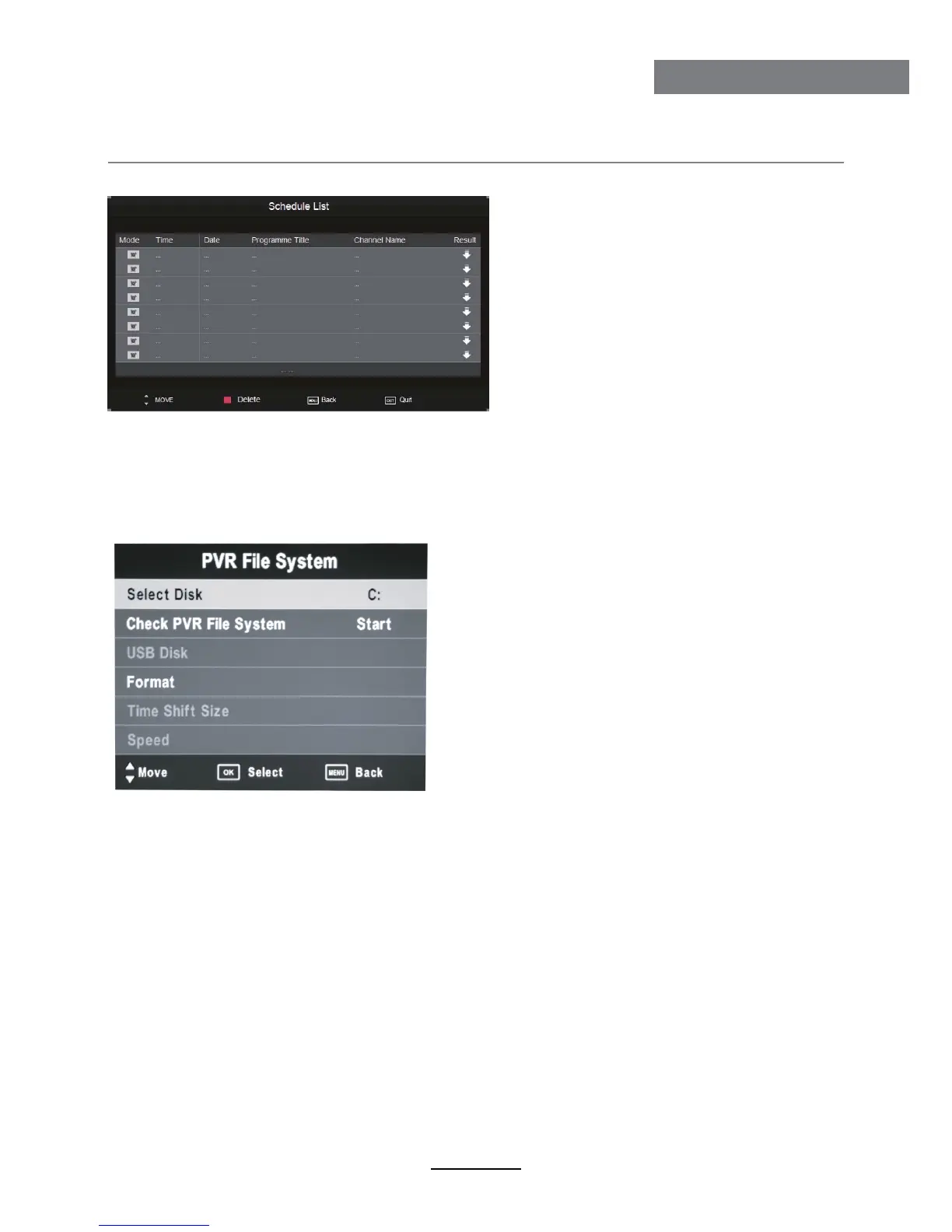
3). Schedule List
Display the recorder shedule
Note: a. Could’t add shedules which have existent on the list;
b. Could’t add shedules when the list is full, you have to delete some schedules;
c. You could delete a schedules by RED button on the remote control.
4). PVR File System
Setup the PVR File system before you start recording.
Select Disk: Select the device for the Record files.
Check PVR File System
USB Disk: Display the USB state.
Format: Format the USB device for PVR operating.
Time Shift Size: Display the size of the USB device (The device has been formated).
Speed: Display the speed of the USB device (The device has been formated).
Recording Operation
20
Recording Operation



 To Next Page