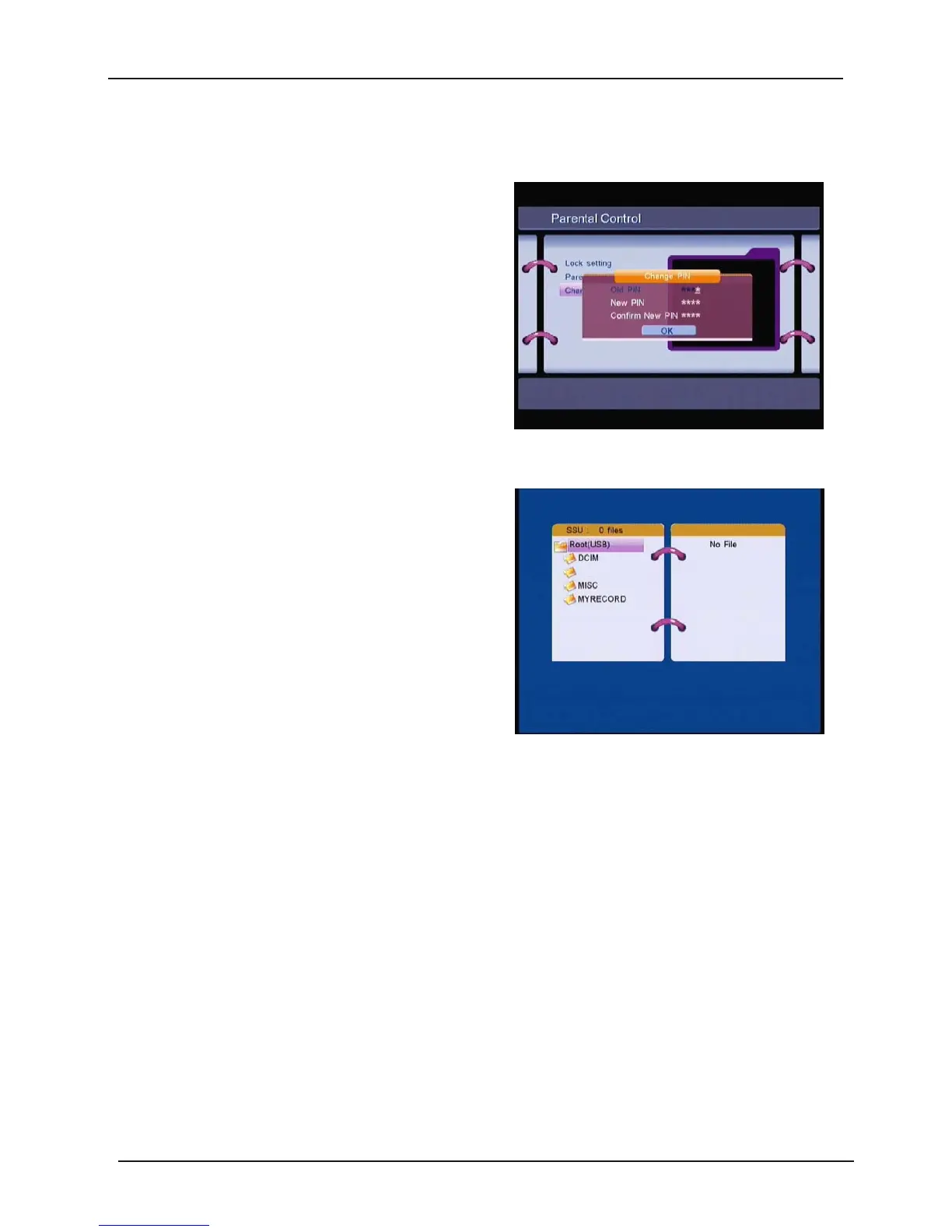
Ɣ Change PIN
Modifying the PIN. You must enter the 4 digits
PIN and confirm it again; the system PIN will be
changed into the new PIN as show on.
1.2.3 System Update
In this menu, you can select “
Update by OTA
”, “
Update by DEV
”
Ɣ Update by DVBS
You
can update your STB software by USB.
Select “System Update – Update by DEV”, you
can select update software from USB disk, and
press OK key to update your DVBS.
28



 To Next Page