OSD Manual
·My Recorder
Movie_001.AVI
00: 0 0 : 0 8/00:03 : 1 8
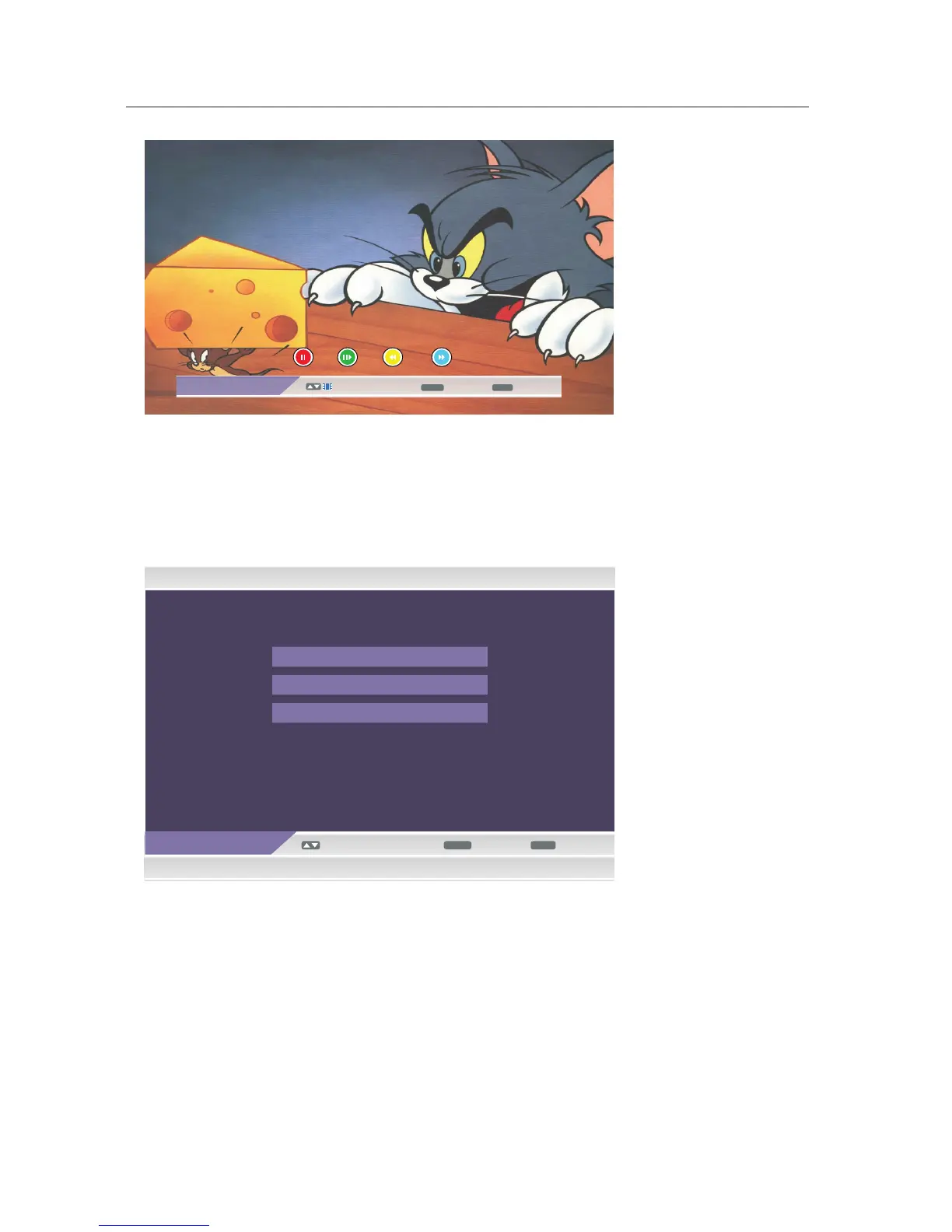
· Use RED button on the remote control to make a pause, and use RED button again to continue playing the movie.
· Use GREEN button on the remote control to one-step-play, and use GREEN button again, you can set slow-forward
speed to see the movie.
· Use YELLOW button on the remote control to set the fast-backward speed.
· Use BLUE button on the remote controlto to set the fast-forward speed.
View
• Navigate using the【 ▲ 】 /【 ▼】arrow buttons to select the options including Recorded List, Recording Device, Recording
Preference, and then use 【ENTER】button to enter the submenus.
28



 To Next Page