13
3.3 Select NO and Press the Navigation wheel to confirm if you want to skip the Wireless
network setup. You can configure it later in the configuration menu.
NETWORK CONFIGURATION
Standard network configuration
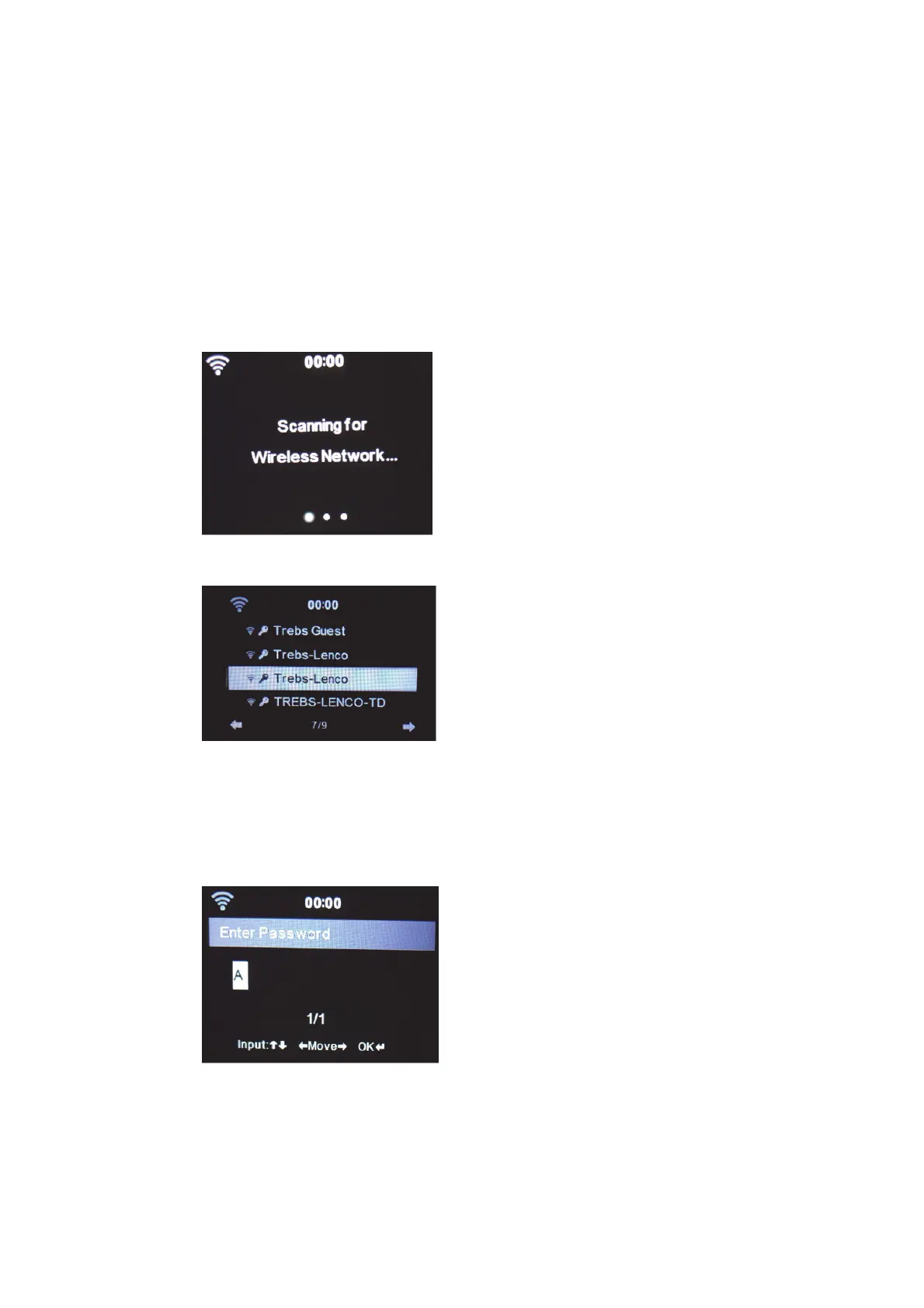
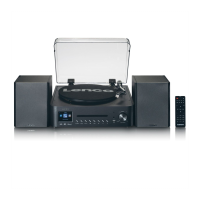
When selecting this option the MC-460 will scan for available WIFI networks.
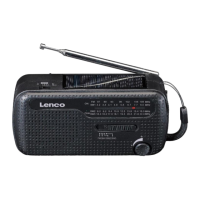
The display will show the networks it found.
Select your WIFI network by turning the Navigation/OK wheel and confirm by pressing
the Navigation/OK wheel.
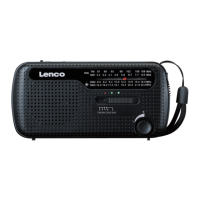
If your selected WIFI network requires a password, you can enter it in the next screen.
Enter your password by pressing the numeric keys on the remote control, followed by
the Navigation right button (NOTE: you have to press the navigation right after every
character).


 To Next Page