8
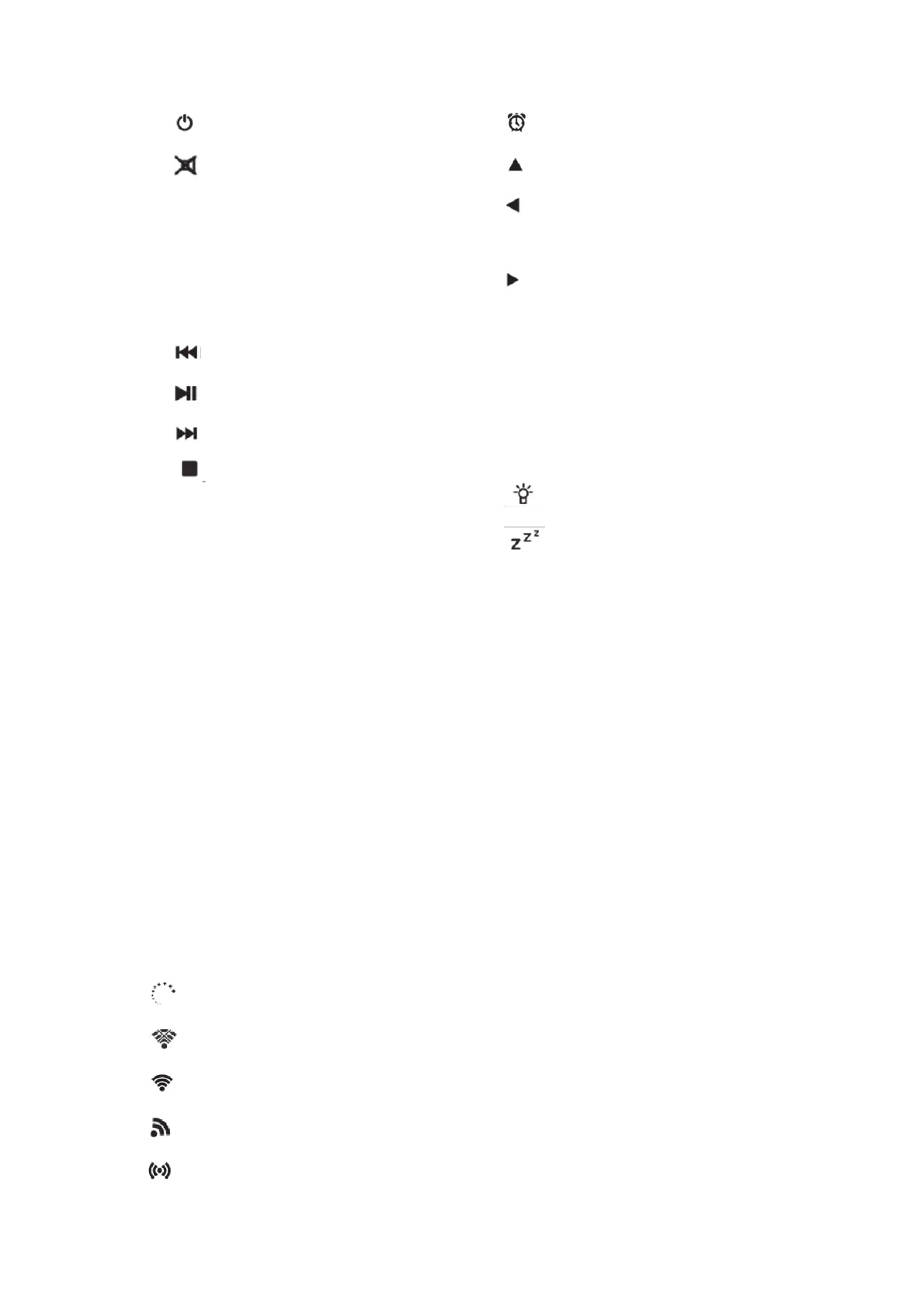
1. Standby button
2. Switch speaker ON/OFF
3. Menu-Main menu
4. Preset-saved stations,Favorites,etc
5. Record Button
6. Eject button
7. Media Center;Go back one track
8. Media Center;Play/Pause
9. Media Center;Go forward one track
10. Stop play button
11. EQ button
12. Alarm Button
13. Up cursor button
14. Left cursor button
15. Enter Confirm selection
16. Right Cursor button
17. ▼Down cursor button
18. V- Decrease volume
19. V+ Increase volume
20. 0.....9 Call up favorites/Memory; input
letters and numbers
21. Dimmer
22. Sleep
Before Started
Network Requirement
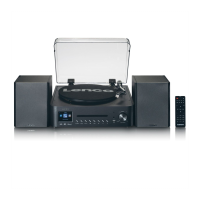
1. Before using the Lenco MC-460,the following requirements are needed:
2. A broadband connection in combination with a wired/wireless access point, router or
similar network device.
3. The network device needs to support WIFI (802.11b/g/n) wireless connection.
(Only 2.4 Ghz)
4. A PC or smart phone with a network ready. This network has to be the same one as the
Lenco MC-460 equipped with.
Symbols on the dislay
Connection is being established, device functioning
No wireless connection
Wireless connection established
FM radio reception: Mono
VHF radio reception: Stereo


 To Next Page