16
MENU SETUP
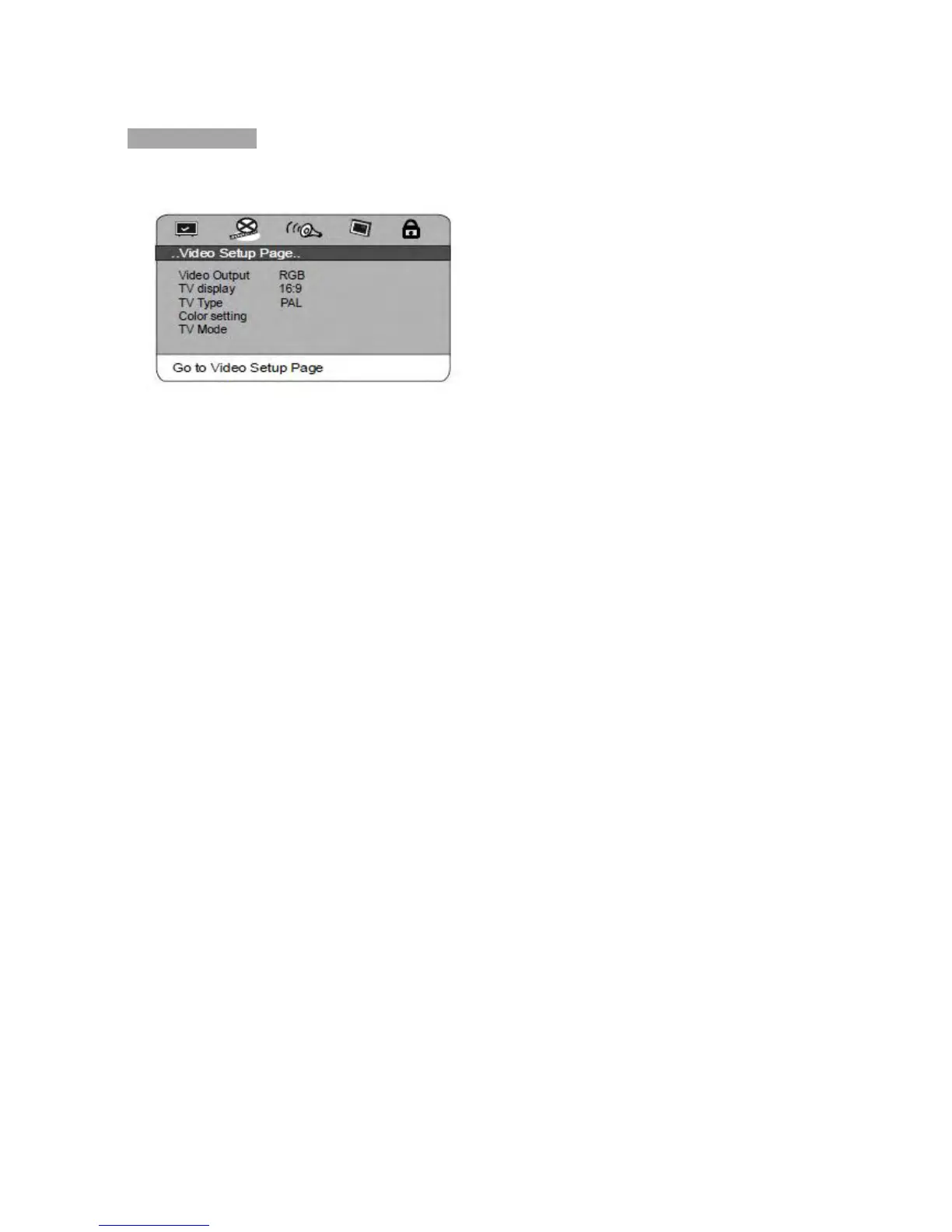
Video Setup Page
1. Video Output
This option is used to set the video output mode: S-video,YPbPr, RGB.
Note: Make sure that you set the player to the correct video mode.
2. TV Display (4:3PS, 4:3LB,16:9 )
1) No matter which format you select, if the screen is 4:3 display, the image is
displayed in 4:3.
2) The DVD screen format is changeable.
3) When the screen displays in 4:3, the display format of DVD is 16:9, the image will be
compressed horizontally.
3. TV Type
This system supports the following formats: PAL, MUL, NTSC.
4. Color Setting
You can adjust the video output of sharpness, brightness, contrast, gamma,
hue, saturation, luma delay according to your favor.
The adjustable range of sharpness is: High, Medium and Low.
The adjustable range of brightness is: +/- 20 (default is 0).
The adjustable range of contrast is: +/- 16 (default is 0).
The adjustable range of hue and saturation are: +/- 9 (default is 0).
The adjustable range of gamma is: High, Medium, Low and None.
5. TV Mode
This option is used to select the scan modes:Progressive, Interlace.
(This option is unavailable when the S-video output mode is selected.)



 To Next Page