DVD MENU SETUP
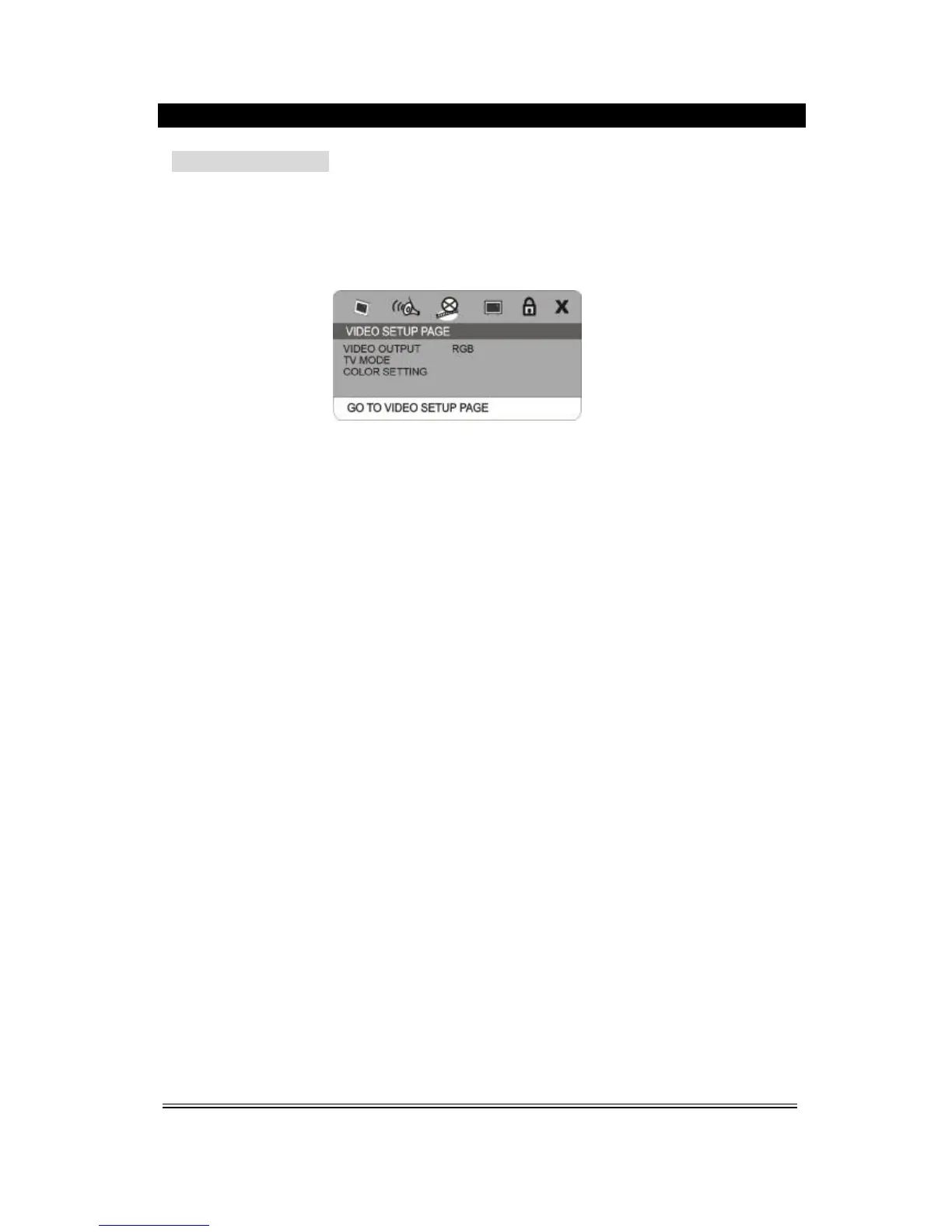
3. Video Setup Page
1) Video Output
This option is used to set the mode of video output: S-video, YUV/Y.Pb.Pr, RGB.
2) TV Mode
This option is used to select the scan mode to Progressive or Interlace.
(This option is unavailable when the S-video output mode is selected.)
3) Color Setting
You can adjust the video output of sharpness, brightness, contrast, gamma, hue, saturation according
to your favor.
The adjustable range of sharpness is: High, Medium and Low.
The adjustable range of brightness is: +/-20(default is 0).
The adjustable range of contrast is:+/-16(default is 0).
The adjustable range of hue and saturation are: +/-9(default is 0).
The adjustable range of gamma is: High, Medium, Low and None.



 To Next Page