EasyManua.ls Logo

LENCO MDV-7 - User Manual

LENCO MDV-7
24 pages
Print Icon
To Next Page IconTo Next Page
Loading...
MDV-7
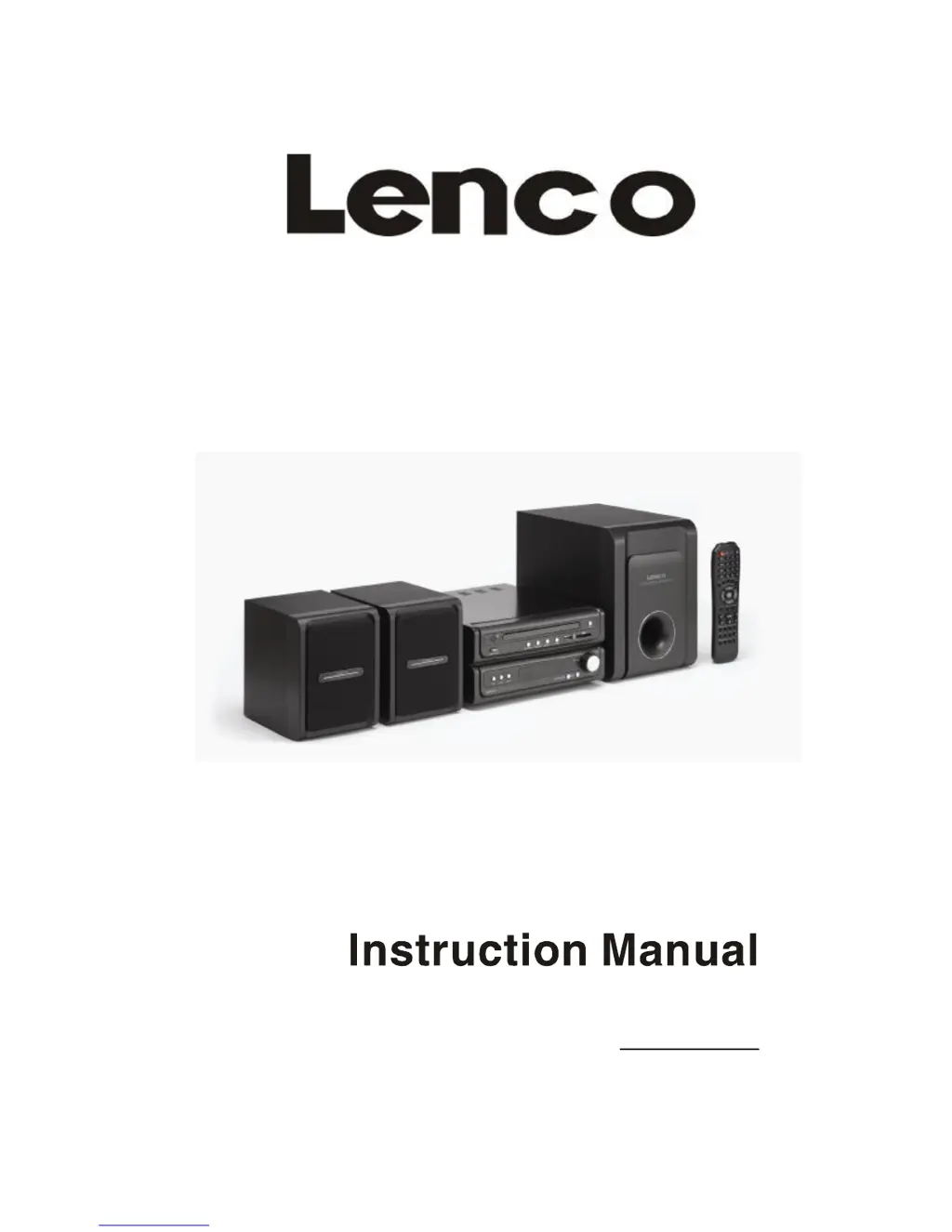
2.1 DVD Home Cinema Centre
For information and support, www. lenco. eu

Questions and Answers

  • D
    Donna RichardsAug 6, 2025
    Why is there no sound from the loudspeaker of my LENCO MDV-7?
    • E
      evillanuevaAug 6, 2025
      If you're not getting any sound from the loudspeaker of your LENCO Home Theater System, check that the video cable is correctly and securely connected as per the connection diagram. Also, ensure that the external amplifier is correctly configured and operated.
  • K
    kendra24Aug 11, 2025
    What to do if there is no image on the TV screen with LENCO MDV-7 Home Theater System?
    • C
      Cody MartinAug 11, 2025
      If there's no image on your TV screen when using the LENCO Home Theater System, first ensure all video cables are securely connected according to the system connection diagram. Also, verify that your TV is set to the correct video mode. If the issue persists, the scanning mode of the device may not match the TV's scanning mode; try pressing the line by line/alternate line key to convert the scanning mode.
  • T
    Tara HeathAug 14, 2025
    Why is my LENCO MDV-7 remote control not working?
    • J
      Jacqueline HaleyAug 14, 2025
      If the remote control for your LENCO Home Theater System isn't working, the first thing to check is the batteries. A used-up battery is a common cause, so replace it with a new one. If that doesn't solve the problem, make sure you're aiming the front of the remote control directly at the infrared reception part of the player.
  • Z
    zacharydunnAug 19, 2025
    How to fix LENCO MDV-7 Home Theater System if power supply can not be turned on?
    • S
      Sharon BennettAug 19, 2025
      If the LENCO Home Theater System power supply cannot be turned on, make sure the power plug is fully inserted into the socket securely.
  • S
    Shannon EvansAug 25, 2025
    What to do if LENCO MDV-7 Home Theater System can not play?
    • K
      Kristen RossAug 25, 2025
      If your LENCO Home Theater System can't play, first ensure that a disk is placed into the guide slot. If a disk is already inserted, check that it's not upside down, the side with the picture should be facing upwards.
  • N
    Nathan ThorntonAug 28, 2025
    Why does my LENCO MDV-7 have discontinuous sound and distorted pictures?
    • D
      David JonesAug 28, 2025
      If you experience discontinuous sound and distorted pictures with your LENCO Home Theater System, the disk may be the issue. Try cleaning the disk with a clean, soft cloth. If the problem persists, the disk might be scratched and need replacement with a new one. If the disk is distorted, consider replacing it.
  • W
    wellsalejandroSep 1, 2025
    What to do if operation can not be done on LENCO Home Theater System?
    • A
      Angel TaylorSep 1, 2025
      If an operation cannot be performed on the LENCO Home Theater System, it might be due to the embedded microcomputer failing because of lightning, static, or other interference. Try powering the system OFF and restarting it.

Summary

Connection with TV

Connection with Amplifier

Setup of Digital Audio Output

Configures digital audio output settings for amplifiers, including SPDIF/RAW and LPCM.

Basic Operation

Playback Navigation and Control

Covers fast forward/backward, skipping tracks, and seeking functions.

DVD Menu Setup

General Setup Page

Configures display format, language, screen saver, and other general settings.

Audio Setup Page

Adjusts audio output modes, downmix, digital output, equalizer, and sound effects.

Video Setup Page

Configures video output modes, TV display modes, and color settings.

Preference Setup Page

Sets TV system, audio/subtitle language, disc menu language, and parental controls.

Specification

Troubleshooting

LENCO MDV-7 Specifications

General IconGeneral
BrandLENCO
ModelMDV-7
CategoryHome Theater System
LanguageEnglish

Related product manuals