-20-
DVD Menu Setting
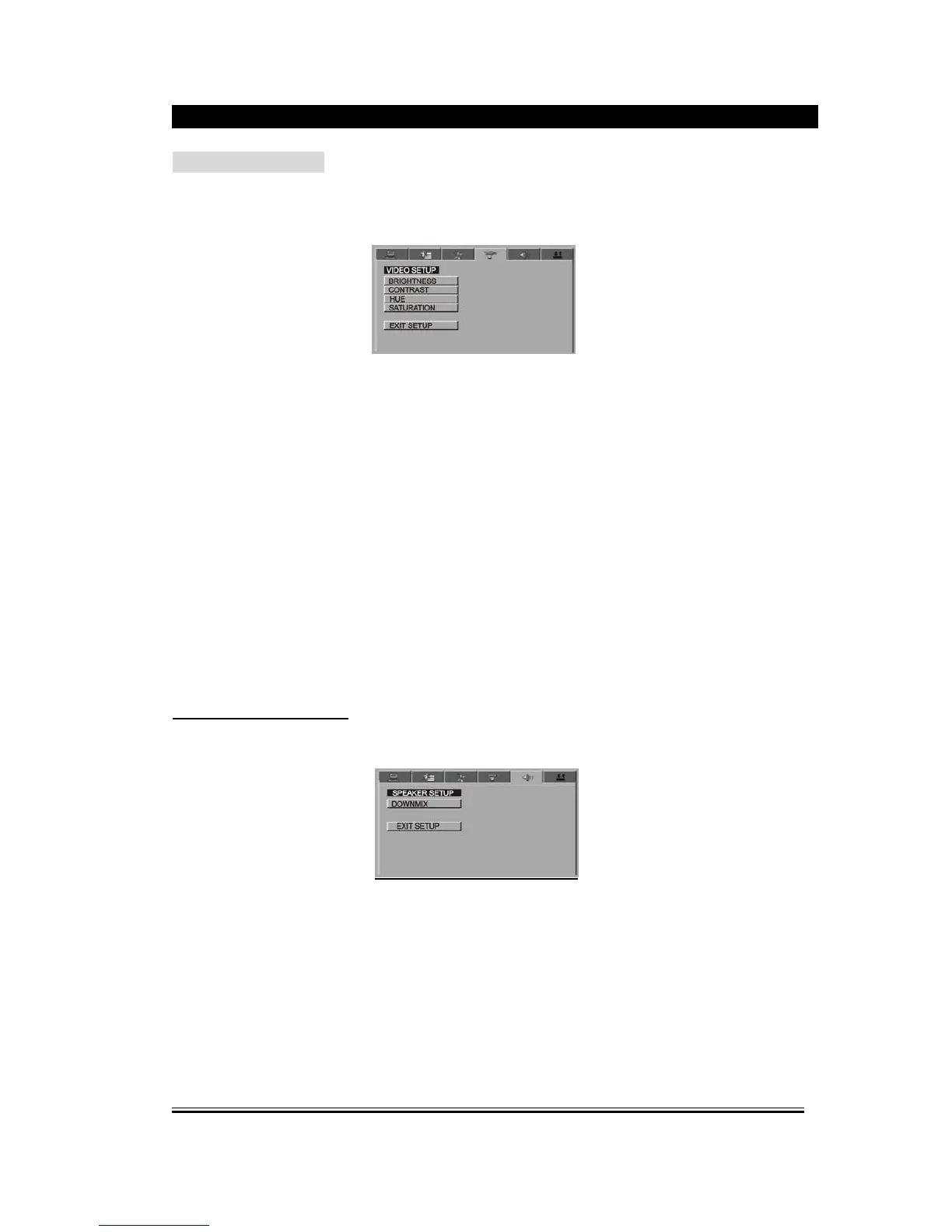
4.VIDEO SETUP PAGE
1). Brightness
This option is used to change the brightness of the screen, press the up/down direction
button to adjust the brightness, press left direction button to exit.
2). Contrast
This option is used to change the contrast of the screen, press the up/down direction
button to adjust the contrast, press left direction button to exit.
3). Hue
This option is used to change the hue of the screen, press the up/down direction button to
adjust the hue, press left direction button to exit.
4). Saturation
This option is used to change the saturation of the screen, press the up/down direction
button to adjust the saturation, press left direction button to exit.
SPEAKER SETUP PAGE
1). Down mix
(1) LT/RT: Left and Right soundtrack audio output
(2) Stereo: Stereo audio signal output
(3) VSS: The main loudspeaker can output virtual surrounding sound effect.



 To Next Page