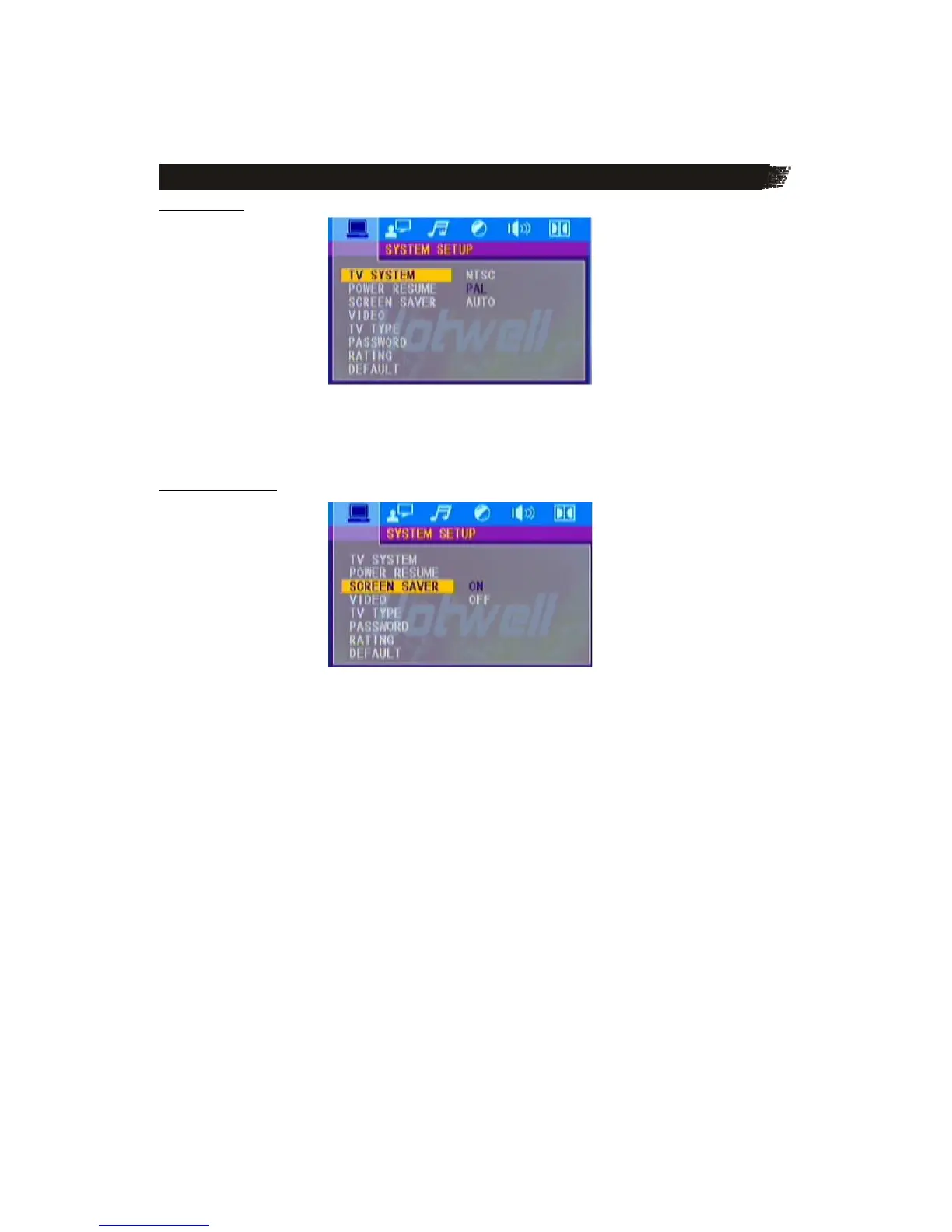
T V S Y S T E M
According to the color system of the TV, you can choose the TV system.
* AUTO: Choose this setting if your DVD player is connected to a multi-system TV.
*NTSC: Choose this setting if your DVD player is connected to a NTSC TV.
* PAL: Choose this setting if your DVD player is connected to a PAL TV.
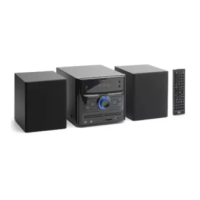
S C R E E N S A V E R
If the screen saver is on, when your DVD player is in Stop, Open or No Disc state, or there is a
frame frozen for more than 60sec, the screen saver will be displayed; this feature can protect the
screen from damage.
ON: Choose this setting to activate the screen saver.
OFF: Choose this setting to cancel the screen saver.



 To Next Page