9
TROUBLESHOOTING
No sound from
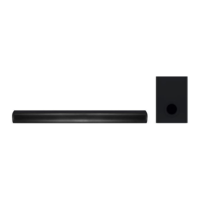
SoundBar speakers
Connect the audio cable from your SoundBar to
your TV or other devices. However, you do not
need a separate audio connection when the
SoundBar and TV are connected through HDMI
ARC connection.
On the remote control, select the correct audio
input
If you play audio from the TV through the
SoundBar, make sure that the TV is muted.
A device cannot
connect with the
SoundBar
Restart the soundbar and try pairing again
You have not enabled the Bluetooth function of the
device. See the user manual of the device on how
to enable the function.
The device is not correctly connected
The SoundBar is already connected with another
Bluetooth device. Disconnect the connected device,
then try again.
Quality of audio play
from a connected
Bluetooth device is
poor
The Bluetooth reception is poor. Move the device
closer to the SoundBar, or remove any obstacle
between the device and the SoundBar.
The connected
Bluetooth device
connects and
disconnects constantly
The Bluetooth reception is poor. Move the device
closer to the SoundBar, or remove any obstacle
between the device and the SoundBar.


 To Next Page