-9-
EAR/HEADPHONE USE
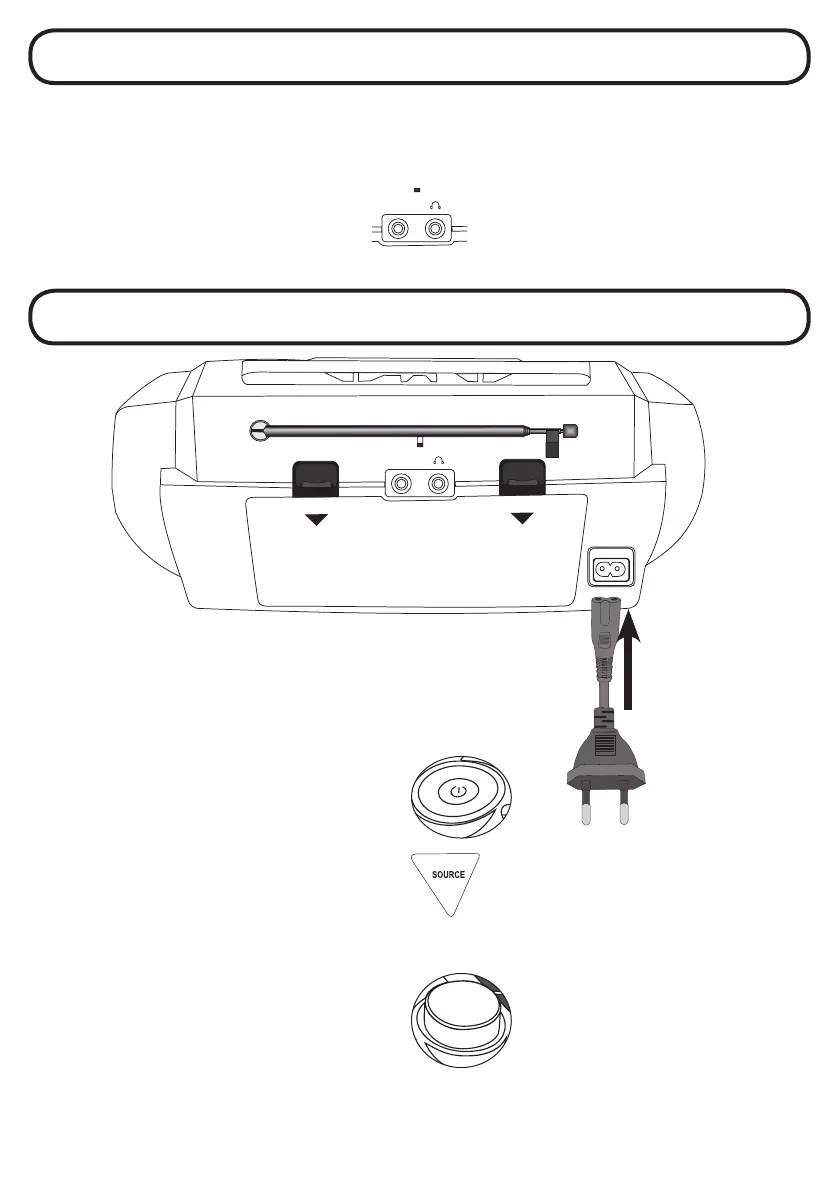
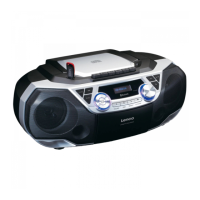
On the back site of the SCD-120 you will find the headphone connection.
Use a ear set or headphone with 3, 5mm stereo jack to connect the headphone to the SCD-120.
If you put in the 3,5mm stereo jack the speakers of the SCD-120 will turned off.
Only the headphone will work now.
You can control the volume by the volume knob. All other functions are the same as normal use without headset connected.
AUX IN
POWER ON THE SCD-120
Connect the SCD-120 with the power cable to the AC outlet.
If you connect the power cable into the SCD-120, the battery
power will be automatically shut down.
Press the STANDBY button to turn on the unit.
To turn off, press the STANDBY button again.
With the SOURCE button you can select input source
You can selected:
FM RADIO
CD
USB
BLUETOOTH
TAPE (CASSETTE)
AUDIO IN (AUX)
VOLUME CONTROL:
Rotate the VOLUME knob to change the volume.
~AC IN
OPEN
OPEN
AUX IN


 To Next Page