EasyManua.ls Logo

LENCO SCD-2000 BT - User Manual

LENCO SCD-2000 BT
28 pages
Print Icon
To Next Page IconTo Next Page
Loading...
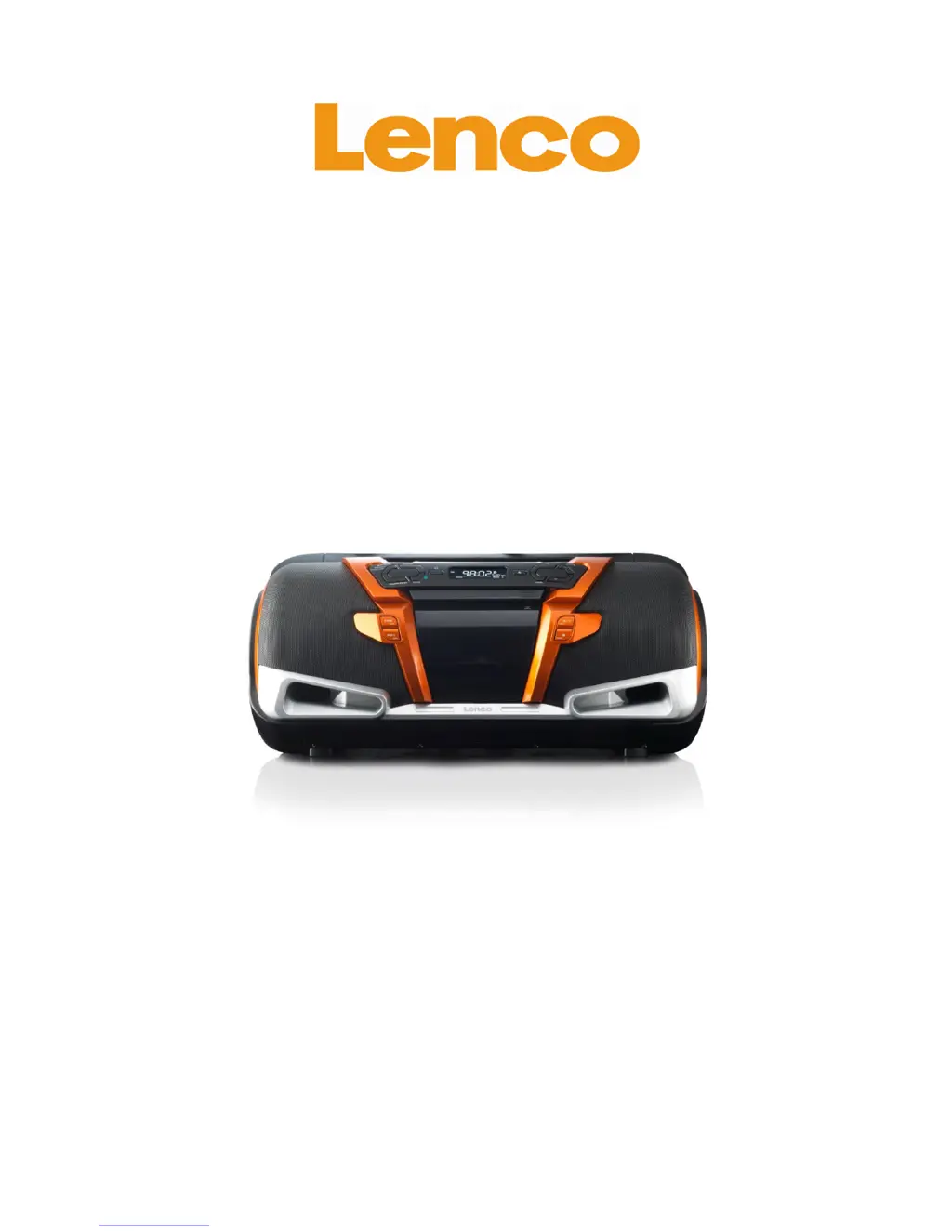
SCD-2000 BT
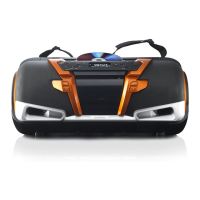
Boombox with slot-in CD/MP3 player,
AM/FM radio and Bluetooth®
User manual
www.lenco.com
20121004 v1.0

Questions and Answers

  • K
    Kevin HernandezAug 13, 2025
    What to do if the LENCO SCD-2000 BT Portable Stereo System remote control is not working?
    • A
      Audrey HarrisAug 13, 2025
      If the remote control for your LENCO Portable Stereo System isn't working, first replace the battery. If that doesn't solve the issue, the ambient light might be too strong. Also, ensure you are within a 5-meter range of the boombox and that there are no obstructions between the remote control and the boombox.
  • E
    emilyhillAug 16, 2025
    How to fix a LENCO SCD-2000 BT that is not turning on?
    • W
      William JenkinsAug 17, 2025
      If your LENCO Portable Stereo System is not turning on, ensure the plug is firmly inserted into the outlet. If it still doesn't turn on, try replacing the batteries.
  • L
    Lisa DonovanAug 20, 2025
    How to stop Bluetooth music from stuttering on LENCO SCD-2000 BT Portable Stereo System?
    • C
      Catherine JohnsonAug 20, 2025
      If you are experiencing Bluetooth music stuttering on your LENCO Portable Stereo System, try placing the Bluetooth device closer to the boombox.
  • M
    Ms. Lauren Flowers DDSAug 25, 2025
    What to do if music playback stutters while playing a CD on LENCO SCD-2000 BT?
    • T
      Traci GutierrezAug 25, 2025
      If music playback stutters while playing a CD on your LENCO Portable Stereo System, the CD may be dirty. Clean it with a clean, dry, soft cloth.
  • J
    Jacob MurphyAug 28, 2025
    Why radio stations can barely be heard on LENCO SCD-2000 BT Portable Stereo System?
    • C
      Christopher MasonAug 28, 2025
      If radio stations can barely be heard or cannot be received on your LENCO Portable Stereo System, fully extend and rotate the telescopic antenna. You may also need to press the FM St. button.
  • M
    Michael ChanAug 31, 2025
    What to do if my LENCO SCD-2000 BT Portable Stereo System is not responding well?
    • H
      Holly RoweAug 31, 2025
      If your LENCO Portable Stereo System is not responding well, remove the plug from the outlet and the batteries from the device for at least 5 minutes.
  • J
    Joseph DavisSep 4, 2025
    Why is the sound soft or distorted when using batteries on my LENCO SCD-2000 BT Portable Stereo System?
    • J
      Jason CarpenterSep 4, 2025
      If you experience soft or distorted sound when using batteries with your LENCO Portable Stereo System, replace the batteries.
  • L
    Laura ThomasSep 8, 2025
    Why are settings or options suddenly canceled on my LENCO SCD-2000 BT Portable Stereo System?
    • Y
      ycrawfordSep 8, 2025
      The settings and options on your LENCO Portable Stereo System have a time limit. If settings or options are suddenly canceled, repeat the steps.

Summary

Device Exploration

Remote Control Functions

Explanation of each button on the remote control for device operation.

Getting Started and Initial Setup

Device Installation Location

Guidelines for placing the device in a suitable location.

Battery Installation and Power Connection

Instructions for installing backup batteries and connecting to mains power.

Clock Setting and Bluetooth Pairing

How to set the clock and connect a Bluetooth device.

Core Device Functions

Essential Features Overview

Overview of essential device functions like power, volume, mute, and source selection.

Radio Operation

Playing CDs

USB Playback

SD Card Playback

Bluetooth Playback

Important Safety Information

Symbol and Warning Explanations

Explains warning symbols and general safety guidelines.

LENCO SCD-2000 BT Specifications

General IconGeneral
BrandLENCO
ModelSCD-2000 BT
CategoryPortable Stereo System
LanguageEnglish

Related product manuals