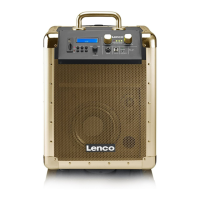
-6-
OVERVIEW
1
2 3
4+
SOURCE
MENU
INFO
ENTER
SCAN
VOLUME
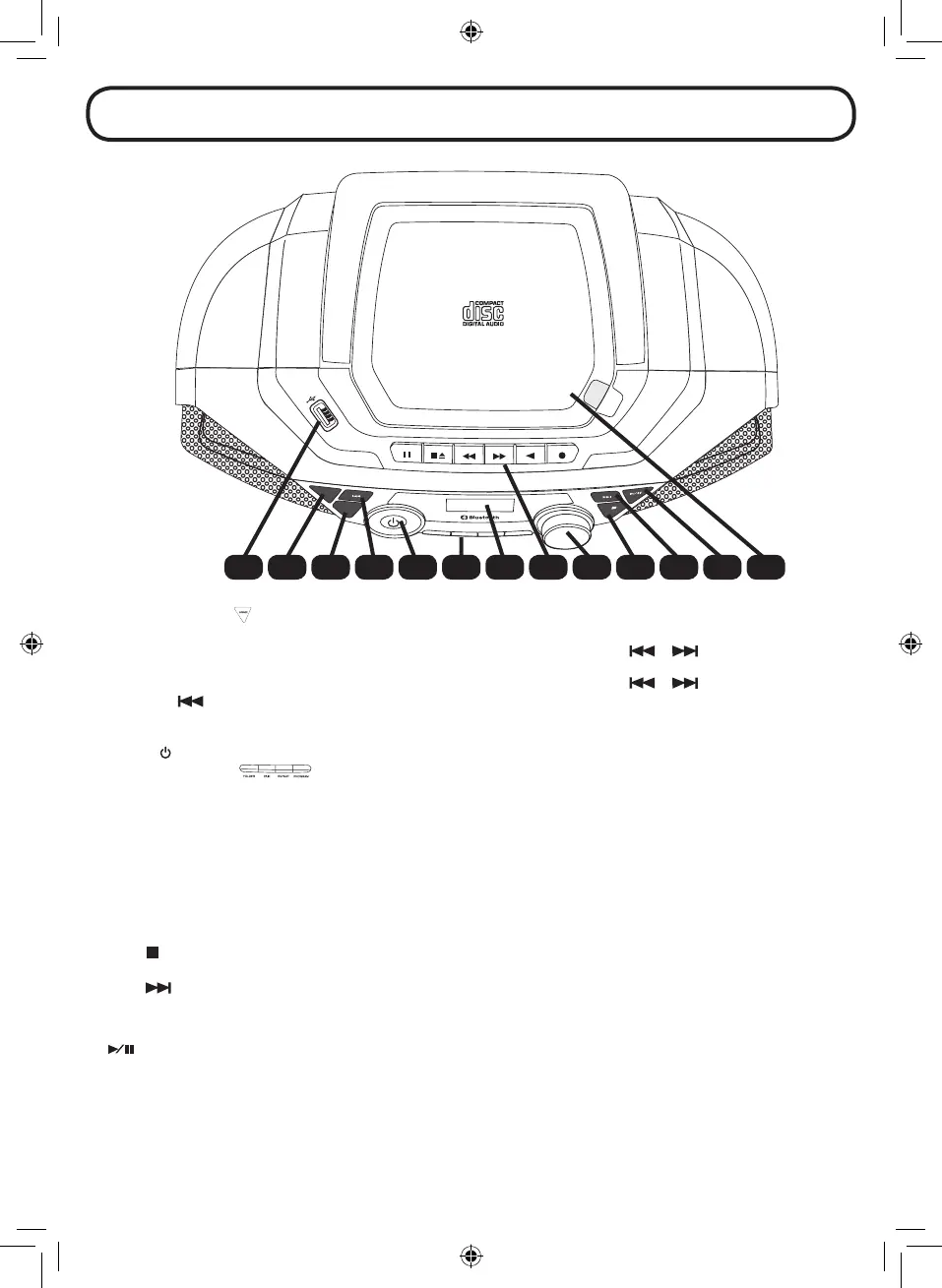
1 2 3 4 5 6 7 8 9 10 11 12 13
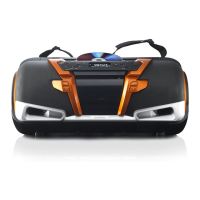
1. USB input: Input for USB stick
2. SOURCE:
Press this key to choose dierent modes: DAB+/FM/CD/USB/BLUETOOTH/CASSETTE TAPE/AUX IN.
3. MENU / INFO: DAB+: Press to display station information.
Press and hold to enter the Menu for setting change. Press
or to select menu item.
FM: Press to display station information.
Press and hold to enter the Menu for setting change. Press
or to select menu item.
4. PREVIOUS
:
DAB+: Press to display the previous station information.
FM: Short press to tune to a dierent frequency. Press and hold to scan the previous available station.
CD/USB/BT: Press to search to the previous track.
5. POWER
:
Press to turn on the unit. Press again to turn o and go to Standby mode.
6. NUMERIC BUTTONS:
DAB+/FM: Press these buttons will recall the stored radio station directly. Press and hold to save the radio
station.
CD/USB: Press the REPEAT button to change to dierent repeat playback operaton. Press the PROGRAM
button to setup the program playback operation. Press the FOLDER button to change the folder
(only for MP3).
BT: Press and hold the PAIR button will disconnect the current connection and start to search another
new Bluetooth device.
7. DISPLAY: Display the unit operation status and information.
8. CASSETTE CONTROL BUTTONS: (PAUSE / STOP/EJECT / FORWARD / REWIND / PLAY / RECORD)
9. VOLUME: Adjust the main volume.
10. STOP
/ ENTER:
DAB+ / FM: Press to select the change setting in the menu operation.
CD / USB: Press to stop the playback.
11. NEXT
:
DAB+: Press to display the next station information.
FM: Short press to tune to a dierent frequency. Press and hold to scan the next available station.
CD/USB/BT:Press to search to the next track.
12. PLAY-PAUSE/SCAN
:
DAB+: Press to start auto scanning all the available DAB+ stations.
FM: Short press to toggle between stereo and mono audio. Press and hold to start auto scanning all
the available FM stations.
CD/USB/BT Press to toggle between pause and resume playback.
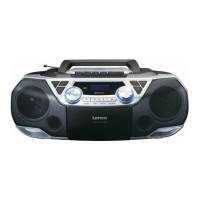
13. CD Disc compartment door
14. Cassette tape compartment door
15. Bass port
16. Loudspeaker
17. Carrying handle


 To Next Page