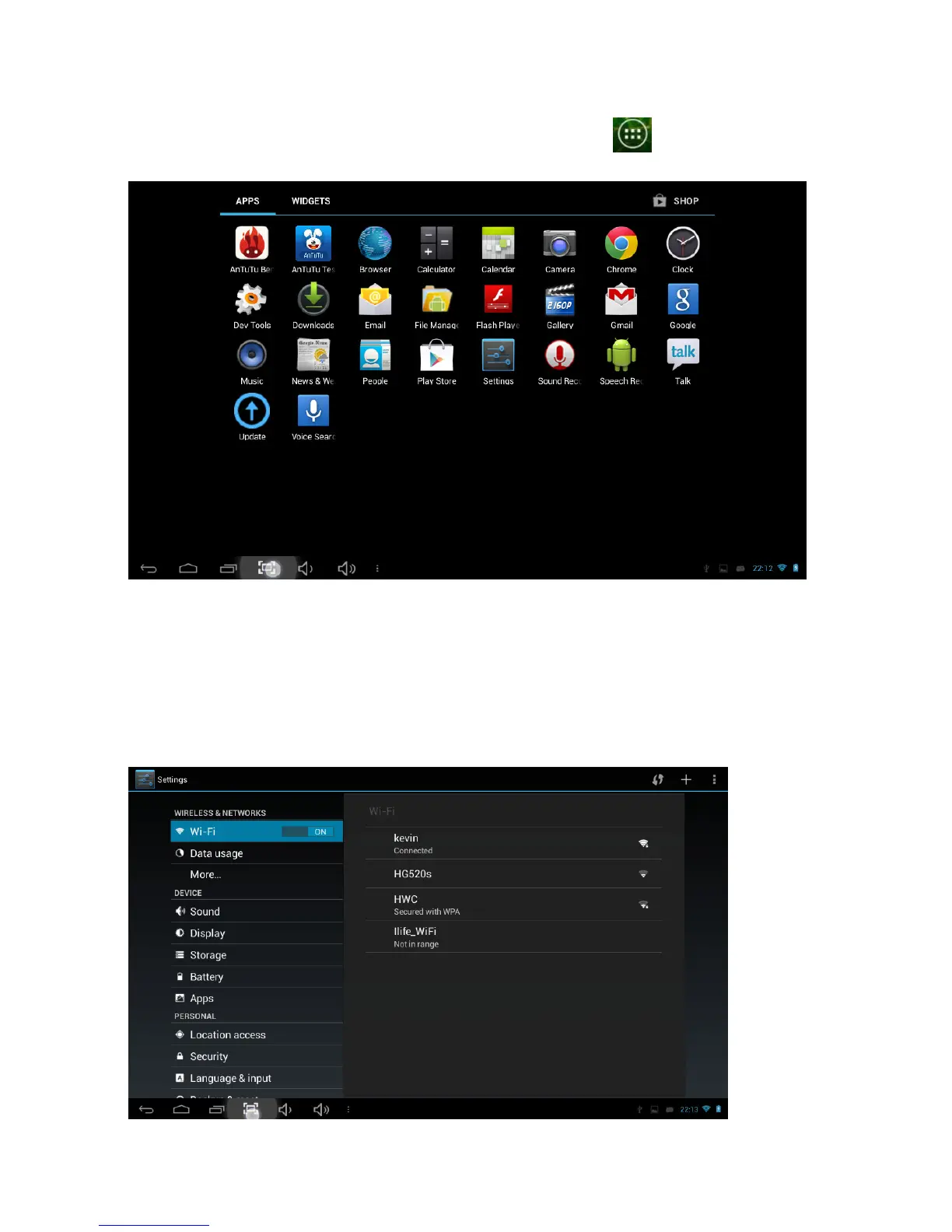
Applications screen
To go to the Applications Screen, select the Applications icon . This screen is
where you can see all the currently installed programs on the unit:
Setting up your unit for the first
time
Before using the unit, we strongly recommend setting up all the necessary items first. By
doing this, you are assured all is set up correctly to provide trouble free use.
To start set up your unit, select the Settings icon to reveal this screen.



 To Next Page