(2) Tap a photo thumbnail to view the photo in full screen.
.
(3) To display previous/next picture, slide your figure across the screen.
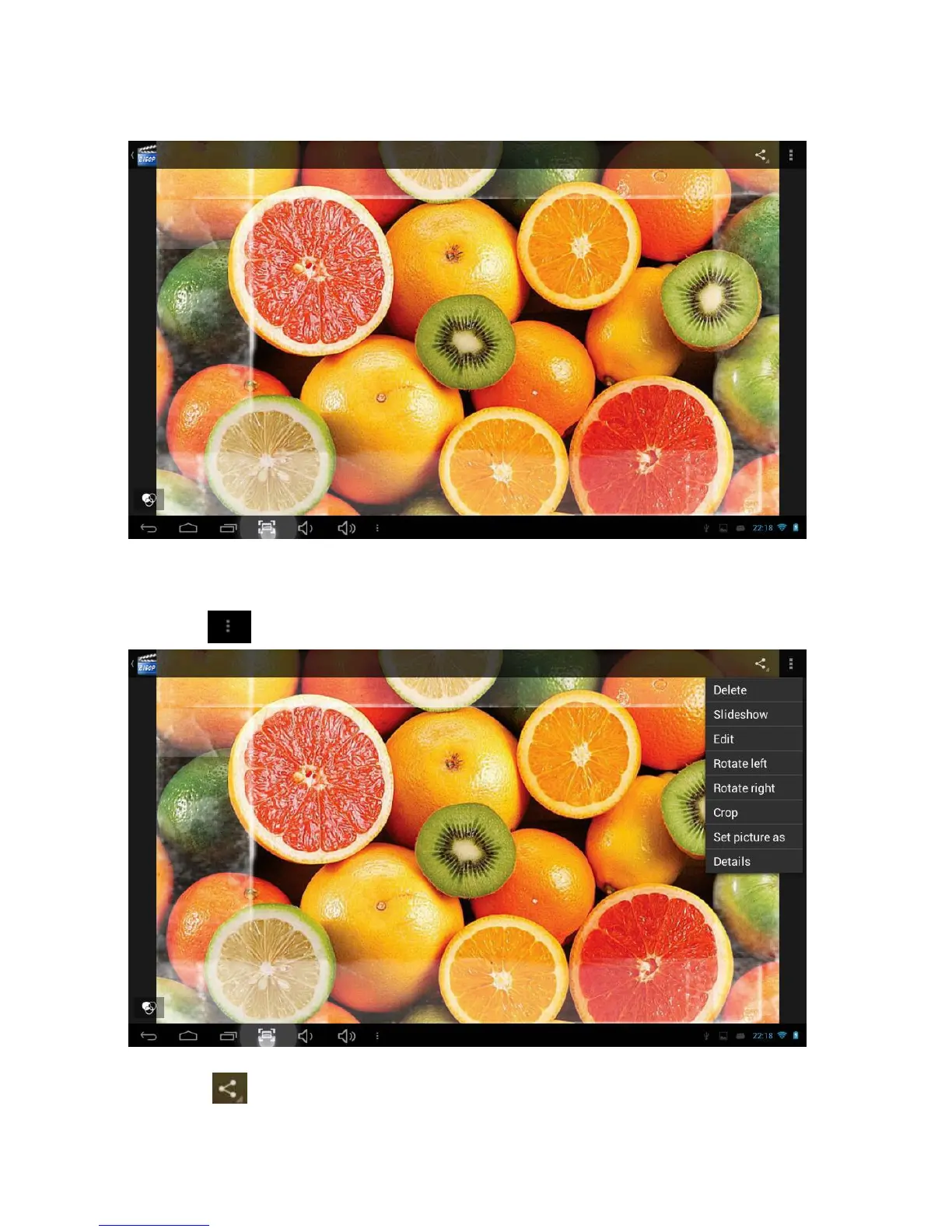
(4) Display menu: While viewing a picture, tap on the screen or the Menu icon to bring
up the menu options.
(5)Touch to manage the photo and go to below interface.
(6) Touch
to send out the photo by email,etc.



 To Next Page