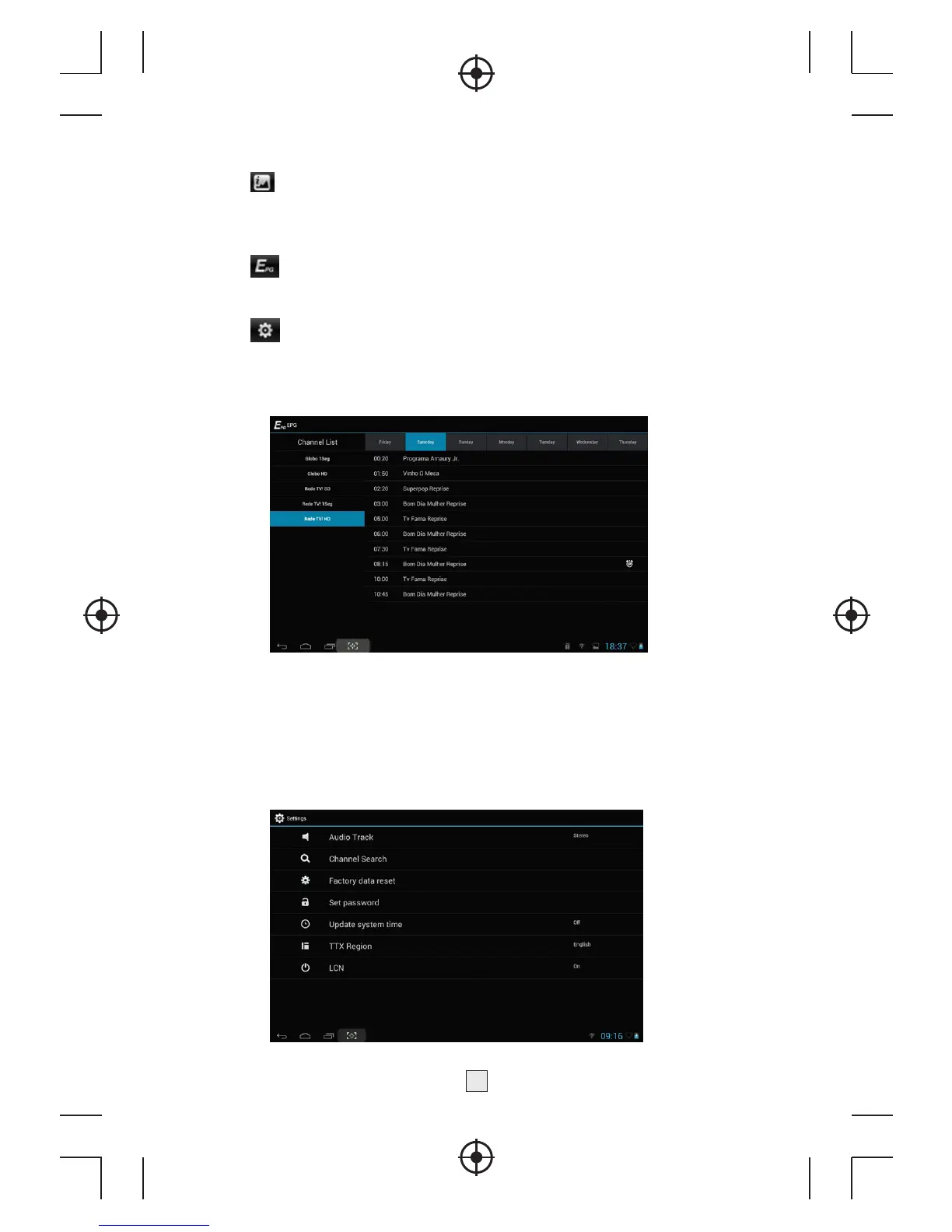
5.2.6 icon is
the channel information button, press the button, it will
press Channel Information ,it include Channel name, Frequency, Signal
Strength, Signal Quality, Video PID, Audio PID .
5.2.7
icon is the audio track button
5.2.8
ic
on is
the setting button, press the button you can .
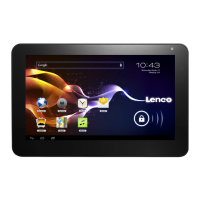
5.3. DVB setting menu
It include Audio Track、Channel Search、Factory data reset、Set
password、Update system time、 TTX Region、LCN item.
8



 To Next Page