27
Information (Informatie)
Bekijk model-, hardware- en software-informatie.
Software Update (Software-update)
Software Update (Software-update)
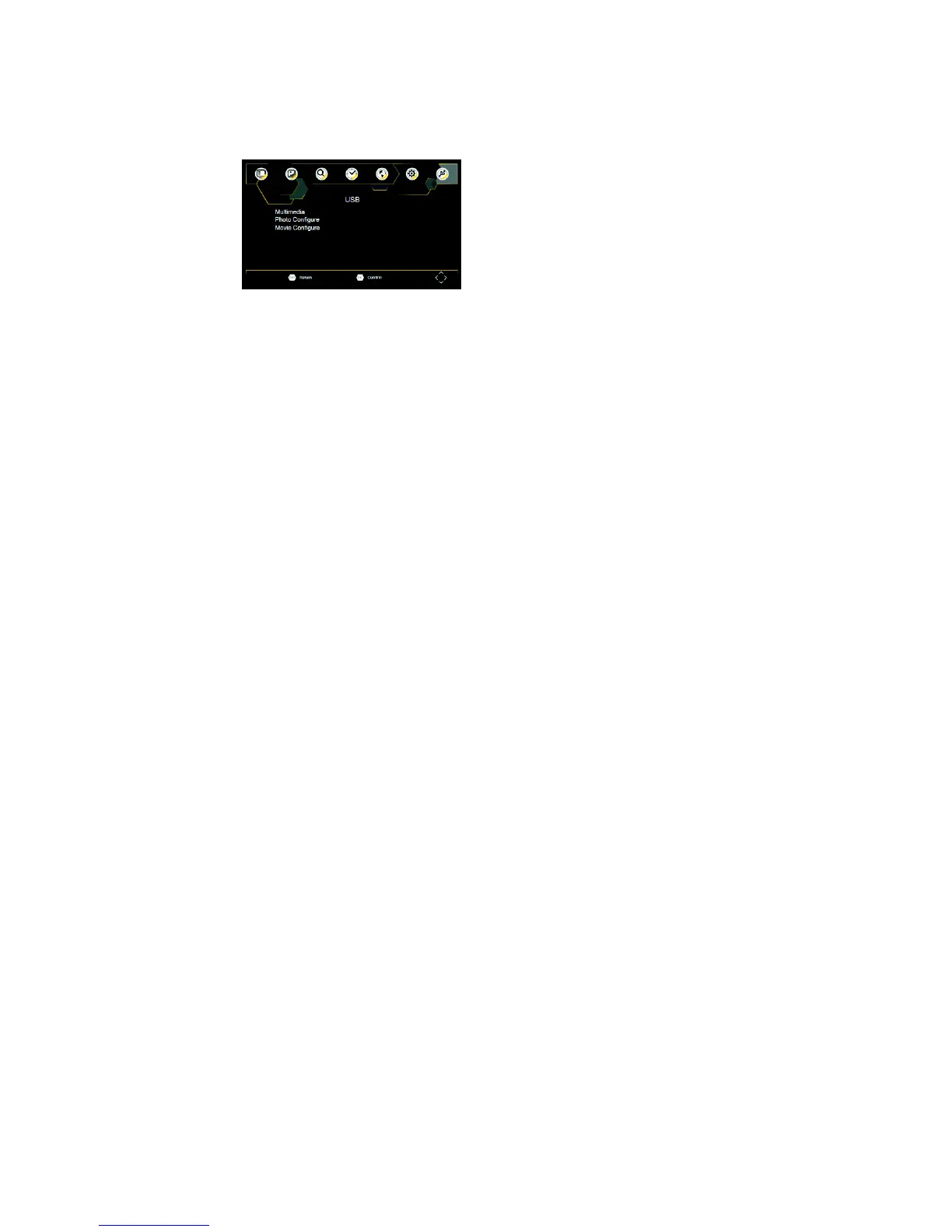
USB
Om tot het menu toegang te krijgen, drukt u op de SETUP-toets en selecteert u USB.
Multimedia
Schakel over naar de USB-modus en sluit de USB aan om bestanden te bekijken.
Photo Configure (Fotoconfiguratie)
Stel de parameters in voor het bekijken van foto's.
Movie Configure (Filmconfiguratie)
Stel de parameters in voor de weergave van ondertitels.


 To Next Page