7
MODE MENU SETTING
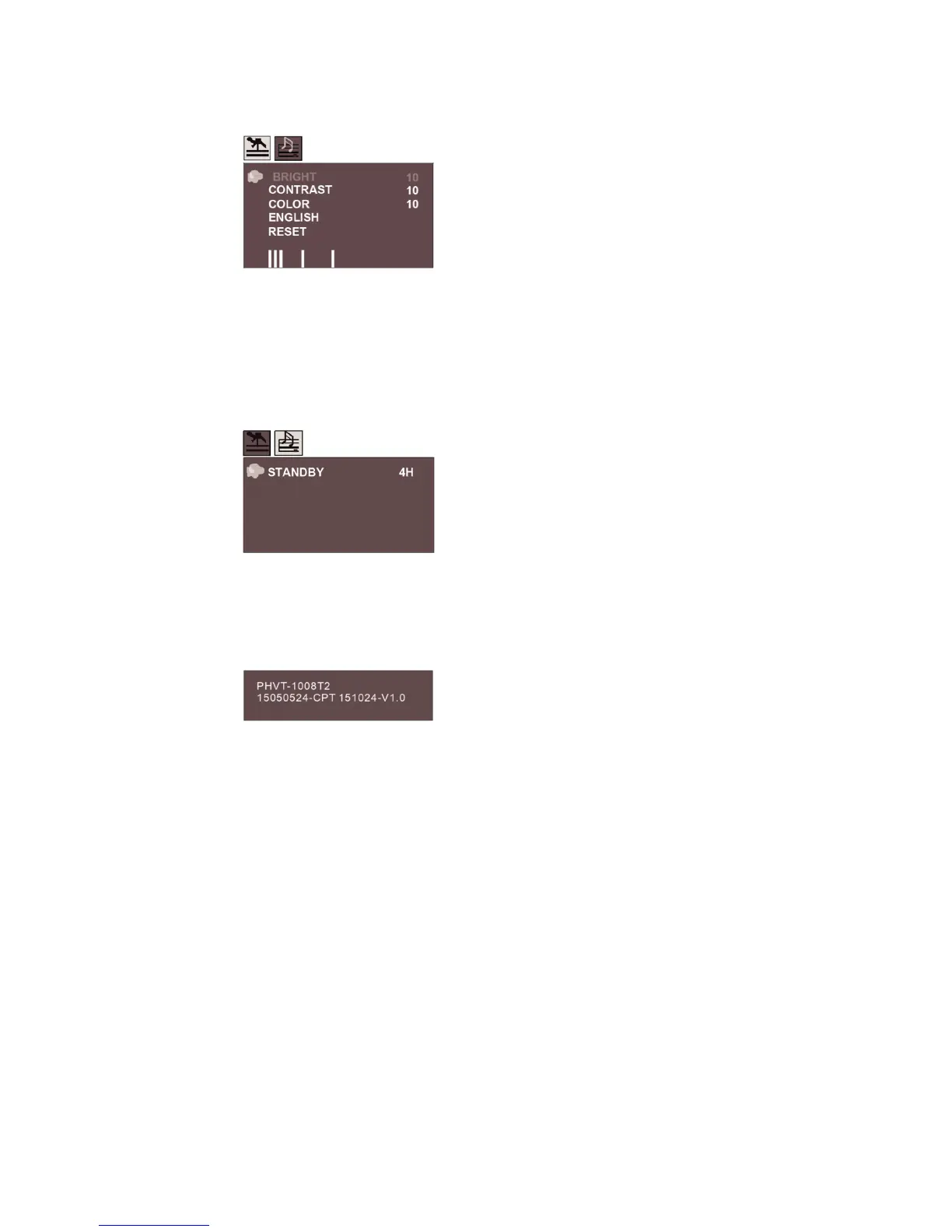
PICTURE
Brightness
Set the brightness of the screen.
Contrast
Set the Contrast of the screen.
Color
Set the colours of the screen.
ENGLISH
Set the OSD Language
RESET
Reset to default setting.
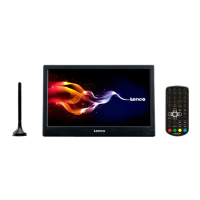
OPTION
STANDBY
This function makes it possible to automatically put the device into standby mode 3 or 4 hours.
3 H (3 hours): The device will automatically go into standby mode after 3 hours have passed from the time that
any button was pressed.
4 H (4 hours): The device will automatically go into standby mode after 4 hours have passed from the time that
any button was pressed.
OFF (Off): The automatic standby function will be deactivated.
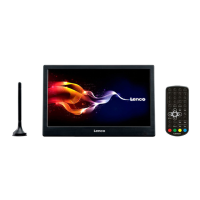
Machine model and soft version


 To Next Page