EasyManua.ls Logo

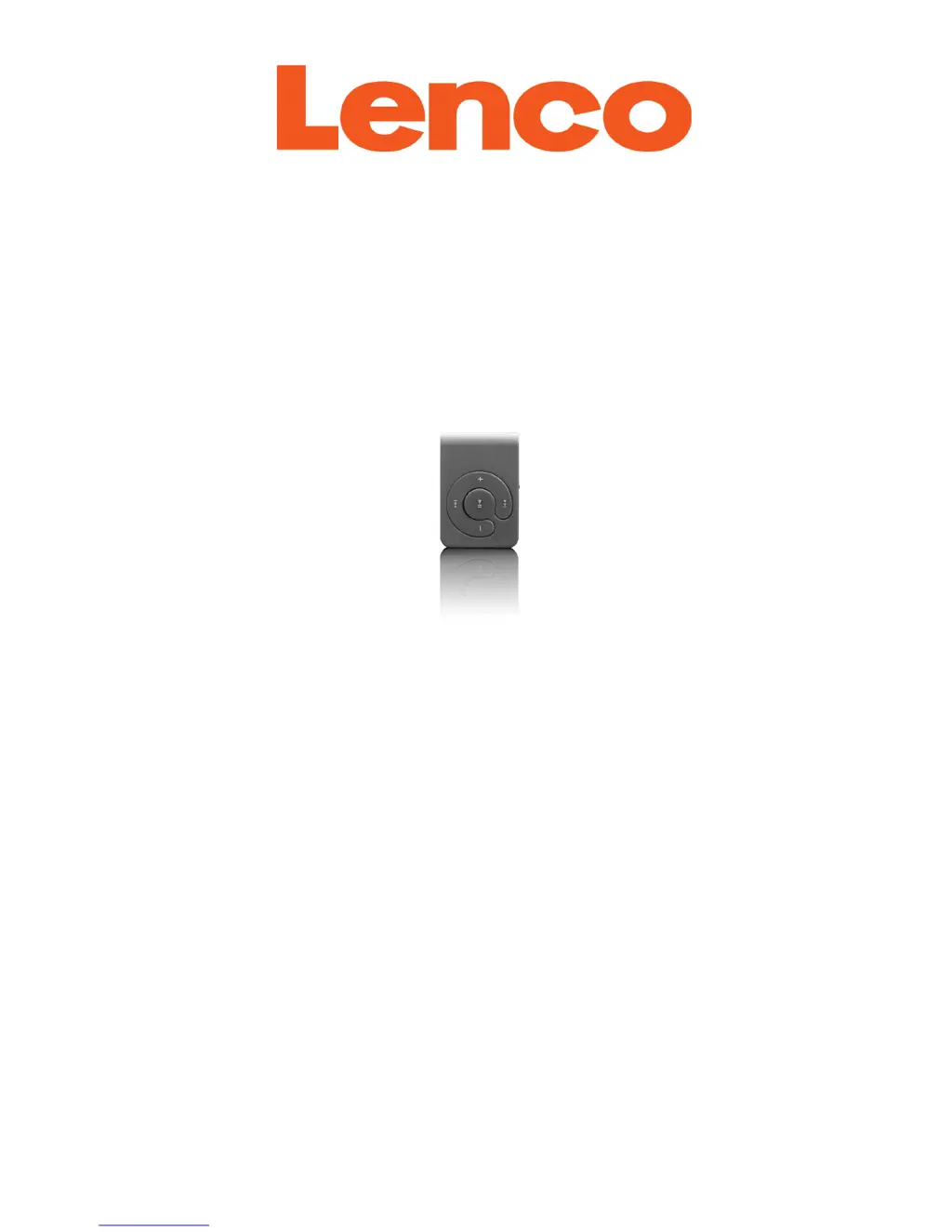
LENCO XEMIO-200 - User Manual

LENCO XEMIO-200
14 pages
Print Icon
To Next Page IconTo Next Page
Loading...
USER’S MANUAL
XEMIO-200
MP3/WMA PLAYER
www.lenco.com

Questions and Answers

  • M
    michael88Aug 10, 2025
    What to do if download of music files fails on LENCO XEMIO-200 MP3 Player?
    • M
      Melody AndersonAug 10, 2025
      If you're having trouble downloading music files to your LENCO MP3 Player, first, check that the player’s USB connector is properly connected to your computer. Next, ensure the driver is installed correctly. Also, verify that the player’s memory isn't full and that the Micro SD memory card is inserted correctly.
  • C
    Connor GallowayAug 19, 2025
    Why is there no sound coming from my LENCO MP3 Player?
    • C
      Crystal JohnstonAug 19, 2025
      If your LENCO MP3 Player isn't producing any sound, ensure the volume isn't set to the minimum and that the headphone plugs are securely connected. Also, verify that the headphone plug is clean. If you're still experiencing issues, the music files might be corrupted, so check their integrity and make sure that music files format are supported.
  • D
    Daniel WheelerAug 30, 2025
    How to turn on my LENCO XEMIO-200?
    • C
      Christina BurgessAug 30, 2025
      If your LENCO MP3 Player won't turn on, first, check if the battery has enough charge. Then, make sure the main power switch is in the 'ON' position.

Summary

Device Overview and Operation

Music Playback and USB Mode

Managing Device Connection and Indicators

Troubleshooting and Specifications

Player Not Turning On

Steps to diagnose and fix issues with the player not powering on.

Important Safety Instructions

Electrical Shock Hazards

Warnings about electrical hazards and not opening the device for servicing.

Safety Symbol Explanations

Explains icons indicating important instructions and dangerous voltage.

General Handling Precautions

Guidelines for safe handling, cleaning, ventilation, and power cord safety.

Critical Usage Warnings

Warnings against inserting objects, short circuits, and spills.

Usage Environment Restrictions

Precautions regarding water, condensation, and ventilation.

Power Supply and Overload Safety

Guidelines for power source, socket accessibility, and avoiding overloading.

LENCO XEMIO-200 Specifications

General IconGeneral
Supported audio formatsMP3, WMA
ConnectivityUSB 2.0
FM RadioYes
Voice RecordingYes
Display TypeLCD
Display1.8 inch
BatteryBuilt-in rechargeable battery
Playback TimeUp to 10 hours
Expandable StorageYes, via MicroSD

Related product manuals