E. Taking photos
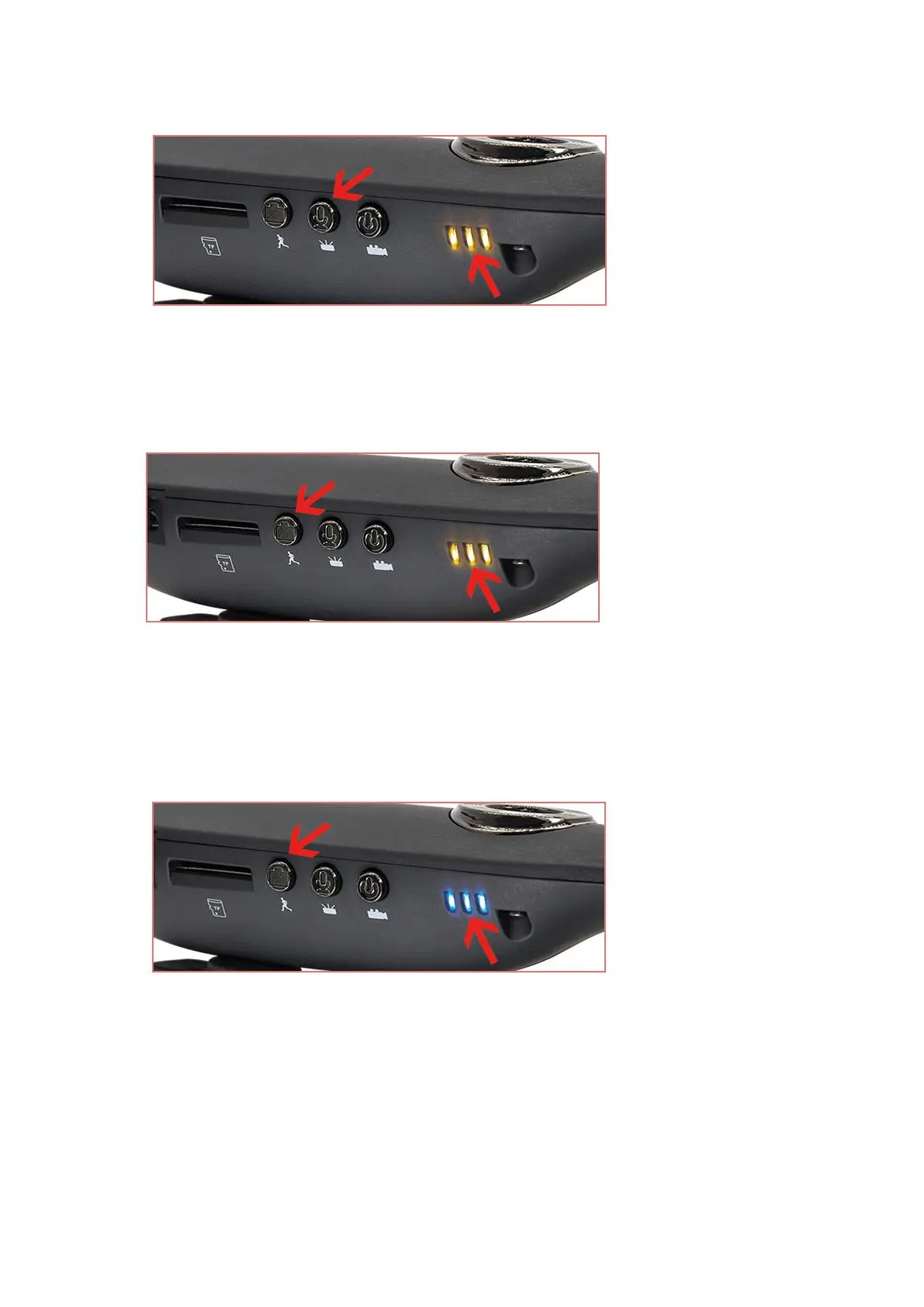
When the camera is on, press the PHOTOGRAPH(D) button and the camera will take a photo. The
yellow LED indicator will flash. When the camera finishes taking a photo, the blue LED indicator
will be solid on. You can take next photo.
F. Motion detection function
When the camera is on, press and hold the MOTION DETECTION(D) button down for 3 seconds,
motion detection function will be turned on, the blue LED indicator will flash and the camera starts
to record video for 1 minute. If no movement is detected later, the camera will stop recording after
1 minute. The camera will record video again when it detects movement.
Press VIDEO(B) button to turn off motion detection.
G. Turn the LED indicator off
When the camera is recording video or audio, press and hold the AUDIO(C) button down for 3
seconds, LED indicator will turn off. And the camera continues recording.
Press and hold the AUDIO(C) button down for 3 seconds again, LED indicator will turn on and flash.
And the camera continues recording.


 To Next Page
 Loading...