EasyManua.ls Logo

Lenord, Bauer GEL 8310 - User Manual

Default Icon
226 pages
Print Icon
To Next Page IconTo Next Page
Loading...
Copyright 12/97 by Lenord, Bauer & Co. GmbH Subject to change without notice
Operating Manual
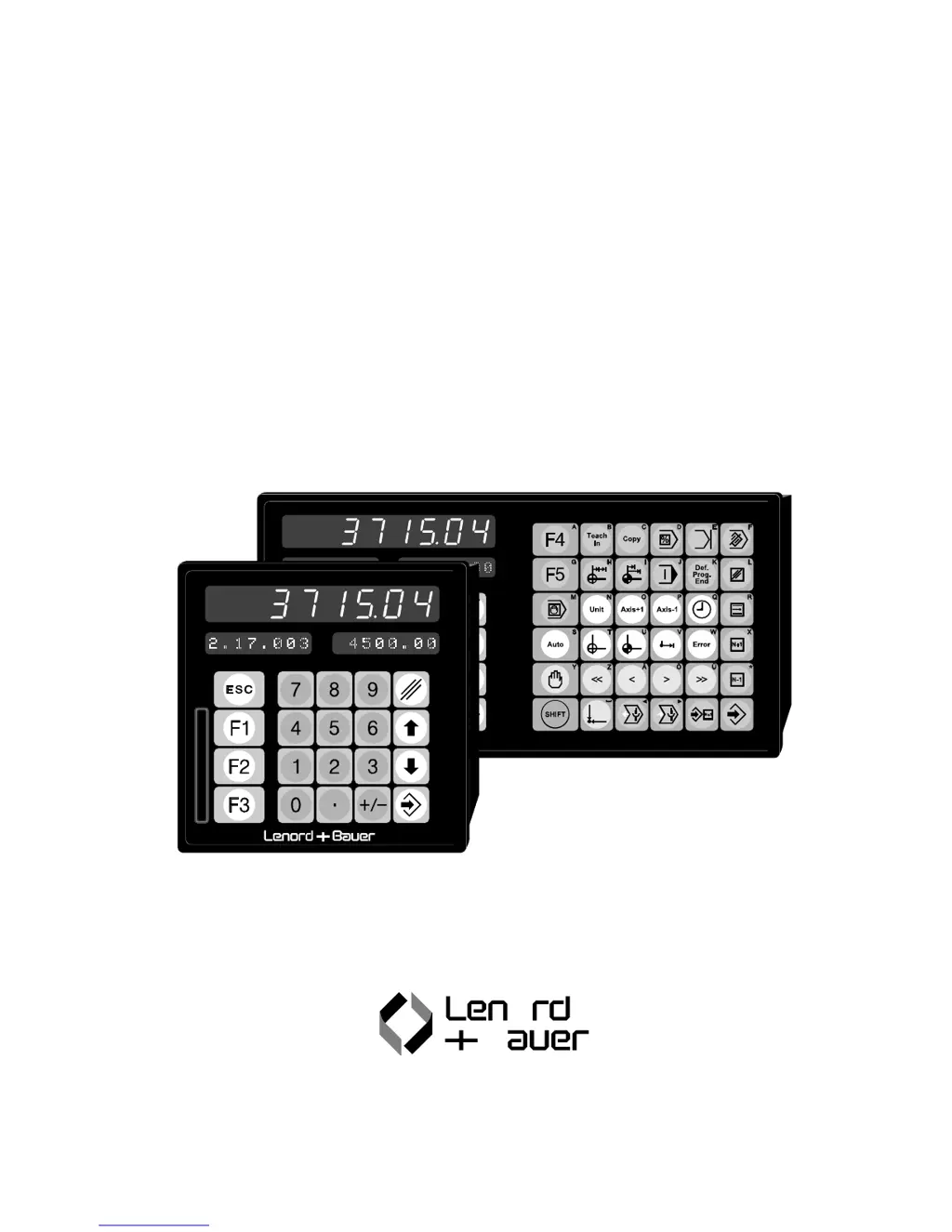
Positioning Controller
GEL 8310 / 8610
GEL 8610 for 1…6-axis applications
GEL 8310 for 1…3-axis
applications

Table of Contents

Questions and Answers

  • B
    Beverly HerringSep 15, 2025
    What does 'Prog. end exists' mean on Lenord, Bauer Controller and how to fix it?
    • C
      Connie GoodSep 15, 2025
      The message 'Prog. end exists' on the Lenord, Bauer Controller means you attempted to redefine the end of program for an already established program. Acknowledge the message with any key.
  • E
    Erik PowellAug 25, 2025
    What to do if Lenord, Bauer Controller shows 'Position too low'?
    • A
      Angela YoungAug 25, 2025
      If the Lenord, Bauer Controller displays 'Position too low', it indicates that the nominal position/length value is lower than the specified »Pos. min« value (storage location 3/71). To resolve this, enter a higher value or specify a new »Pos. min«.
  • U
    ujacobsAug 25, 2025
    What to do if Lenord, Bauer GEL 8310 shows 'Speed too high'?
    • D
      David RochaAug 26, 2025
      If the Lenord, Bauer Controller displays 'Speed too high', it means a nominal speed value entered is larger than the programmed maximum value (storage location 3/32), considering a programmed multiplier and a decimal point for the speed rate input (storage locations 3/45 and 3/46). Enter a lower value to correct this.
  • N
    Natasha MartinezAug 26, 2025
    What does EEPROM error mean on Lenord, Bauer Controller and how to fix it?
    • S
      Steven JensenAug 27, 2025
      An EEPROM error on the Lenord, Bauer Controller indicates a non-correctable error in the memory used by the power failure security, which can occur during nominal value entry or when reading a memory card. The suggested solution is to replace the Controller.
  • D
    Donna WatsonSep 16, 2025
    What does 'Only for s. begin' mean on Lenord, Bauer GEL 8310 and how to fix it?
    • R
      ryanhernandezSep 16, 2025
      The 'Only for s. begin' message on the Lenord, Bauer Controller appears when you try to define the end of program or set a program flow instruction for a sentence already begun (starting with the second or a further nominal value). Enter the remaining nominal values of the actual sentence first.
  • C
    chasegomezSep 23, 2025
    What does 'Invalid delete' mean on Lenord, Bauer Controller and how to fix it?
    • N
      Nicole StevensonSep 23, 2025
      The 'Invalid delete' message on the Lenord, Bauer Controller means you tried to delete the only nominal value sentence of a program or the end of the program itself. Acknowledge with any key.
  • R
    Robert TurnerSep 8, 2025
    What does 'Invalid auto cal' mean on Lenord, Bauer GEL 8310 Controller and how to fix it?
    • S
      Sherry WareSep 8, 2025
      The 'Invalid auto cal' message on the Lenord, Bauer Controller indicates that you tried to start an automatic reference search routine even though the unit of the corresponding axis has not been reset. To resolve this, reset the Controller for the corresponding unit.
  • A
    Amanda CordovaSep 8, 2025
    What does 'Over 999 sentence' mean on Lenord, Bauer Controller and how to fix it?
    • B
      Brandon HaynesSep 9, 2025
      The 'Over 999 sentence' message on the Lenord, Bauer Controller appears when 998 sentences have already been programmed and you attempt to enter another nominal value or insert a sentence, or when copying in insert mode would exceed 998 sentences. To fix this, terminate the program or reduce the number of sentences to be copied.
  • R
    Ryan ParkerSep 2, 2025
    What does 'Invalid sentence' mean on Lenord, Bauer Controller and how to fix it?
    • T
      Tammy RaySep 2, 2025
      The 'Invalid sentence' message on the Lenord, Bauer Controller can appear if: * A non-existent sentence has been specified as the source when copying sentences. * When copying in overwrite mode, the number of sentences within the actual program is less than the number of sentences to be copied. To resolve this, either enter the correct sentence number or reduce the number of the last sentence to be copied, or use the insert mode.
  • N
    Nicholas WhiteAug 31, 2025
    What to do if Lenord, Bauer GEL 8310 displays 'Parkpos. too low'?
    • N
      nicole36Aug 31, 2025
      If the Lenord, Bauer Controller displays 'Parkpos. too low', it means the parking position value is lower than the specified »Pos. min« value (storage location 3/71). Enter a higher value or specify a new »Pos. min« to resolve this.

Summary

Introduction

1.1 General Safety Instructions

Essential safety guidelines for operating the positioning controllers.

1.5 Characteristics of the Controller GEL 8310;8610

Key features and capabilities of the GEL 8310 and GEL 8610 controllers.

Operational Controls

2.1 Basic Keyboard

Overview and function of the primary keys on the controller's keypad.

2.3 Function Key Combinations

Explains how function keys are used in combination for specific operations.

Operating Modes and States

3.1 Automatic Mode

Description of the controller's standard operating mode.

3.2 Programming Mode for Nominal Values

Procedure for entering and managing nominal values for positioning.

3.3 Programming Mode for Machine Parameters

Configuration of controller settings and machine-specific parameters.

Functional Descriptions

4.1 Definitions

Glossary of terms and basic measurement units used in the manual.

4.5 Signals

Explanation of various input and output signals used by the controller.

4.6 Reference Measure

Procedures for setting and searching for reference positions.

4.11 Limit Switches

Configuration and function of software and hardware limit switches.

Commissioning

5.1 Standard Settings

Initial setup steps including standard parameter configurations.

5.2 Actual Value Adjustment

Procedures for calibrating encoders and setting actual values.

5.6 Optimization of Control Parameters

Fine-tuning controller parameters for optimal drive performance.

Trouble shooting

6.1 Warning and Error Messages

List and explanation of all warning and error messages.

6.2 Fault Memory

How to access and interpret stored fault codes.

Mounting Instructions

7.1 Cable Connections

Guidelines for making proper electrical connections to the controller.

7.2 EMC Measures

Recommendations for ensuring electromagnetic compatibility.

7.3 Replacing Modules

Step-by-step instructions for replacing internal modules.

Appendix A: Storage Locations for Machine Parameters

1. System Parameters (1 st Level)

Configuration of core system settings for the controller.

3. Axis Parameters (3 rd Level)

Detailed parameters for configuring individual axes.

Appendix B: Pin Layout

Connector Designations

List of all connectors and their corresponding modules/functions.

Connection Diagrams

Detailed wiring diagrams for all controller modules.

Appendix C: Specifications

Operational Data

Technical specifications including power requirements and environmental data.

Dimensions

Physical dimensions and panel cutout information for controller models.

Key Reference

GEL 8310;8610

Overview of the positioning controller models.

Operational Key Reference GEL 8310;8610

GEL 8 x10 Keys

Reference for function keys specific to GEL 8x10 controllers.

GEL 8610 Keys

Reference for function keys specific to GEL 8610 controllers.

Function

Description of the functions performed by key combinations.

Lenord, Bauer GEL 8310 Specifications

General IconGeneral
BrandLenord, Bauer
ModelGEL 8310
CategoryController
LanguageEnglish

Related product manuals